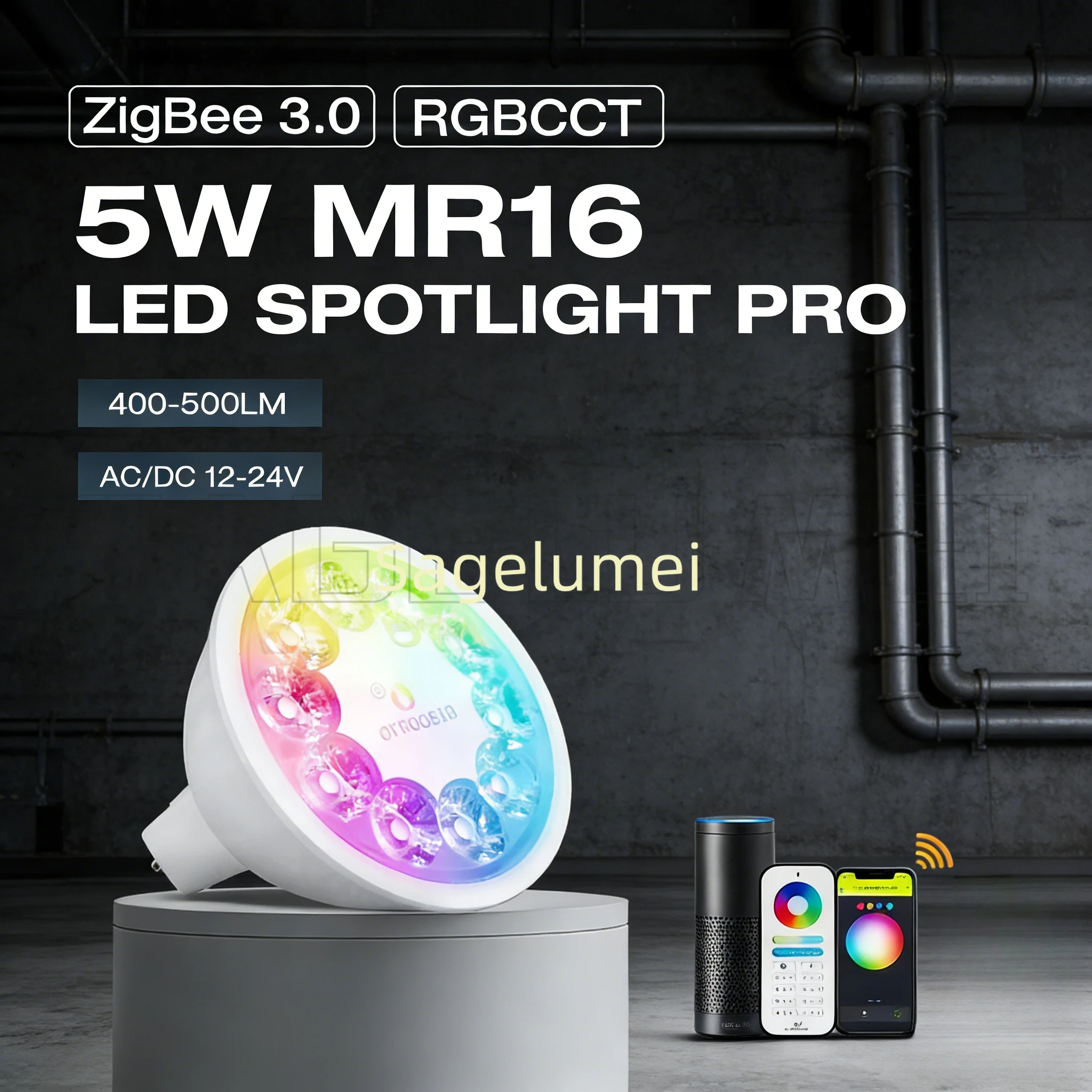
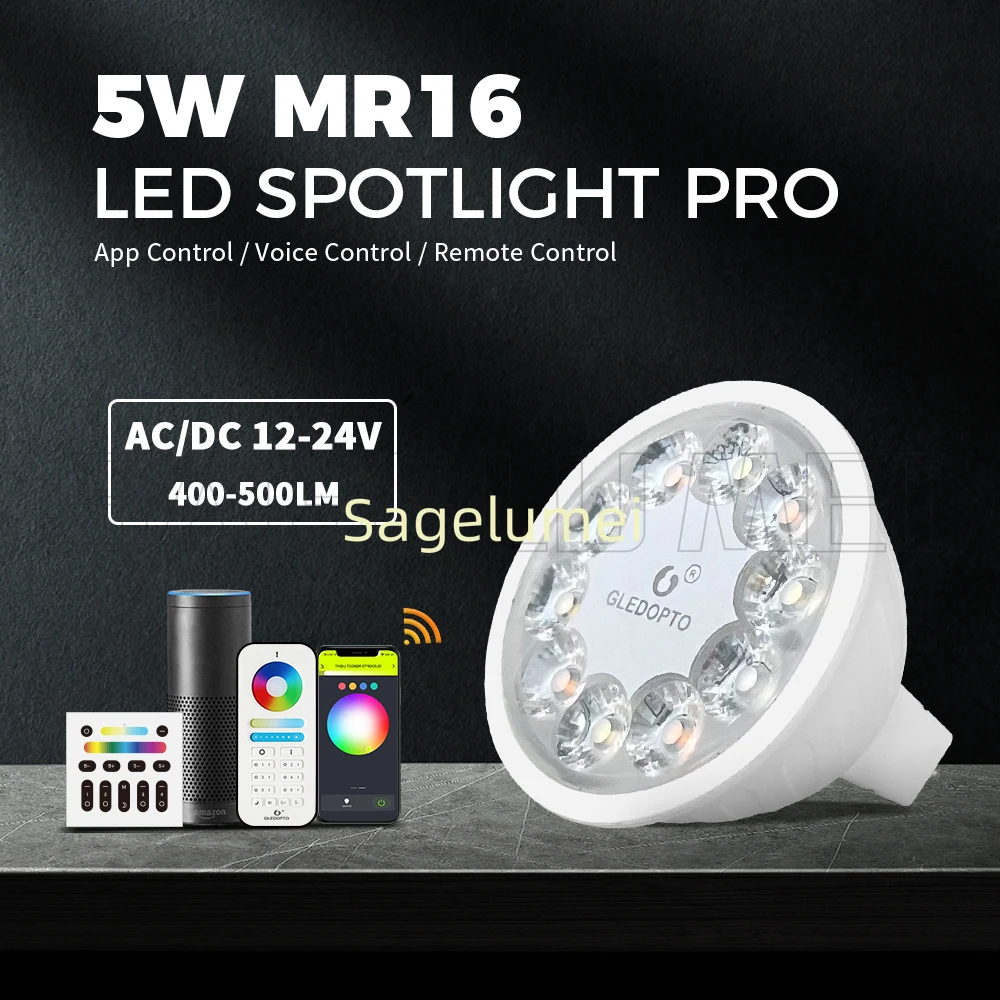
RGB+CCT Gledopto Zigbee 3.0 LED Spotlight 5W MR16 Pro 400~500LM AC/DC12~24V Tuya Smart Life APP Alexa Conbee RF Remote Control
& Free Shipping
Free shipping on orders over $50!
- Satisfaction Guaranteed
- No Hassle Refunds
- Secure Payments
Description
- Is Bulbs Included: Yes
- High-concerned chemical: none
- Luminous Flux: 249-2000
- Application: Bed Room
- Features: lightweight
- Model Number: S-014P/GL-RC-006Z/GL-W-003Z
- Power Tolerance: 5%
- Body Material: aluminum
- Is Dimmable: Yes
- Warranty: .
- Voltage: 24v
- Power Source: DC
- Brand Name: SAGE LU MEI
- Origin: Mainland China
- Light Source: LED bulbs
- Use: HOLIDAY
- Certification: RoHS
- Item Type: Spotlight
Gledopto Zigbee 3.0 LED Spotlight 5W MR16 Pro RGB+CCT 400~500LM AC/DC12~24V Tuya Smart Life APP Alexa Conbee RF Remote Control
ZigBee 3.0 RGBCCT 5W MR16 LED Spotlight Professional Edition

Pro 5W MR16 Spotlight needs to use AC/DC 12~24V Constant Voltage power supply, please don’t use halogen lamp or constant current power supply.
If you don’t have any gateway, please buy one 2.4G RF remote control or wall switch to work with Plus/Pro Version Products.
The Remote Control and Wall Switch is 2.4G RF, only work with Plus/ Pro Version Products.(Not ZigBee)


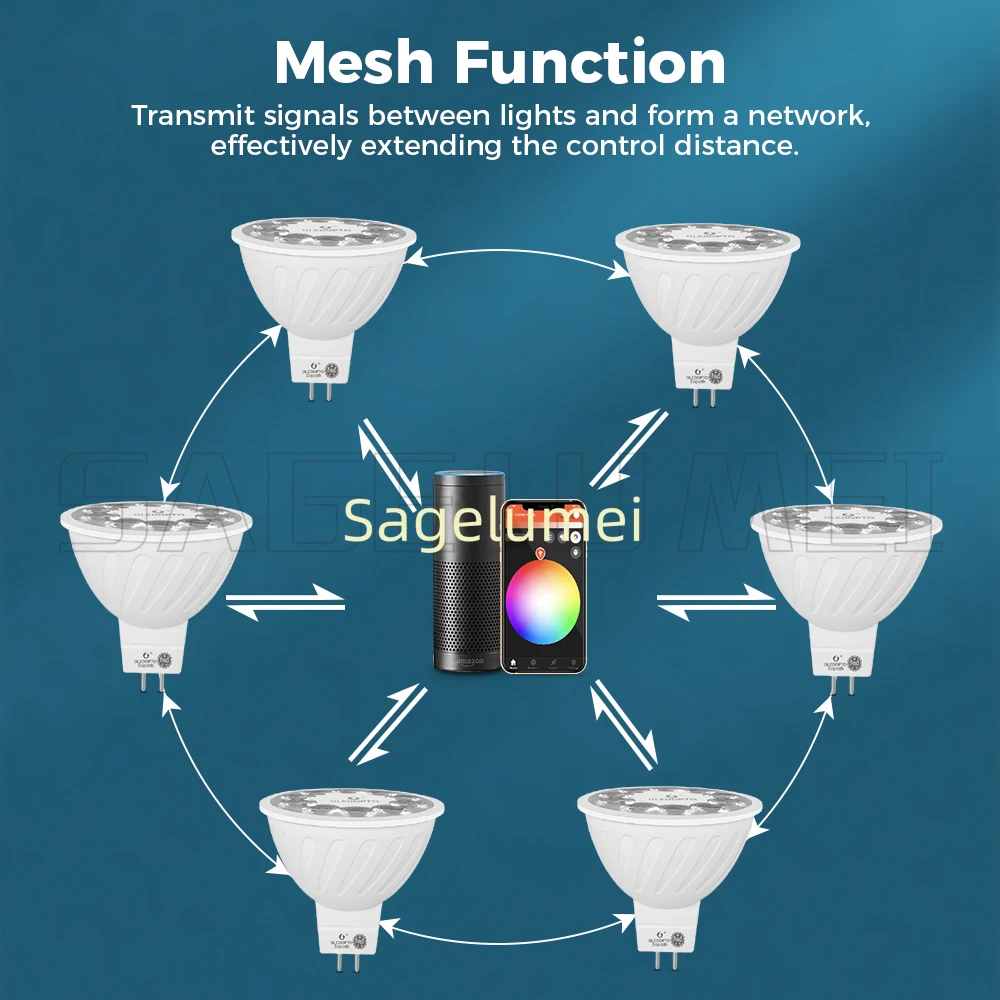
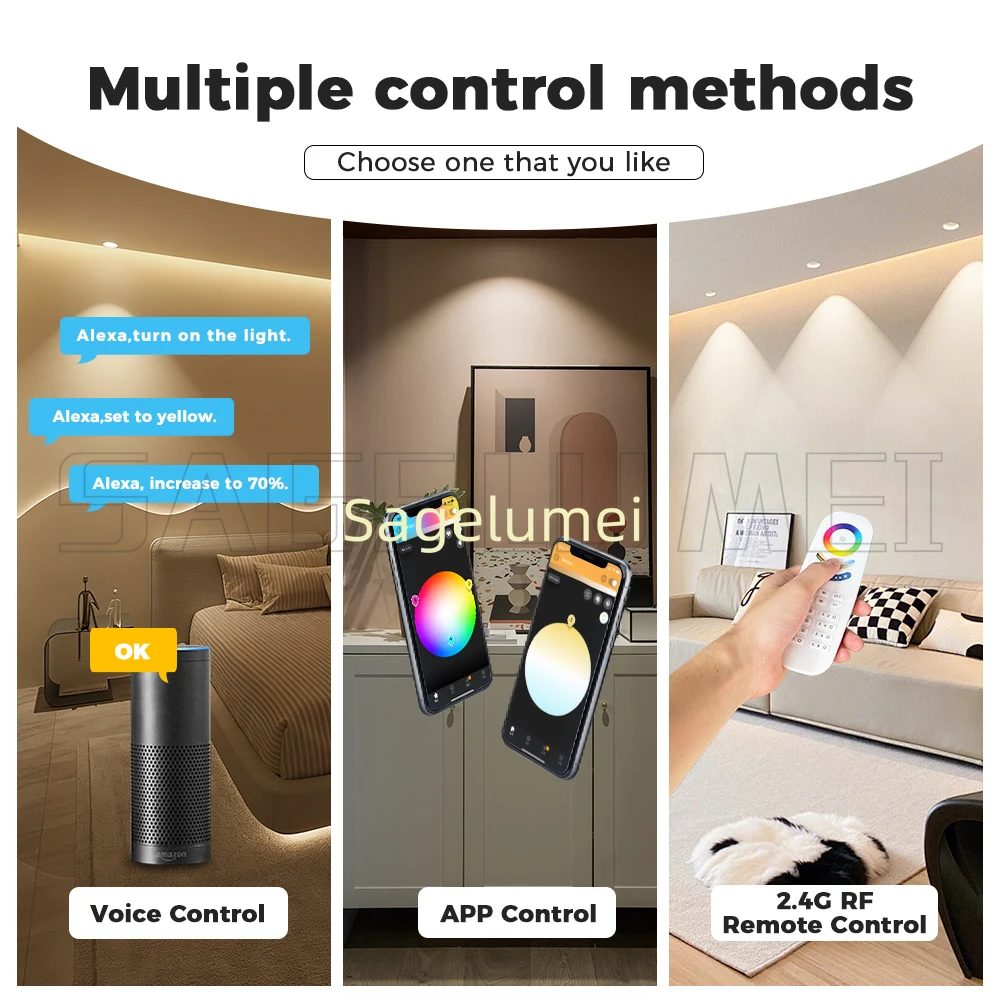
Two year warranty intelligent full control: supports multiple control methods including App/voice/remote control
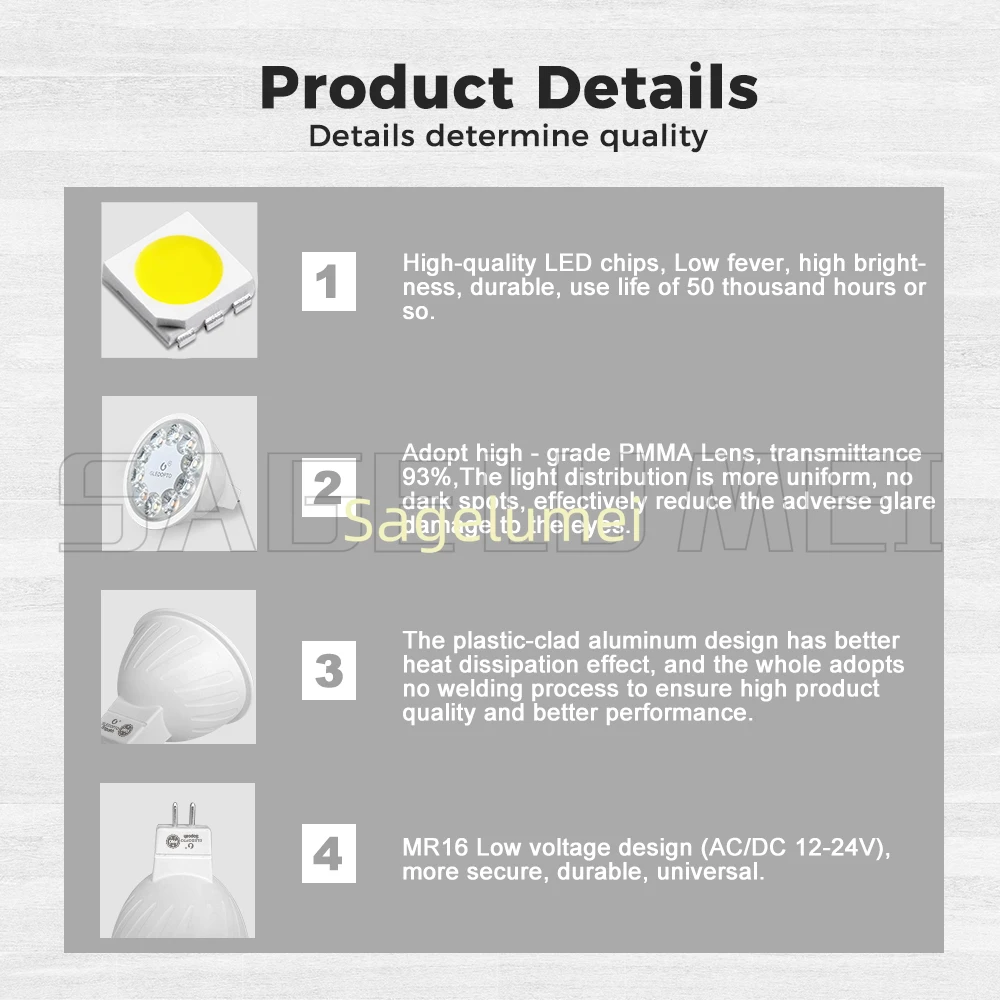
High luminous efficiency performance: 400~500LM lumen output, CRI>80 high color rendering
Professional heat dissipation structure: aluminum-plastic composite body, efficient heat dissipation design
Health and eye protection: no flicker technology, high-quality optical lens, soft and uniform light

Model: GL-S-014P
Power: 5W
Luminous flux: 400~500LM
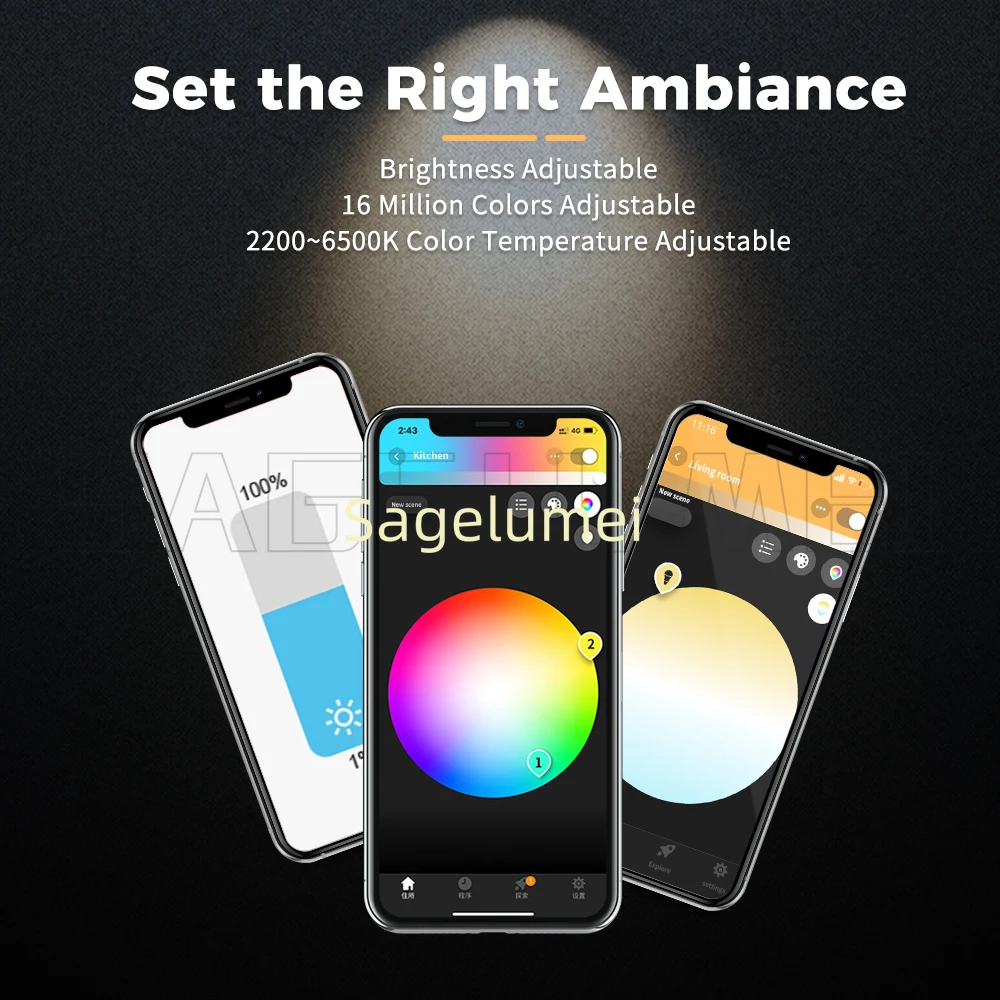
Color temperature range: 2200K~6500K
Color rendering index:>80
Beam angle: 30 °
Input voltage: AC/DC 12-24V
Size: Φ 49.5 × 51mm
Net weight/gross weight: 31.0g/46.4g
Working temperature: -20 ° C~60 ° C

1PC ZigBee 5W MR16 Spotlight Pro
1PC User Manual


In this manual we will explain the connection of wires and the connection with a ZigBee LightLink Gateway.
These devices works with many ZigBee Light Link Gateways
Installation:
1. Turn off the Power.
2.Plug in the bulb.
3.Now you can connect it with the gateway.
Connection with Gateway:
1. Connect the LED product to the controller see section “Installation”.
2. Start the device searching on the ZigBee Light Link Gateway, it could take some time.If the Gateway does not find the device, plug power off/on or make a reset.
3. The Gateway found your device and you can assign it to the differentrooms/zones/groups.
4. Now you can use the device.
Reset:
1. Switch on your device.
2. Now switch off and on within 2 seconds.
3. Repeat off/on four times.
4. Reset is done when the device is switched on in the fifth time and the light stays on after blinking 4 times.