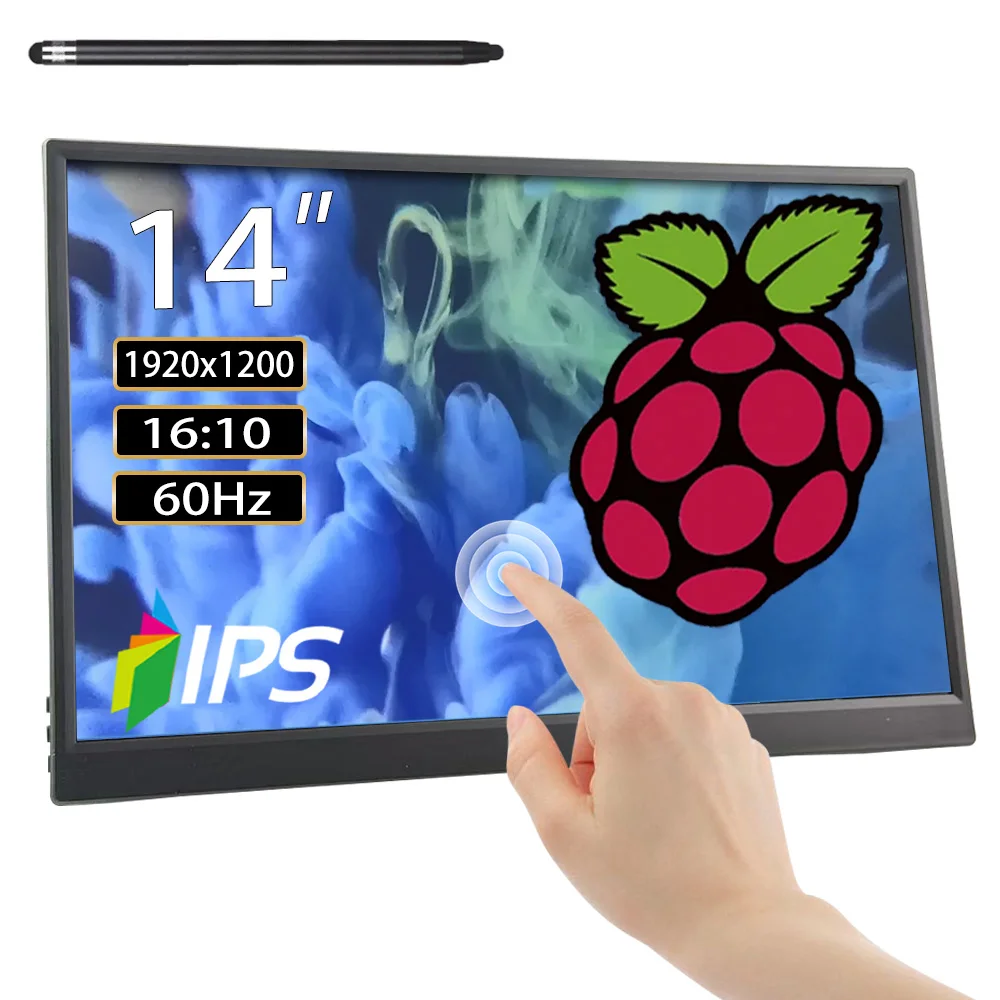
14 inch Touchscreen Monitor for Raspberry Pi 5/4B/3B+3B,IPS Display Touch Screen,FHD 1200P,60Hz HDMI USB-C for Laptop Computer
& Free Shipping
Free shipping on orders over $50!
- Satisfaction Guaranteed
- No Hassle Refunds
- Secure Payments
Description
- High-concerned chemical: none
- Screen surface: MATT
- Bracket Type: Other
- Screen curvature: Other
- High-Dynamic Range: Other
- Display Size: 14
- Refresh Rate: 60 Hz
- Vertical Viewing Angle: 178°
- Horizontal Viewing Angle: 178°
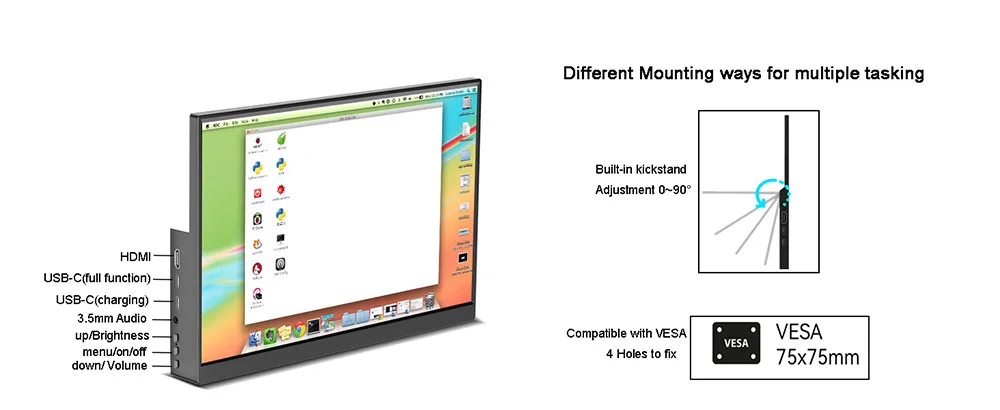
- Built-in Speaker: Yes
- Black and White Response Time: 5 ms
- Feature: Usb port,Speaker,Touch Screen,Gaming
- Application: Desktop
- Response Time: 5ms
- Panel Type: IPS
- Products Status: STOCK
- Contrast Ratio: 1200:1
- Interface Type: HDMI-Compatible
- Brightness: 420cd/m
- Display Ratio: 16:10
- Brand Name: AISHICHEN
- Resolution: 1920×1200
- Origin: Mainland China
- Screen Type: LCD
- Certification: CE,FCC,RoHS,UL,KC
Product description
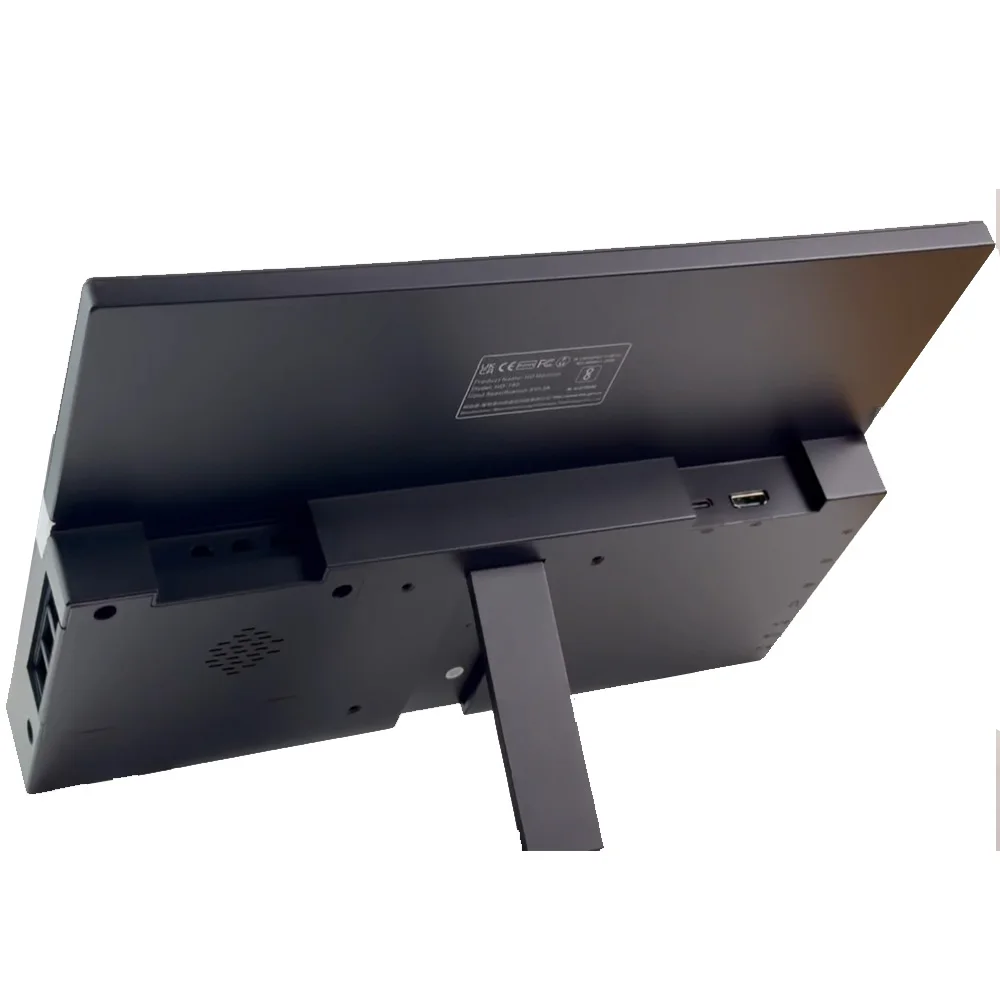
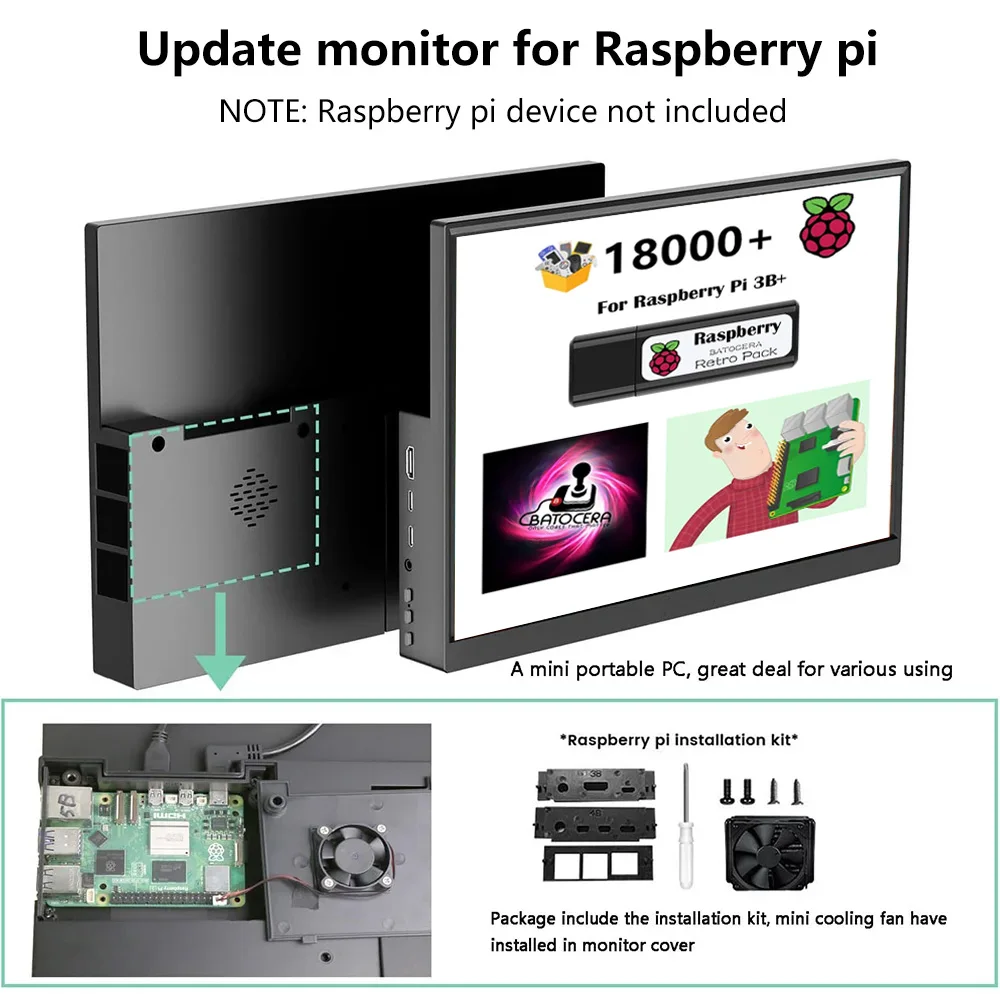
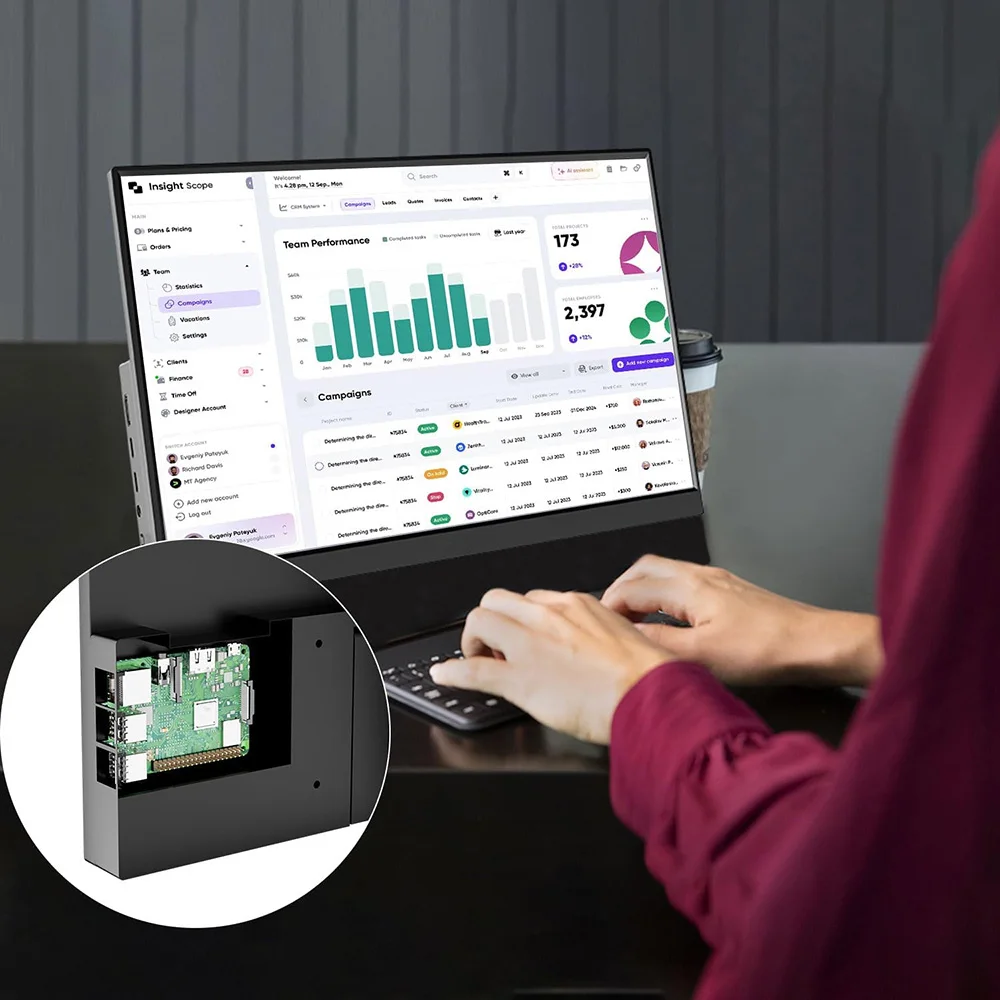
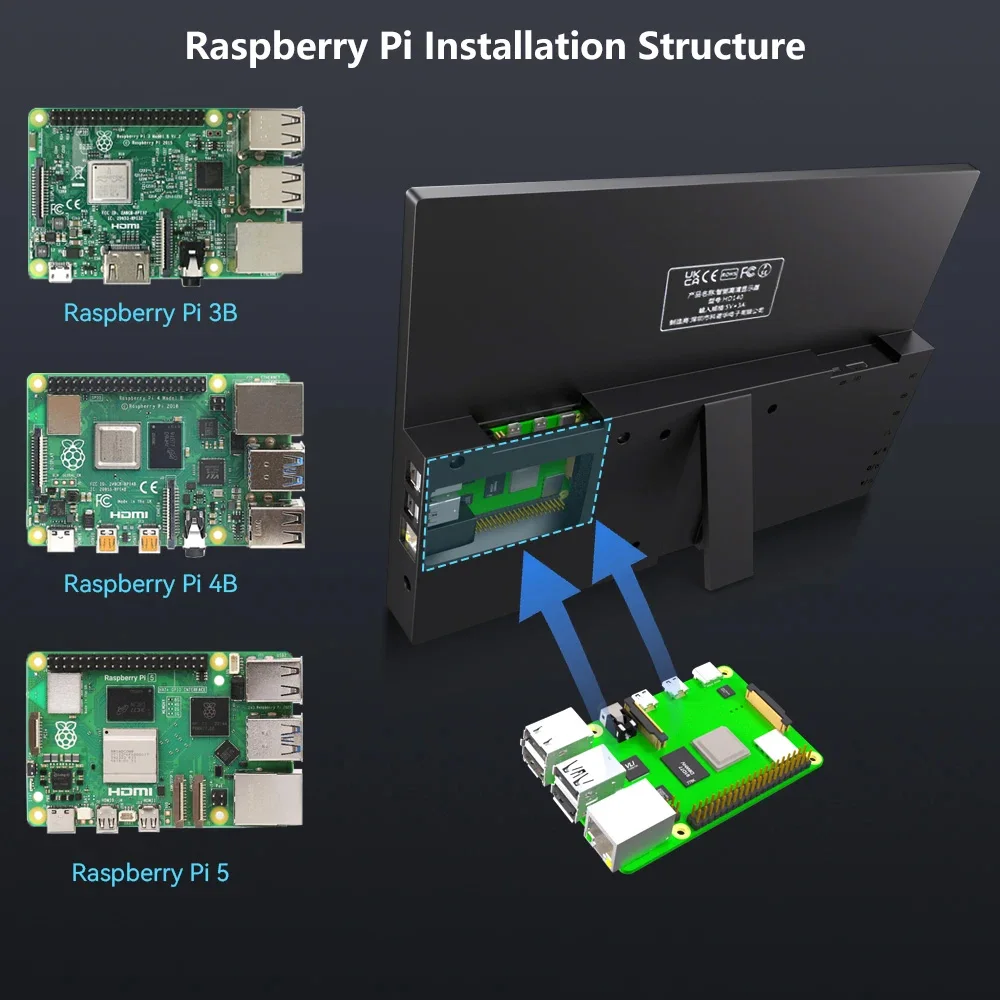
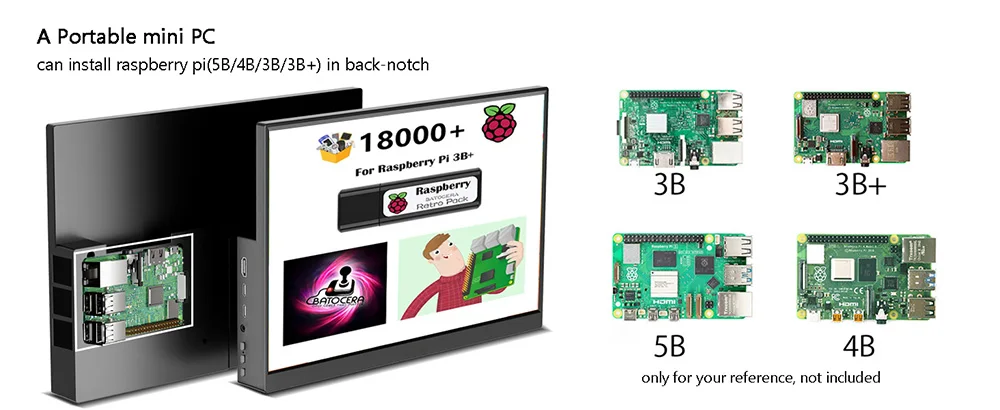
1.For Raspberry Pi : Portable monitor allow install Raspberry pi 5B/4B/3B/3B+ in our unique back-cover mounting, become a compact mini PC and built-in mini cooling fan ensures optimal management, keeping your device running smoothly. Note Raspberry Pi device NOT included !!!!!
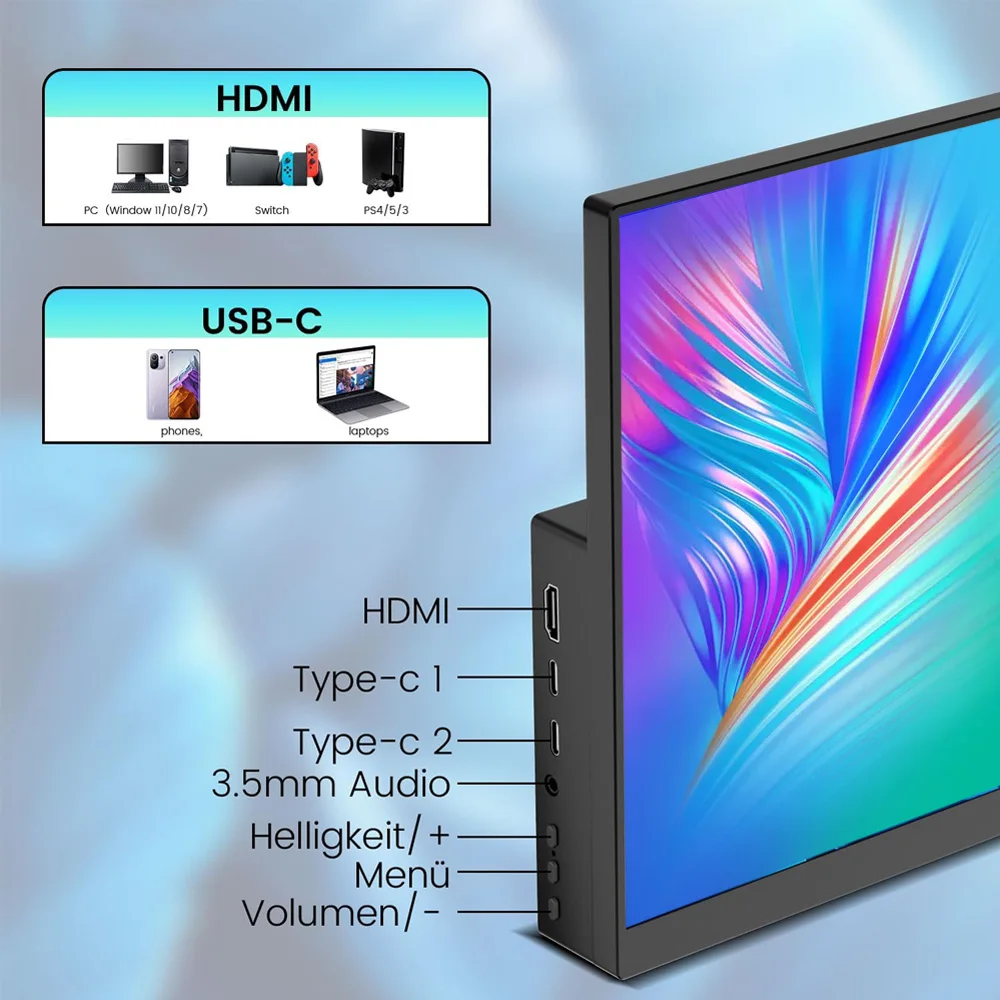
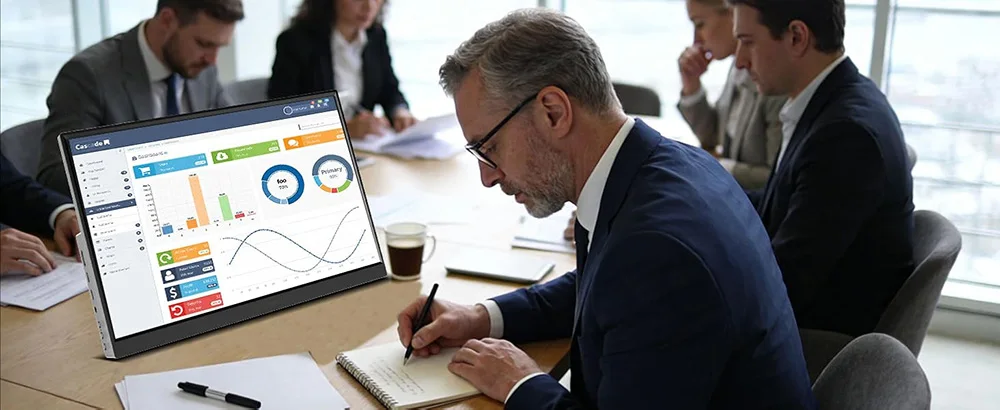
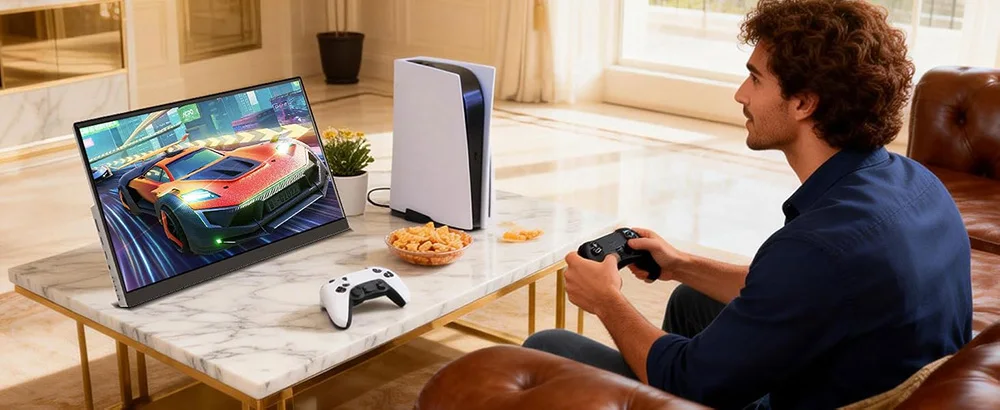
2.Other Application: 14" portable monitor with HDMI and USB-C port to configure, widely compatible with PC, laptop, Xbox, PS3/4/5, TV stick, TV box, Raspberry Pi zero, Switch, android phone with full function port. Driver free.
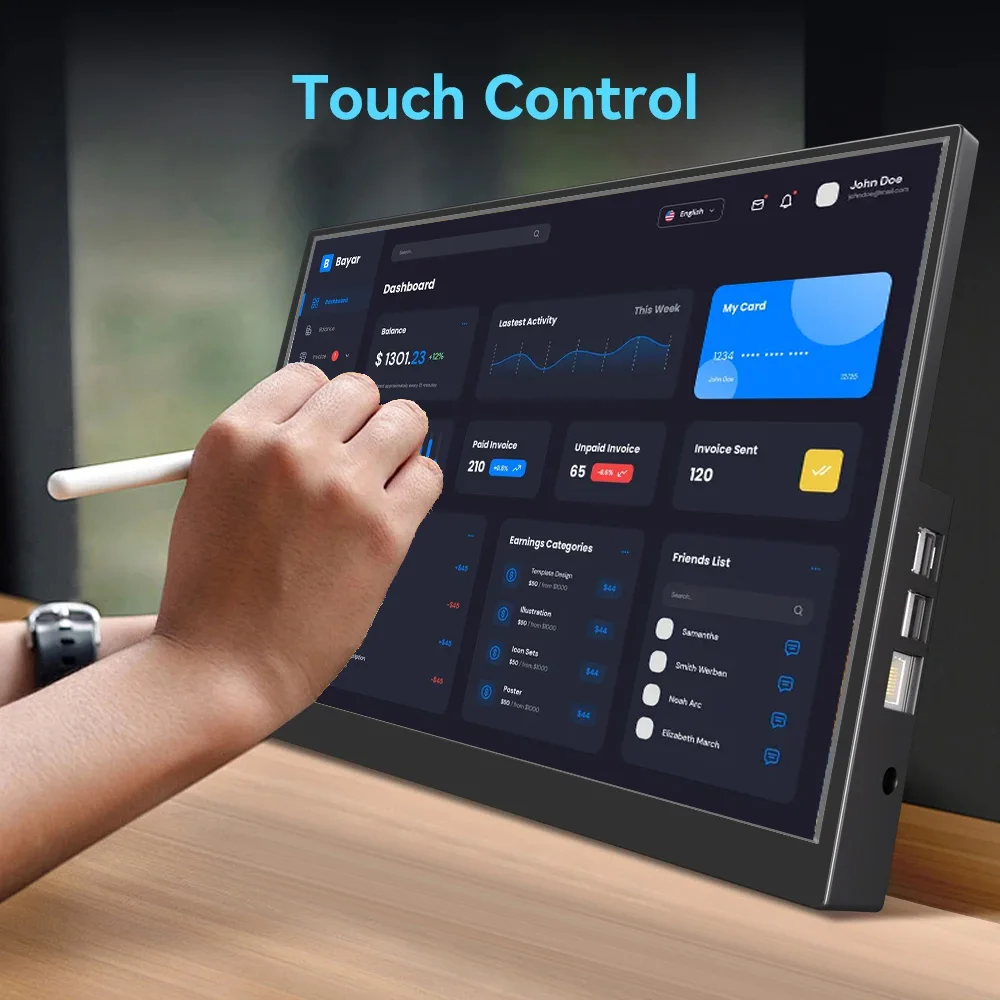
3.Touchscreen Monitor: For raspberry pi touchscreen, support multiple points touch (need to use USB-A cable to connect to ensure the touching). For Xbox/ps4/5/Switch/MacBook, no touch.
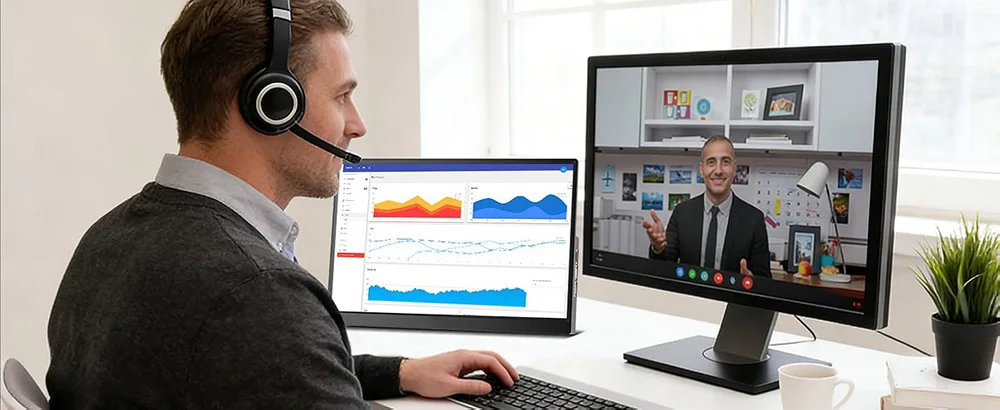
4.Display Mode: Connect to computer or laptop, monitor have duplicate mode, Extend screen, Second screen for option, multitask sharing. Landscape or portrait mode is also available for a more comfortable experience.
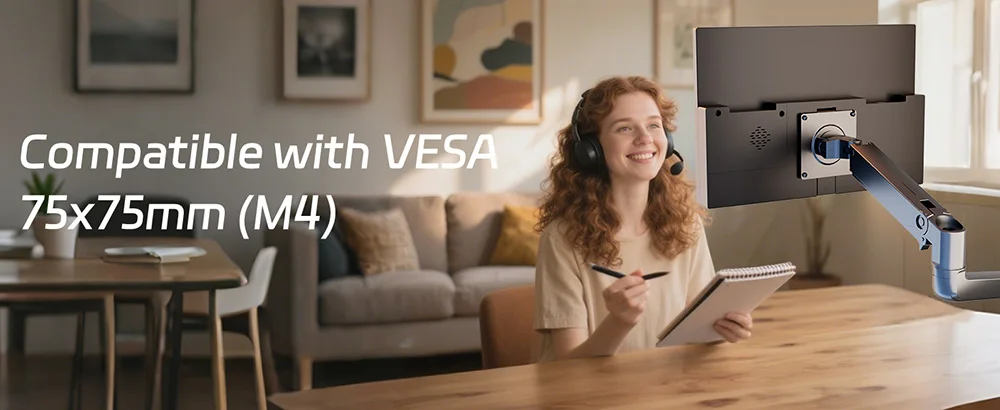
5.Mounting Placement: Monitor built-in kickstand, allow take it anywhere and easy to put. it also support VESA 75x75mm, available for wall mounting
 1.Why it don't have touch function ?
Need to use additional USB-A cable to connect to ensure touch function.
2.Show " no signal "
means it connect not well or not compatible
A. reinsert or insert another port.
B. for 5B model, please restart the 5B device
3.Why it needs several cables to connect
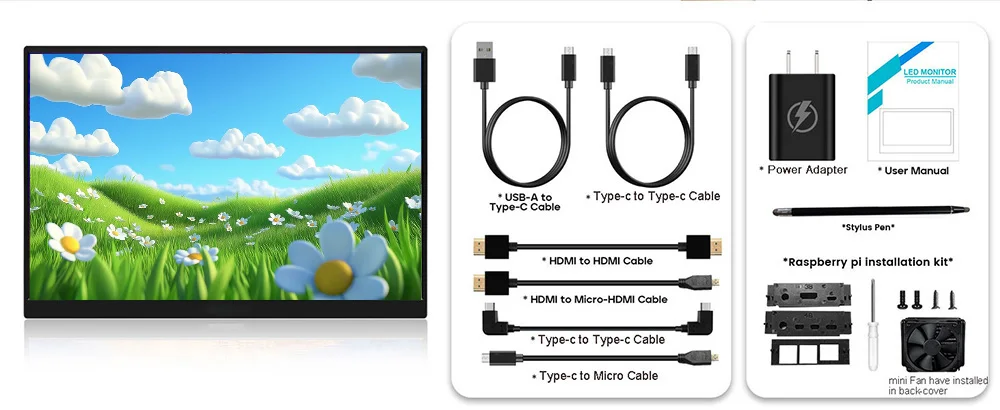
It according to the ports function of Raspberry pi device, because Ras pi devices don't have the port that support power, touch and signal transit at same time.
4.If I don't plan to use for Raspberry pi, can I use it ?
Yes, it can connect the device that have HDMI output port or USB-C full function port. 
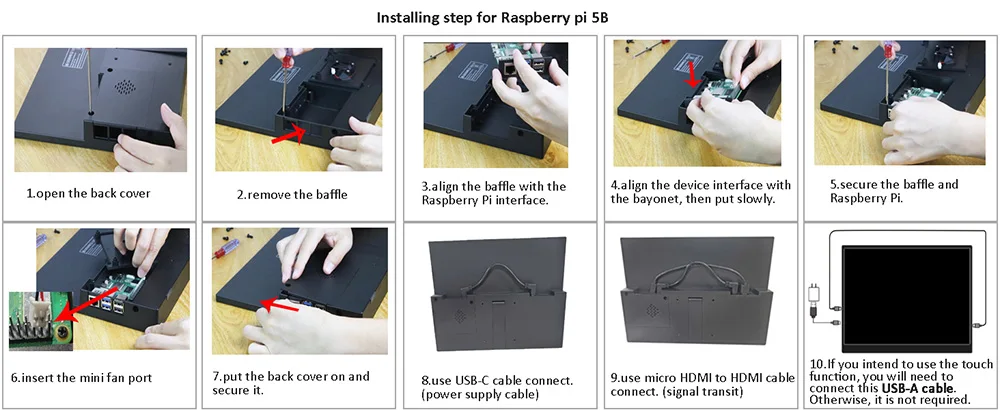
Please note:
1. that this is a monitor unit and does not include the Raspberry Pi.
2. 5B card pad kit and mini cooling fan have installed in monitor
3. Installing 4B/3B/3B+, need to change the card pad kit, mind the corresponding name on pad, 4B install step is same as 3B.
4. Need to use additional USB-A cable to connect to ensure touch function.
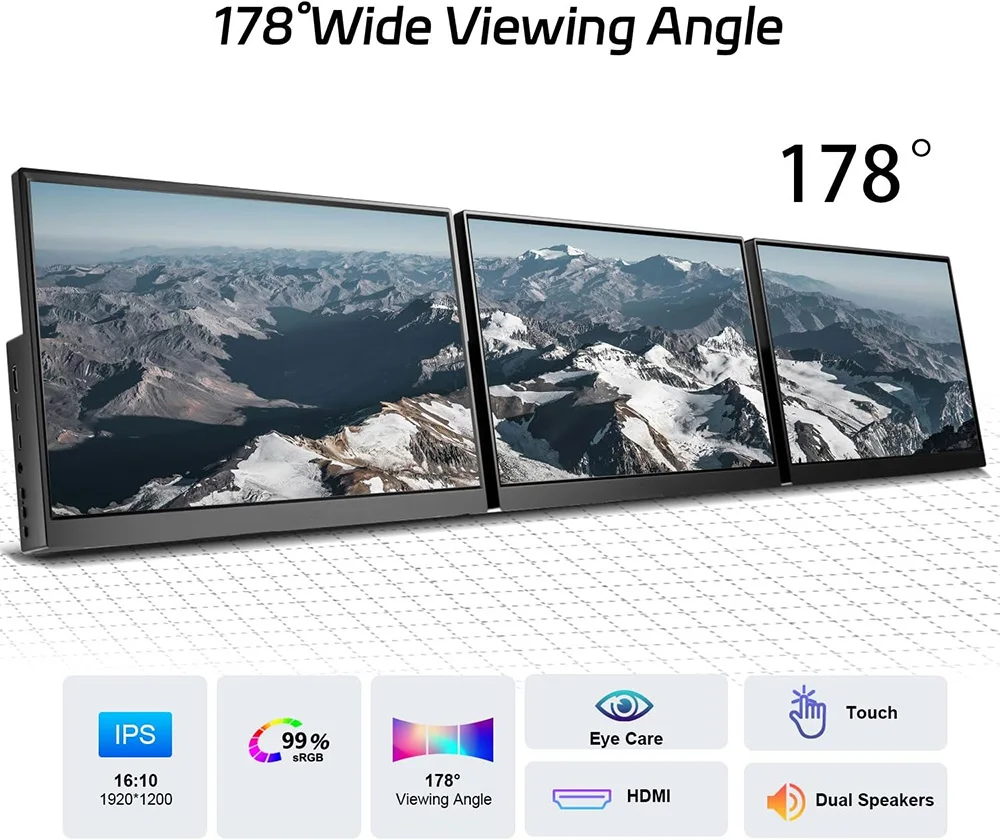
5. 2-in-1 Portable Monitor, 1920×1200 resolution, 178° viewing angle, 60Hz refresh rate, 300 cd/m² brightness, dual built-in speakers, integrated stand, VESA 75x75mm mount compatible.
Related products
-
-
-
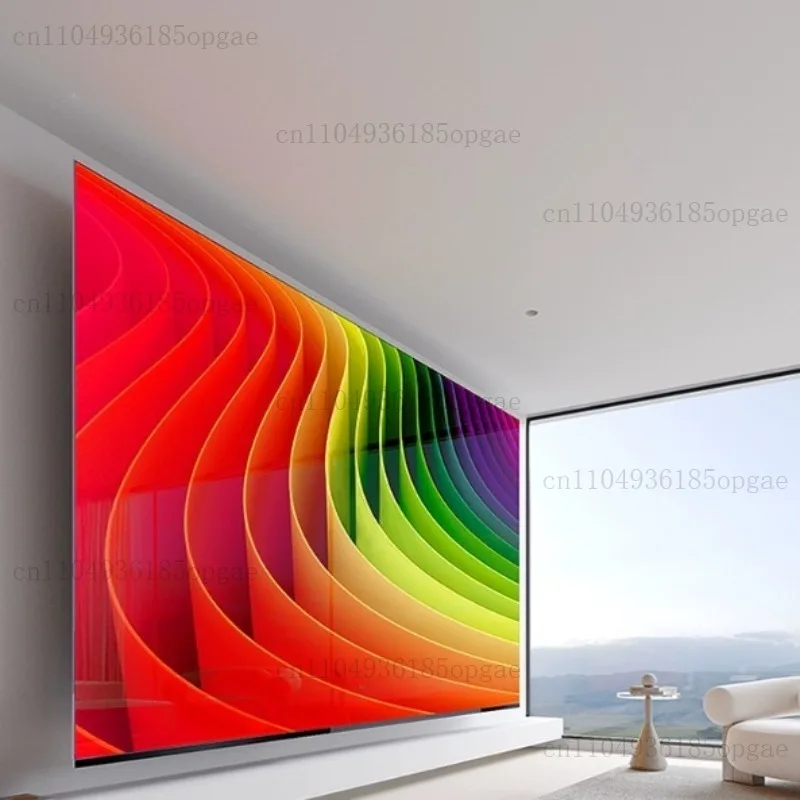
70 Inch Borderless Full Screen TV 8K HD WIFI Far Field Voice 65 Inch 55 Inch LCD
Price range: $2,843.86 through $4,414.72Add To Cart This product has multiple variants. The options may be chosen on the product page -
Hotel Network LCD Television 20 32 43 55 65 75 85 100 Inch Energy Saving Smart TV Display
Price range: $668.29 through $9,559.87Add To Cart This product has multiple variants. The options may be chosen on the product page