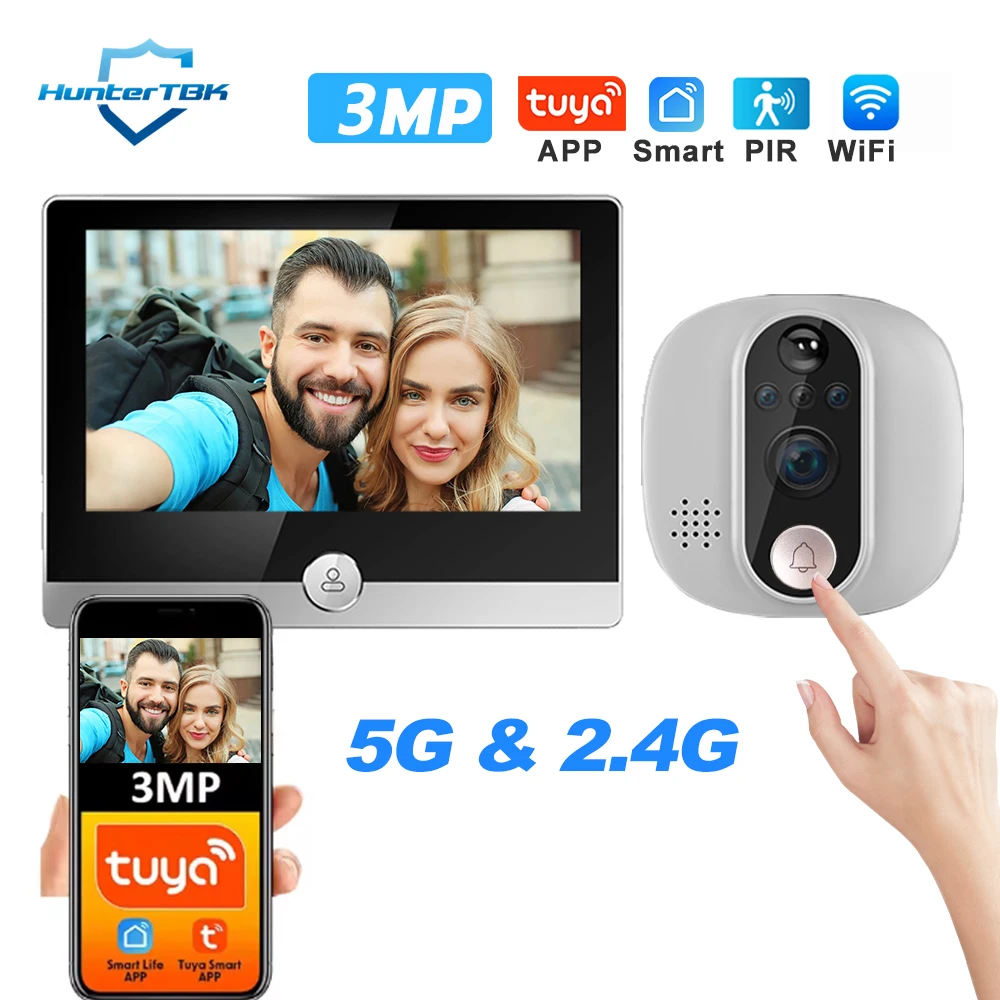
3MP Smart Life Tuya 1080P WiFi Door Bell Eye Peephole Camera 5G 2.4G 5000mAh Battery PIR Motion Detector IR Digital Door Viewer
Price range: $206.17 through $284.92 & Free Shipping
Free shipping on orders over $50!
- Satisfaction Guaranteed
- No Hassle Refunds
- Secure Payments
Description
- High-concerned chemical: none
- Linking method: Wifi
- Itercom: Yes
- Power: Dry battery
- Display: Color
- Feature: Photograph,Video
- Alarm: Yes
- Brand Name: HunterTBK
- Origin: Mainland China
- Item Type: PeepHole
- Certification: CE,FCC,RoHS
- Smart home platform: Other,Tuya
- Smart APP: Tuya Smart/ Smart Life
- Door Viewer Resolution: 3MP Camera Doorbell
- Doorbell Recording: Event Recording
- Record Way: Max. 128G TF Card (Not Include) or Cloud Storage (require subsription)
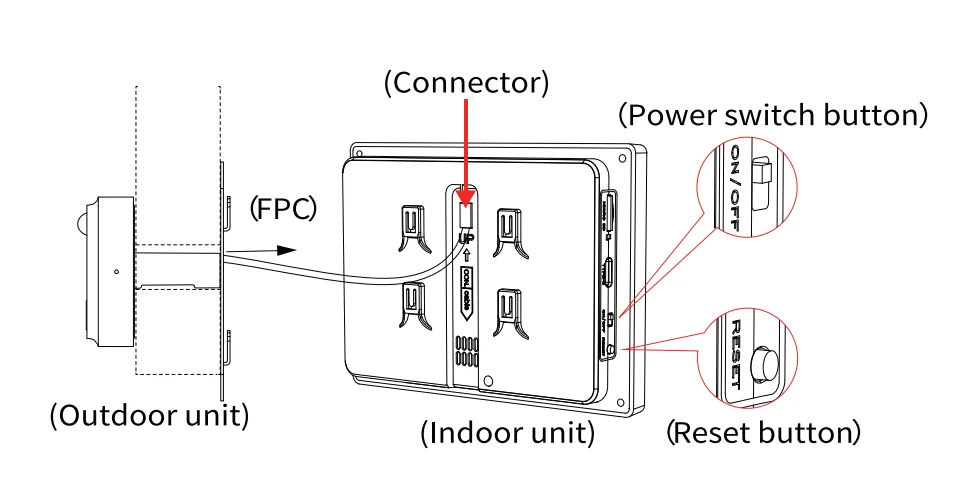
- Hardware Connect Way: Camera connect monitor via FPC Cable
- WiFi: 5Ghz and 2.4Ghz
- Charging Time: Full charged about 6-8 hours via 5V 1A Power Adapter(Not fast charger)
- Charging Status: Light from Red to Green, 100% charged
- Doorbell Button: Doorbell button on camera part
- PIR Motion detection: motion detection + human body filtering
- Night Vision: Infrared Night Vision, switch automatically
- Loop Recording: Default Support, each 15s video recording
- View Angle: 166° Diagonal /130°Horizontal
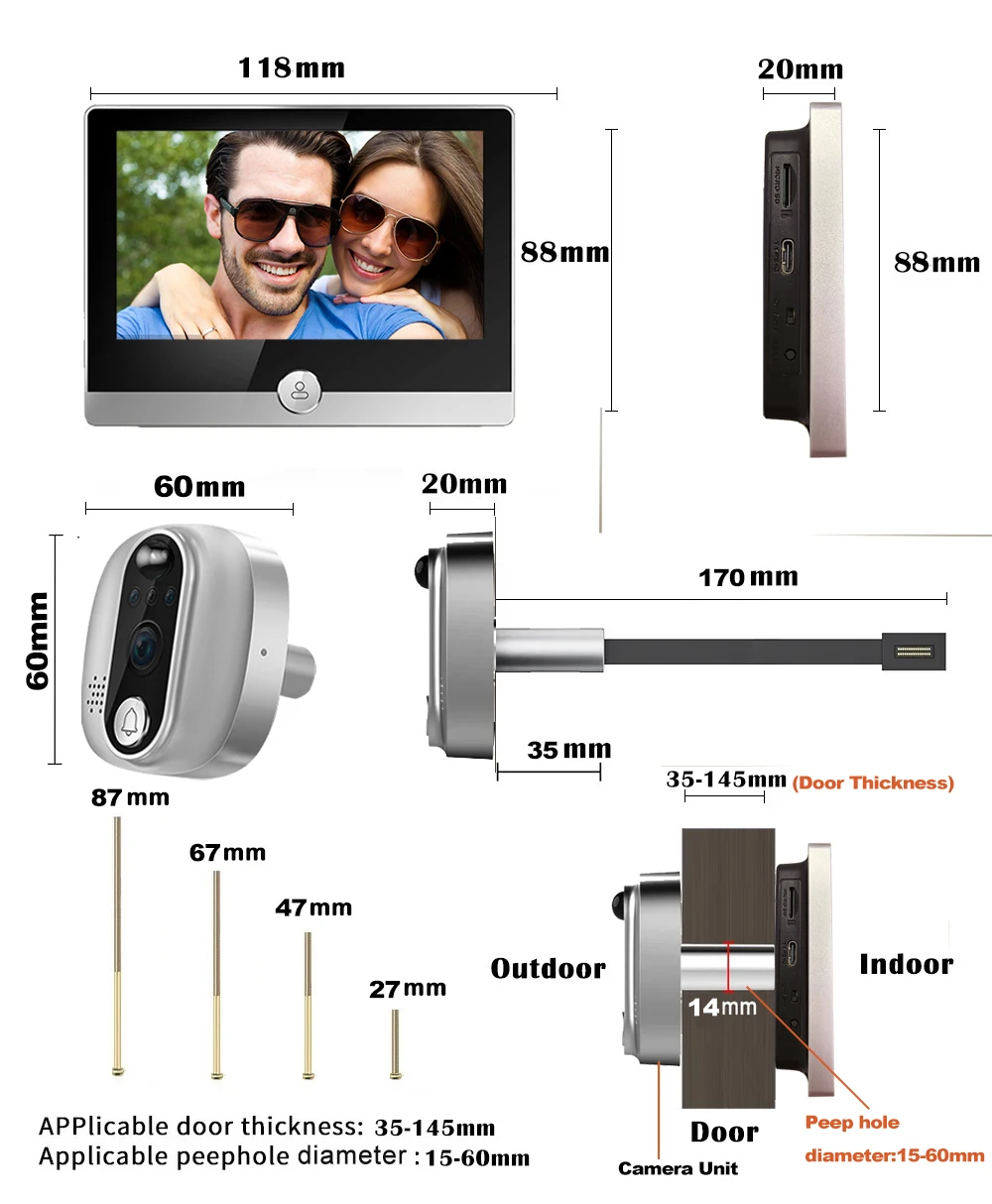
- Compatible Door Peephole: 15-60mm
- Compatible Door Thickness: 35-145mm
Latest updated Version (5Ghz and 2.4Ghz Dual band) Door Peephole Camera Smart WI-Fi Video Doorbell Digital Door Viewer with 4.3 Inch IPS Screen Indoor Monitor
Important Warm Tips before purchasing:
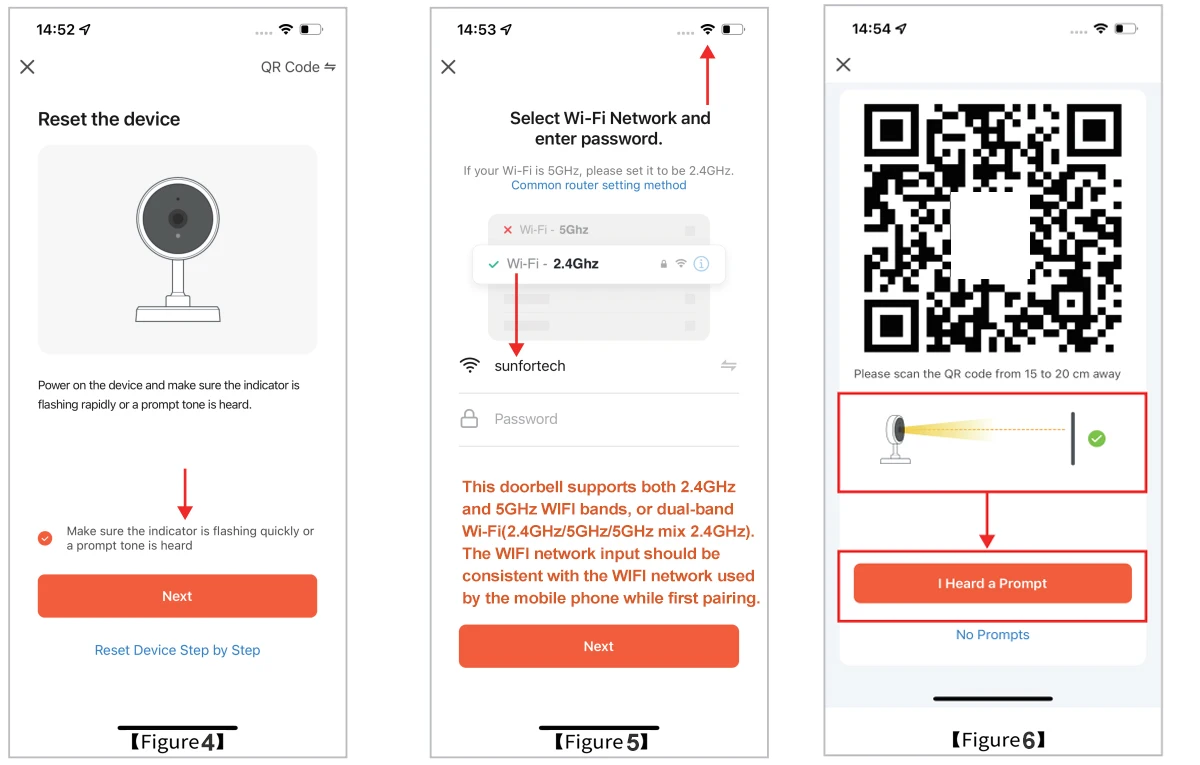
1. Working frequency of this door viewer is WIFI 2.4GHz and 5GHz,it can connect to router working on single-band WIFI(2.4GHz), or dual-band WIFI(3 network modes: 2.4GHz/5GHz/5GHz mix 2.4GHz).
2. When network pairing for doorbell and mobile phone the first time, the WI-FI network input should be consistent with the same WIFI network used by mobile phone. After connecting, it will still work with phone app even the phone is quite far away from home.
3. Please allow and open all the necessary permissions for the door viewer App.
4. Please set the door viewer App to run continuously in the mobile background. If your closes the App, you can not receive notification or calls from door viewer in time.
5. Weak Wi-Fi signal may cause fast power consumption, easy disconnection, video and audio delay etc. Pls install the door viewer in a location with good Wi-Fi signal.
6. If you modify the username or password of the router, you need to remove the door viewer in App and then pair it again.
Product Features
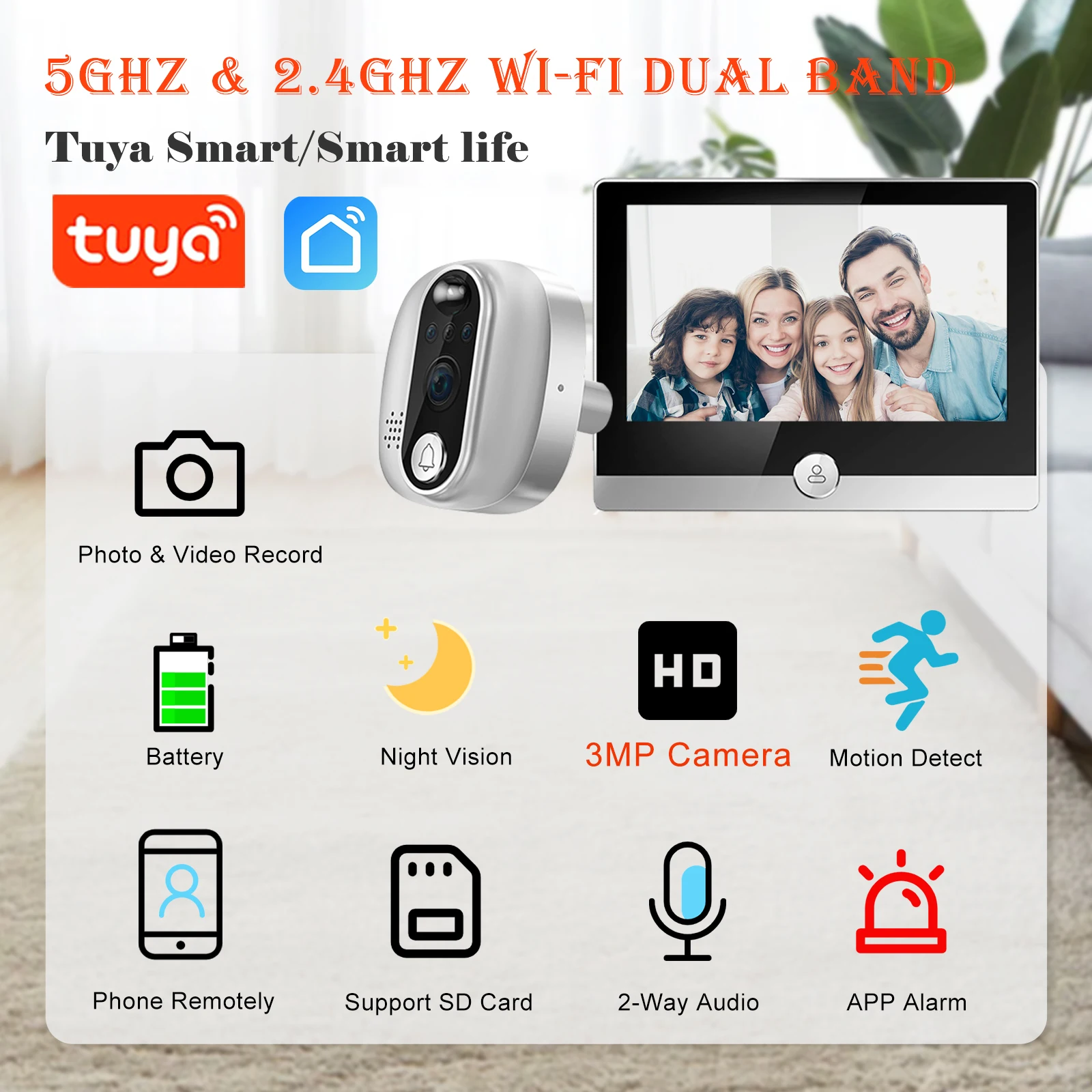
1.Support SD card, the maximum memory support 128G;
2.Support APP remote wake-up function
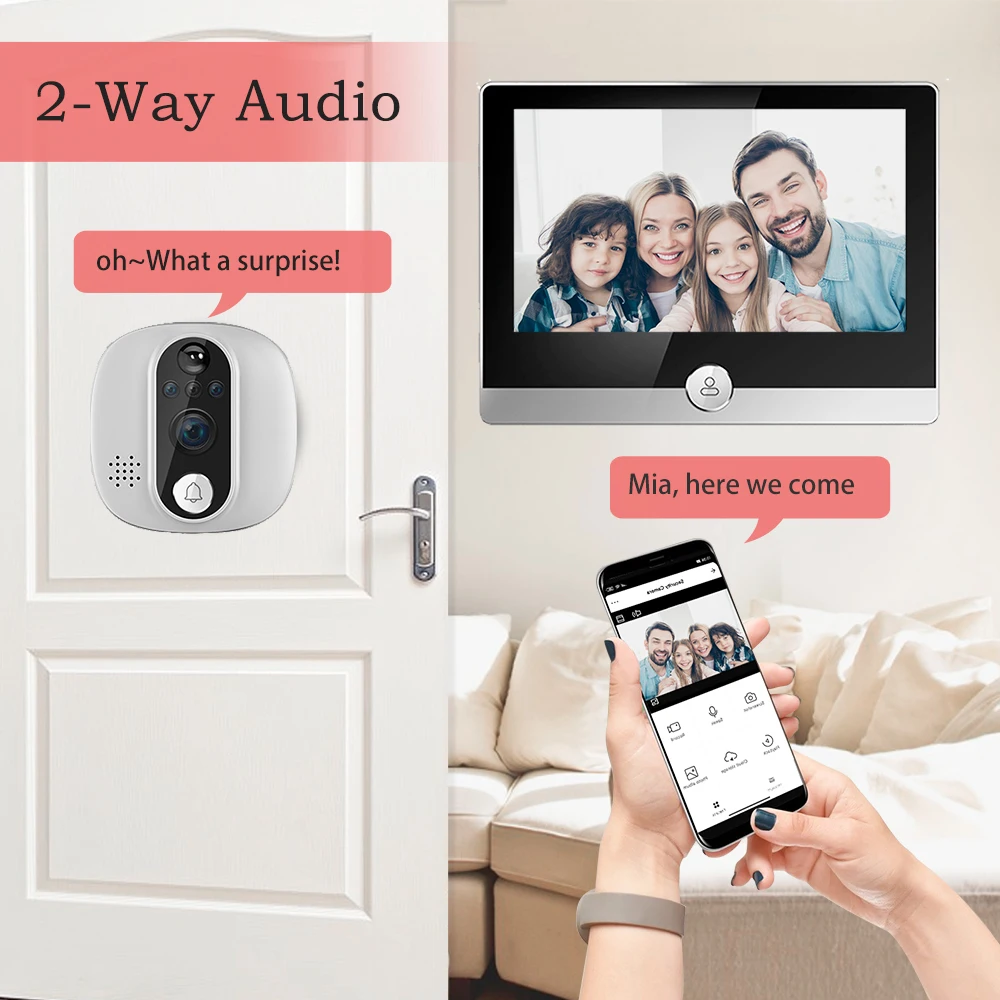
3.Camera unit Built-in speaker and microphone support remote two-way voice through the phone APP;
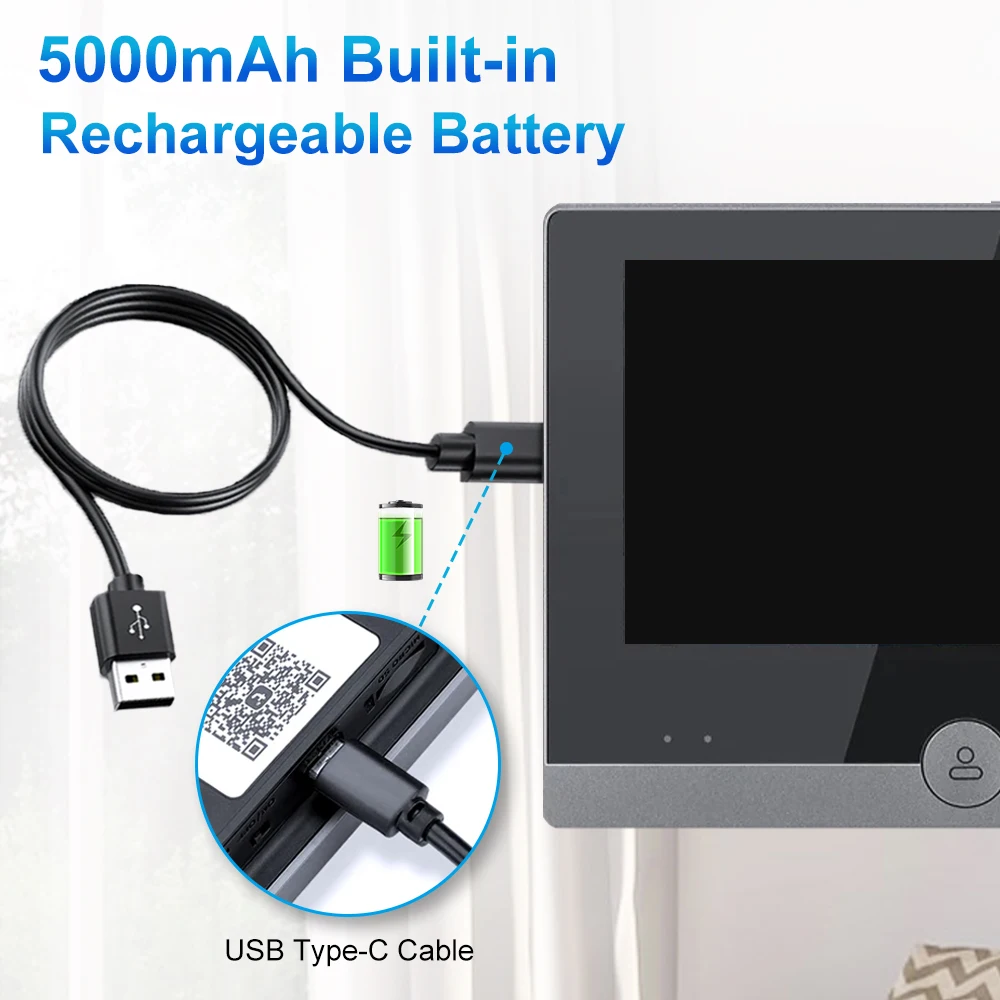
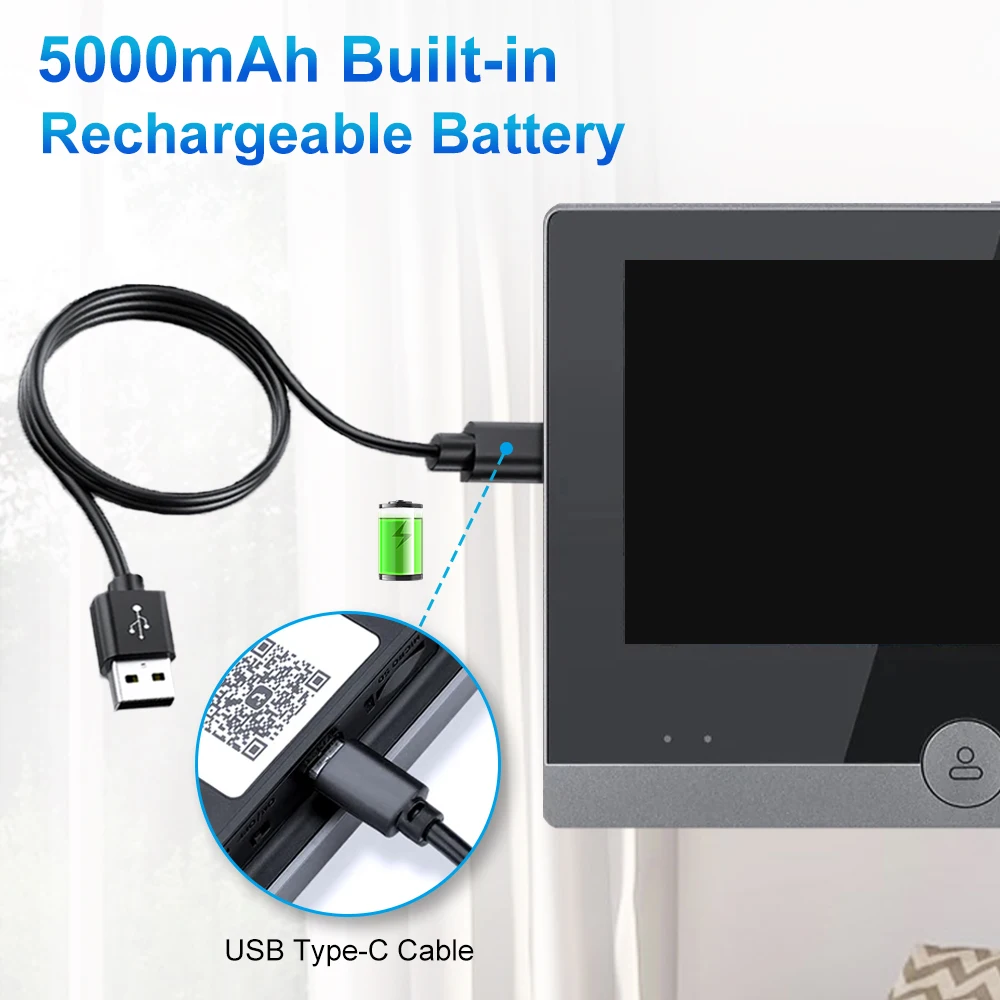
4.5000mah polymer rechargeable lithium battery, low power consumption and long life;
5.850nm high-power infrared light compensation night vision, night vision illumination distance up to 5 meters;
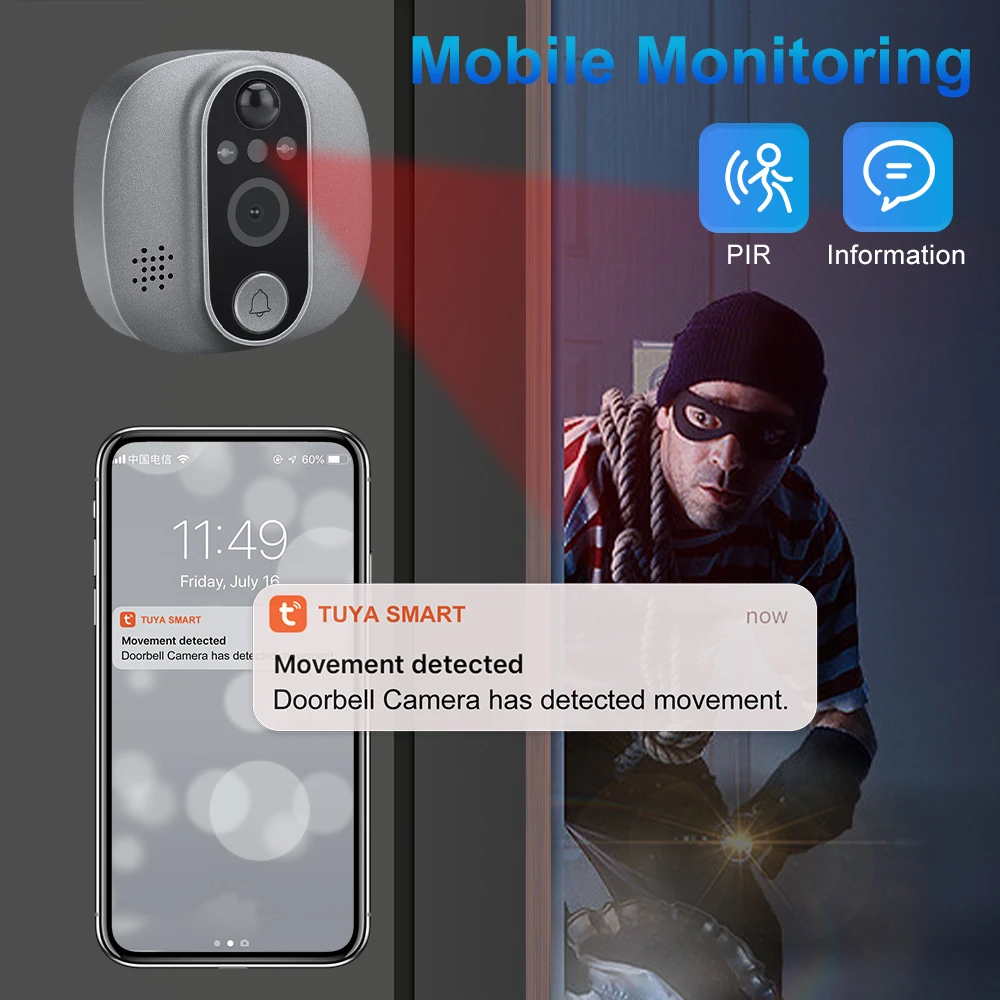
6. PIR motion detection and event videos recorded automatically when someone calls or motion is detected;
7.The doorbell can be connected to Tuya Smart App and Smart Life App through 2.4GHz WIFI, or 5GHz, or mixed Wi-Fi ;
8.Type-C interface charging.
Specifications:
Camera: 3MP
Sensor device: COMS sensor
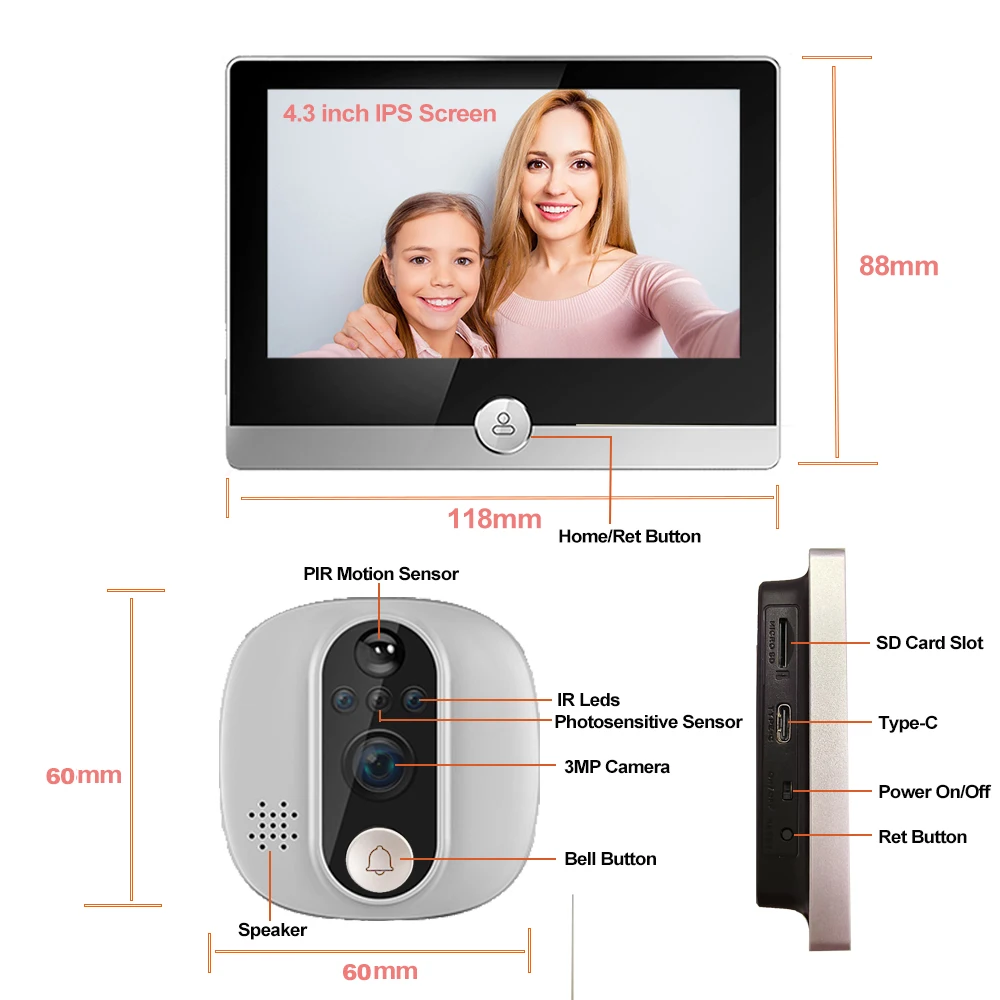
Screen: 4.3 inch IPS
Battery capacity: 5000mah (built-in)
Viewing angle: Horizontal 137 degrees, Diagonal 166 degrees
Video stream: 1920*1080/15fps
Standby time: about 6 months and ordinary 1-2 months (10 wake-ups per day, 30S each time)
Day and night conversion: automatic switching of double filters
Infrared distance: 850nm infrared, effective distance 5m
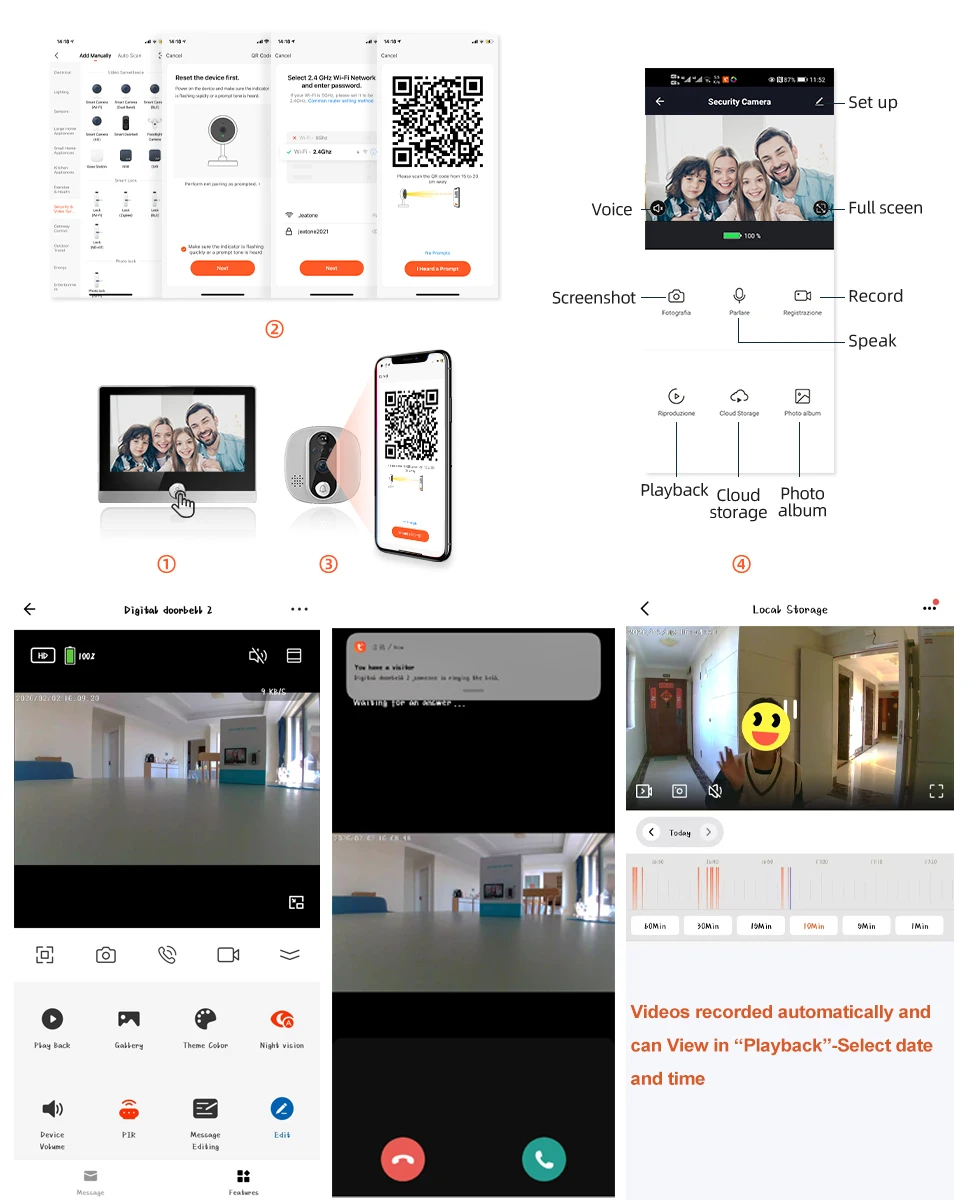
Network configuration mode: QR code distribution network
PIR human detection: support PIR detection wake-up
Standby power consumption: 220uA
Working power consumption: 1.5W
Audio input/output: -42dB microphone/built-in 1 speaker
Video recording mode: automatic recording + event recording
Wi-Fi: 5GHz/2.4GHz/Dual Band mixed Wi-Fi
Two-way intercom: support full-duplex real-time calls
Sleep time: 15S, 30S, 60S/adjustable
Door thickness: 35-145mm (please measure door thickness before purchase).
Peephole diameter: 15-60mm.
Doorbell share: yes.
Working Temperature: -20 to 55.
Packaging List
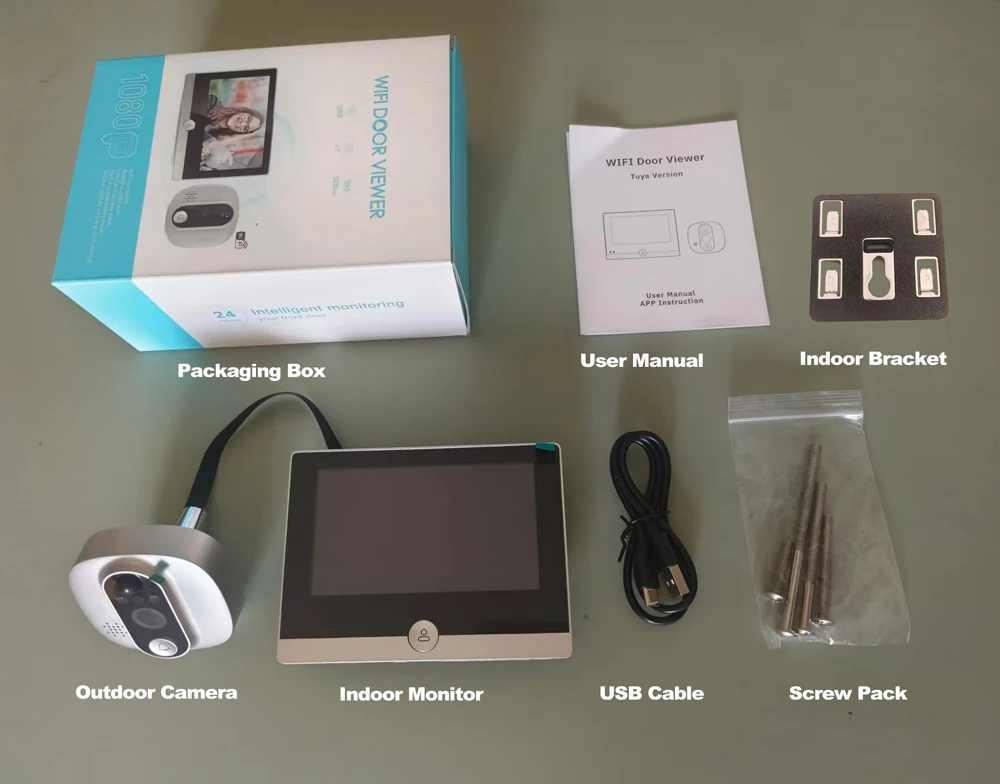
– Doorbell Camera
– Indoor Monitor
– Indoor hanging bracket
– Screw Pack
– USB Charging Cable
– User Manual
APP Camera View:
Product Features:
Tuya Smart/Smart Life 4.3 "LCD Digital Peephole By Viewer Camera
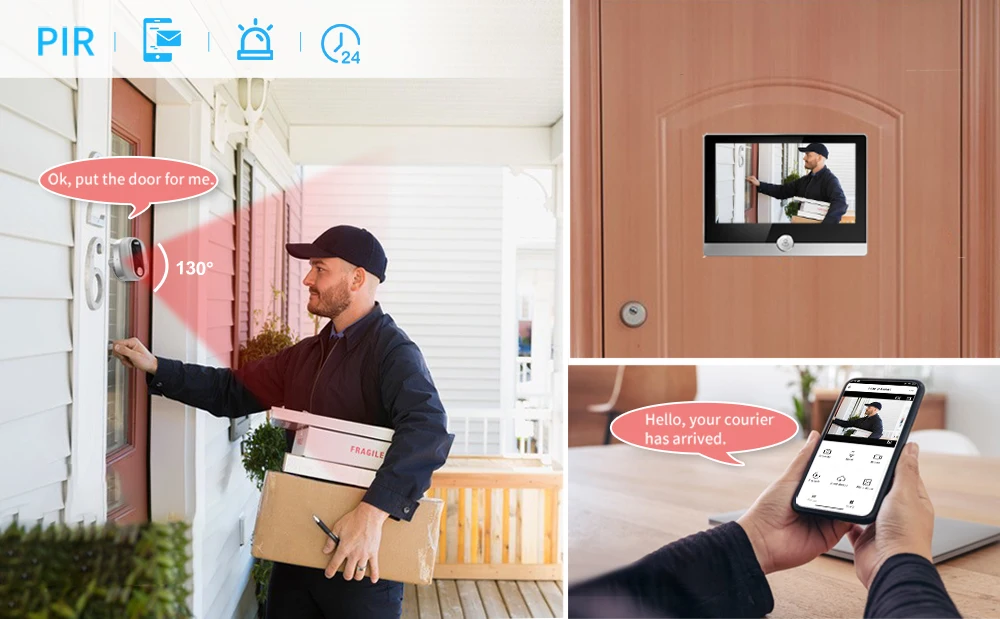
APP Control and PIR Motion Detection
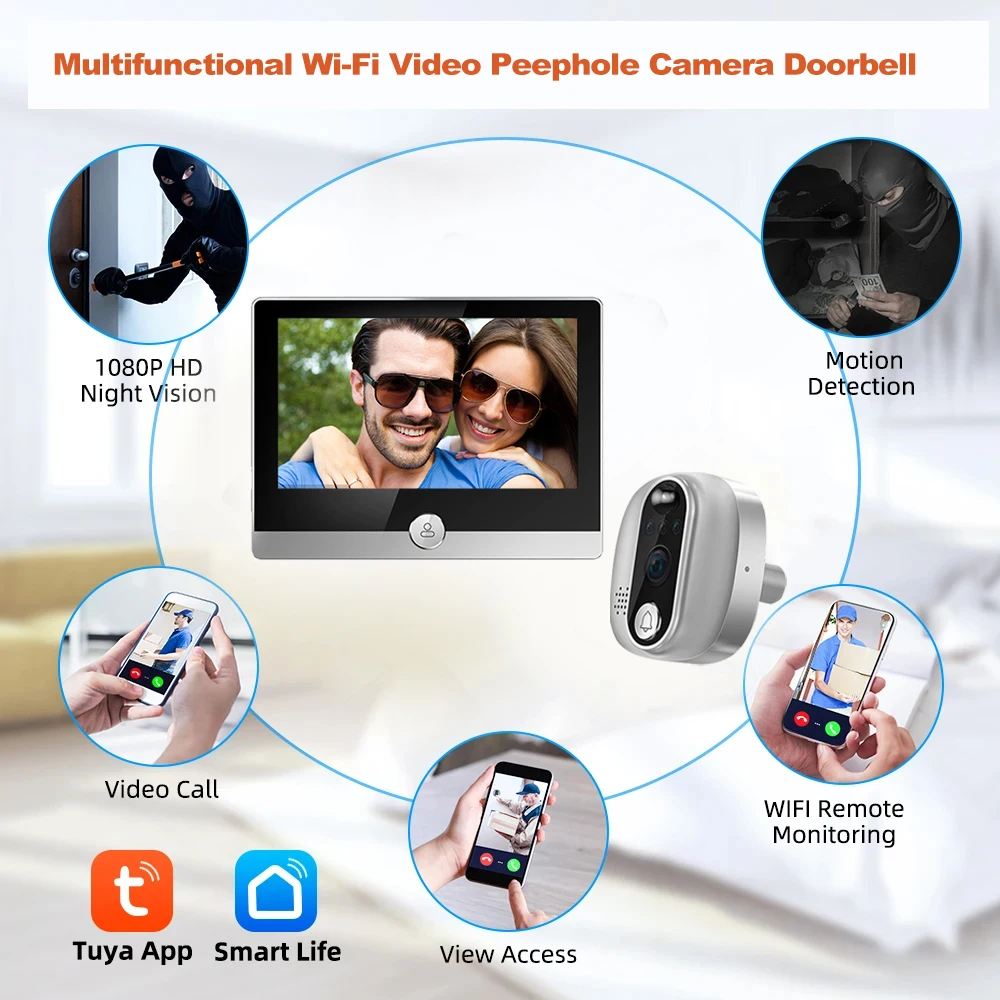
It can connect to WiFi router wirelessly, with functions of view visitors, video calls, snapshots, recordings, etc.
This digital door viewer supports both iOS and Android, download the Smart Life App to receive every detail of what happens every day at your front door anytime, anywhere. Never miss a visitor or prevent theft or strangers.

PIR Motion Detection with Instant APP Notifications
Instant APP notifications + Alarm Snapshot and saved in message center + Event video recorded to SD Card or Cloud Storage (Cloud requires subscription). Loop recording of 10-15 video when someone calls or any motion is detected.
High Resolution 3MP Peephole Door Camera Night Vision
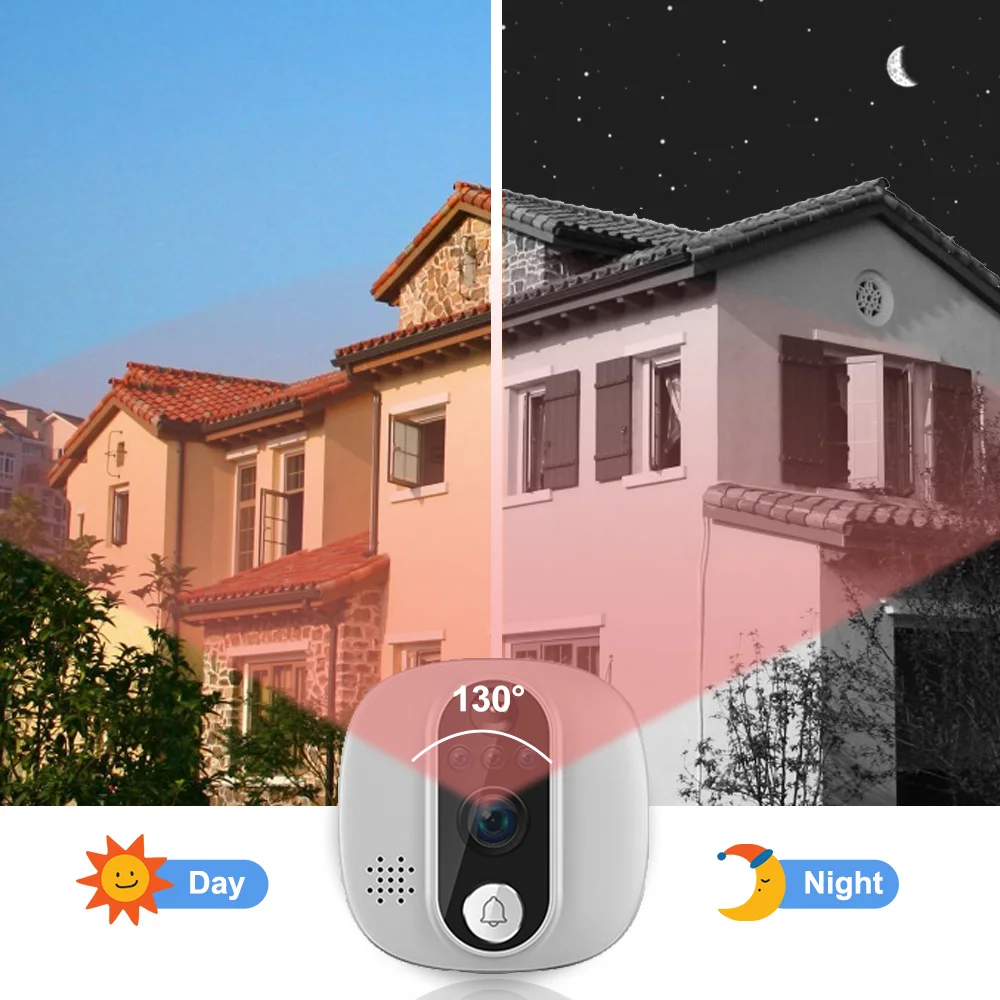
With 1080P camera 166° Diagonal /137°Horizontal view angle lens, automatic switching of day and night vision sensitivity, images will be clearly viewed in the TFT color LCD screen Monitor or in the APP even in very low-light level environment.

Loop Recording, Memory card optional
Supports up to 128GB capacity. With SD card inserted, when any motion is detected or someone presses the doorbell, the device will record a 10s-15s video automatically. It is loop recording not continuously 24-hour recording as the the main function is still as a doorbell and It will go into sleep model for saving power.
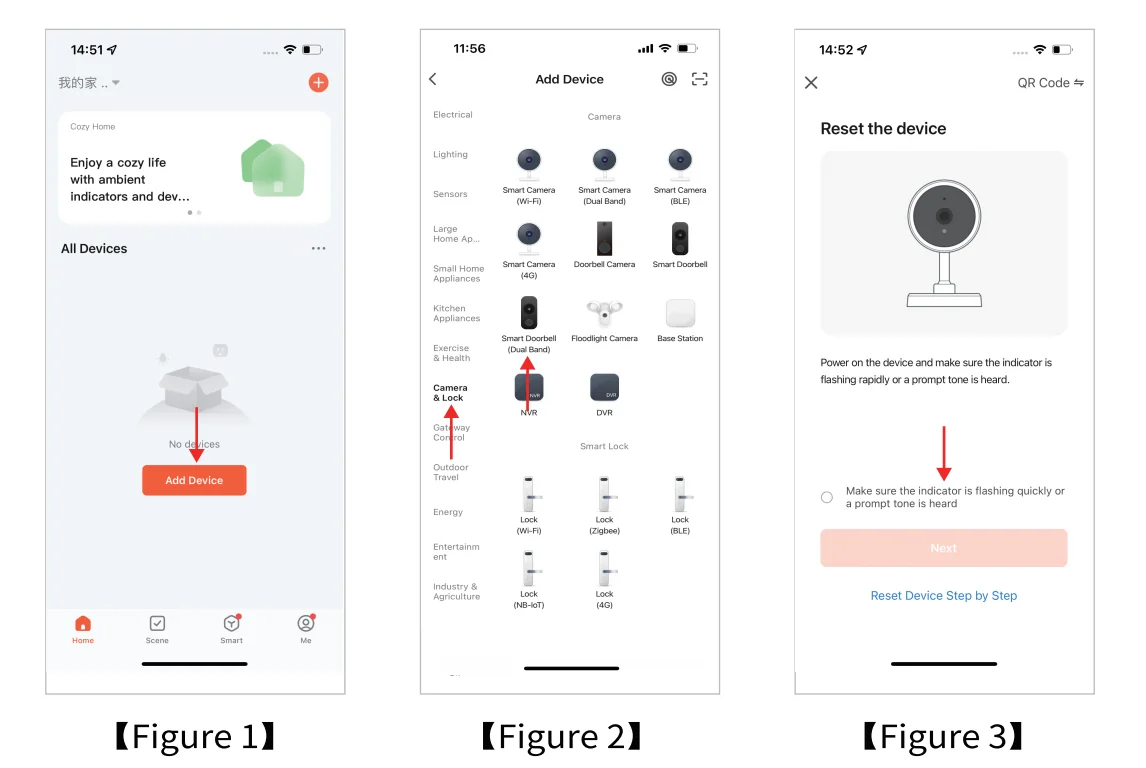
Wi-Fi Configuration and APP Connection
Download
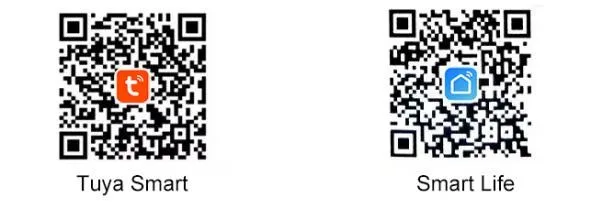
Method①:Download the APP "Tuya Smart" or "Smart Life" in Android or IOS APP store;
Method②:Download by scanning the following QR code.
Wi-Fi Confirguration and Connection to the Phone APP (Supports Android and IOS Systems)
Ret the device by long pressing the "Reset" button on the side until there is the voice indicating ready for configuration.

FQA
Q1: What's the battery capacity of this digital viewer? Working Time?
– It is built-in 5000mAh Lithium rechargeable battery doorbell camera.
– Works 1-2 months based on 10 movements triggered per day.
Q2: 1080P 3MP Digital Viewer working APP Name is? Is Cloud necessary?
– It is use " Tuya Smart" or " Smart Life" APP. You can download from APP Store.
– Cloud is not quite necessary. It is for saving videos and actually you can put SD card instead of it.
Q3: Do you have to have an existing peep hole to use this product?
– No actually. But, you will probably have to create a hole in the door for the camera if you don't already have an existing peephole to replace.
Q4: What the view angle of digital viewer? Support Night Vision?
– Support 166° wide view angle
– Support 1080P 3MP Clear night vision with distance 3-5 meters.
Q5: When i connect the door camera to monitor, but monitor can not show video? How to solve it?
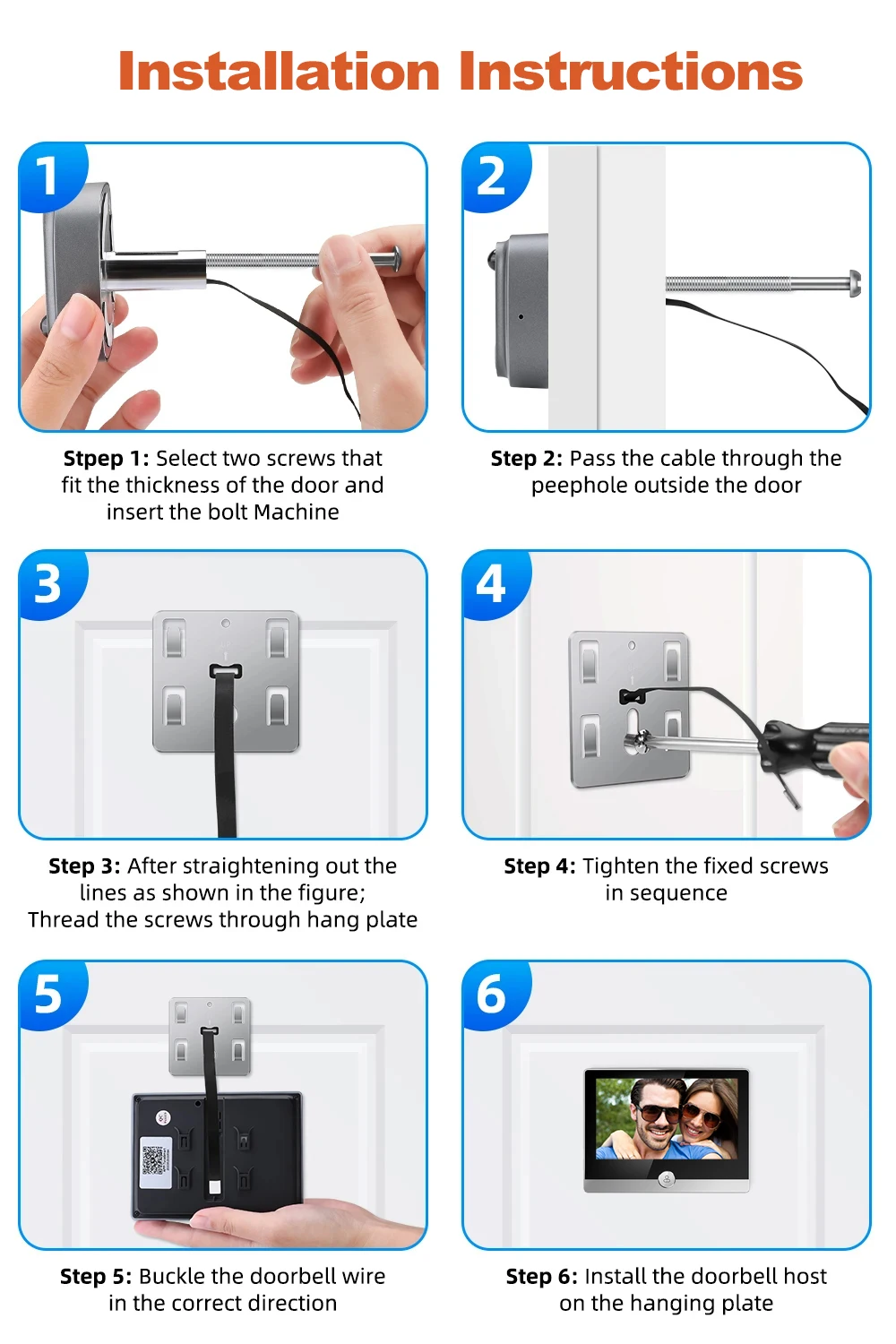
– Make sure the door camera cable connect to monitor in the right direction
– Also push hard to make it connect well.
– Make sure the camera unit is within the Wi-Fi signal coverage.
Q6: Does this display will auto on when press the doorbell?
– Display will TURN ON AUTOMATICALLY when you press the door camera and Auto-OFF after 10s.
– Monitor screen will NOT AUTO-ON when PIR detected.
Q7: What if the APP configuration and connection fails? What should I do?
– Please check and make sure to enter the correct Wi-Fi name and password (should be the same one connected to your phone while paring)
– Please reset the device (reset button or long press the home button), then try to connect by following the configuration steps once again.