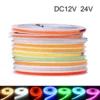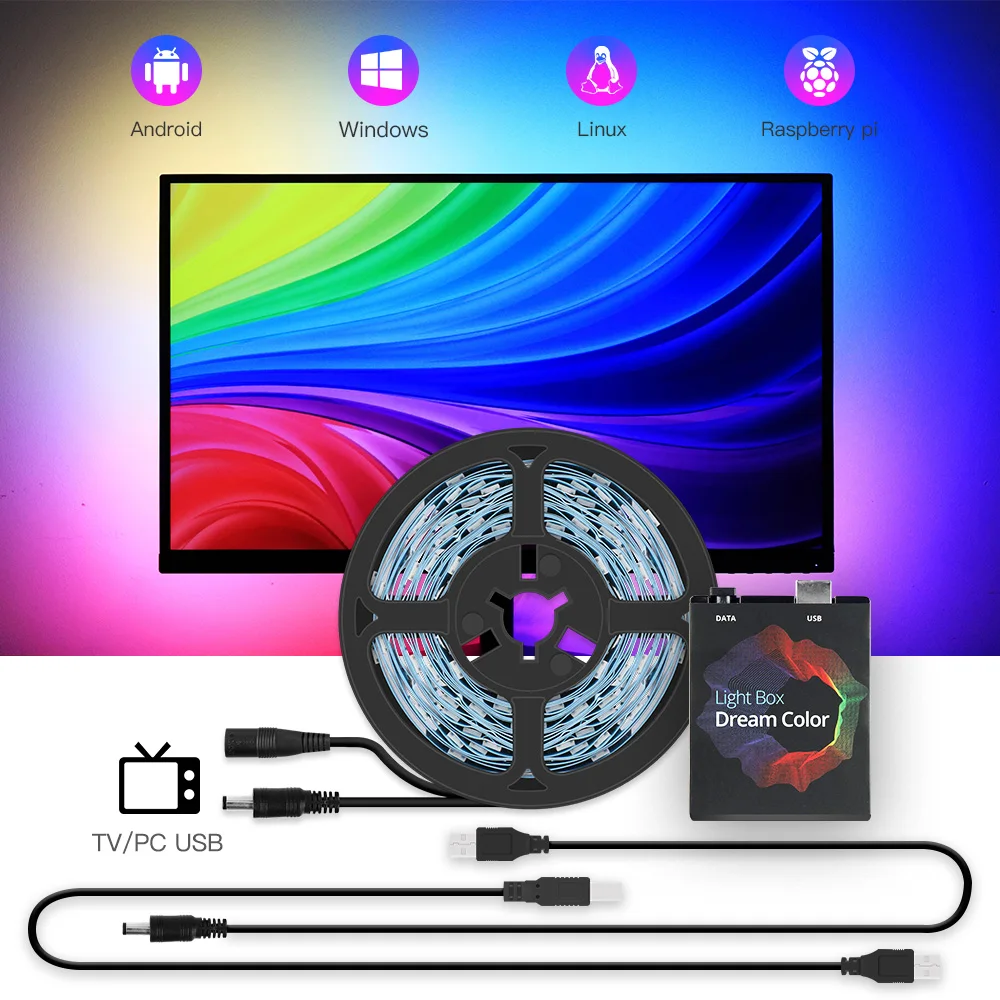
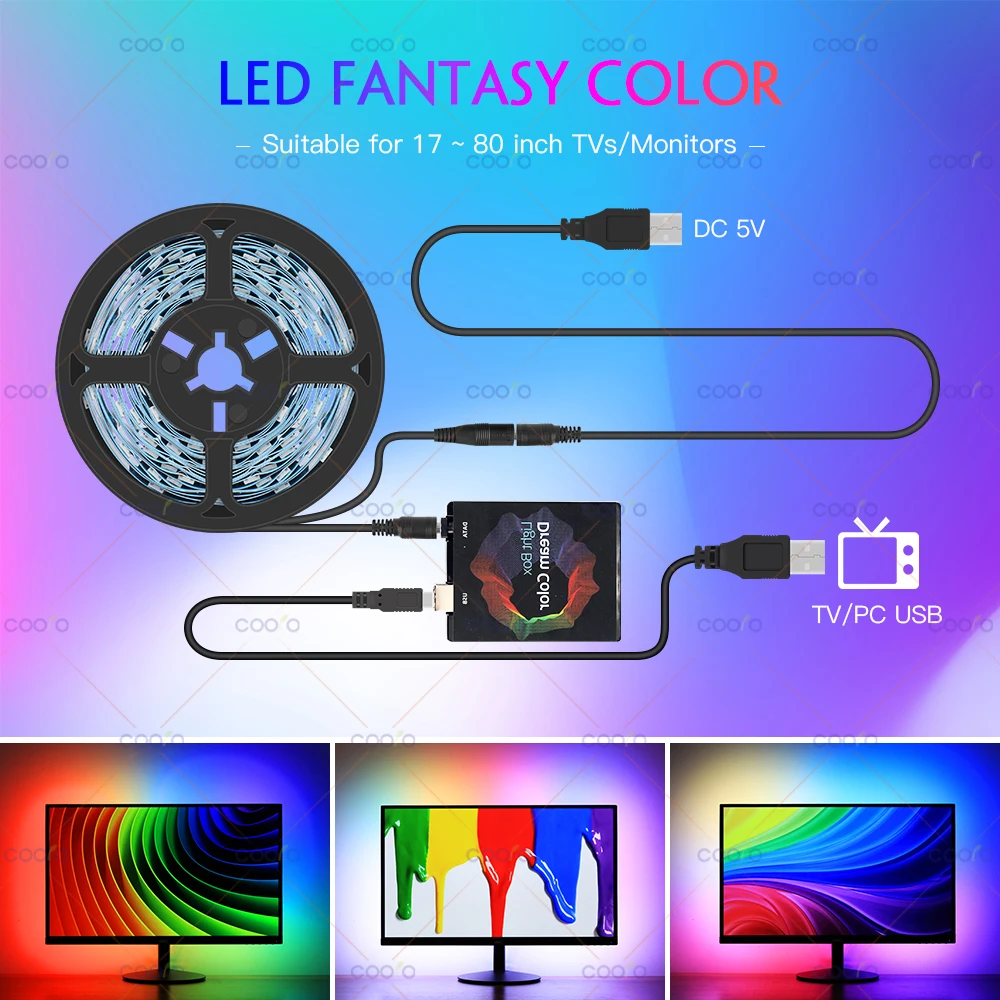
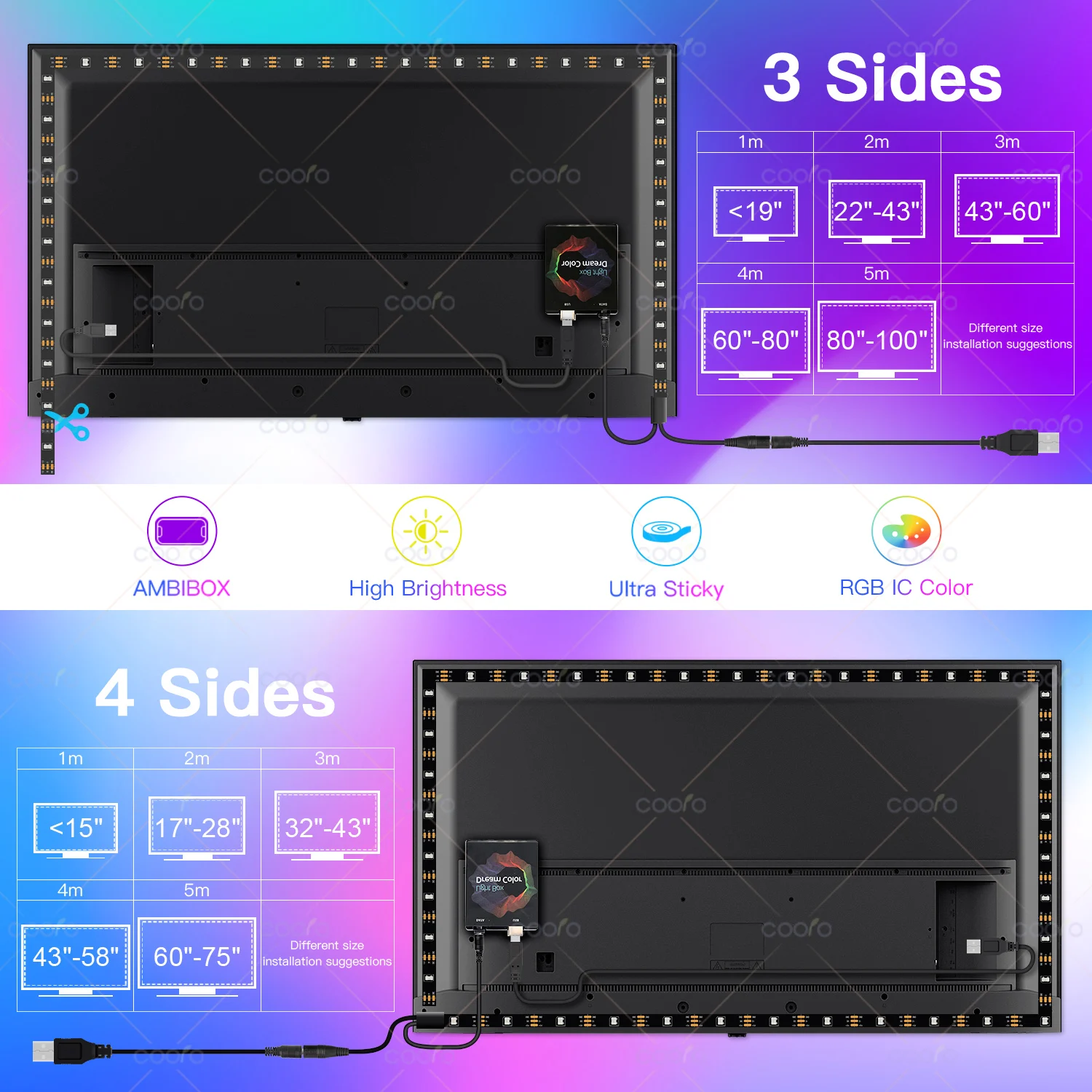
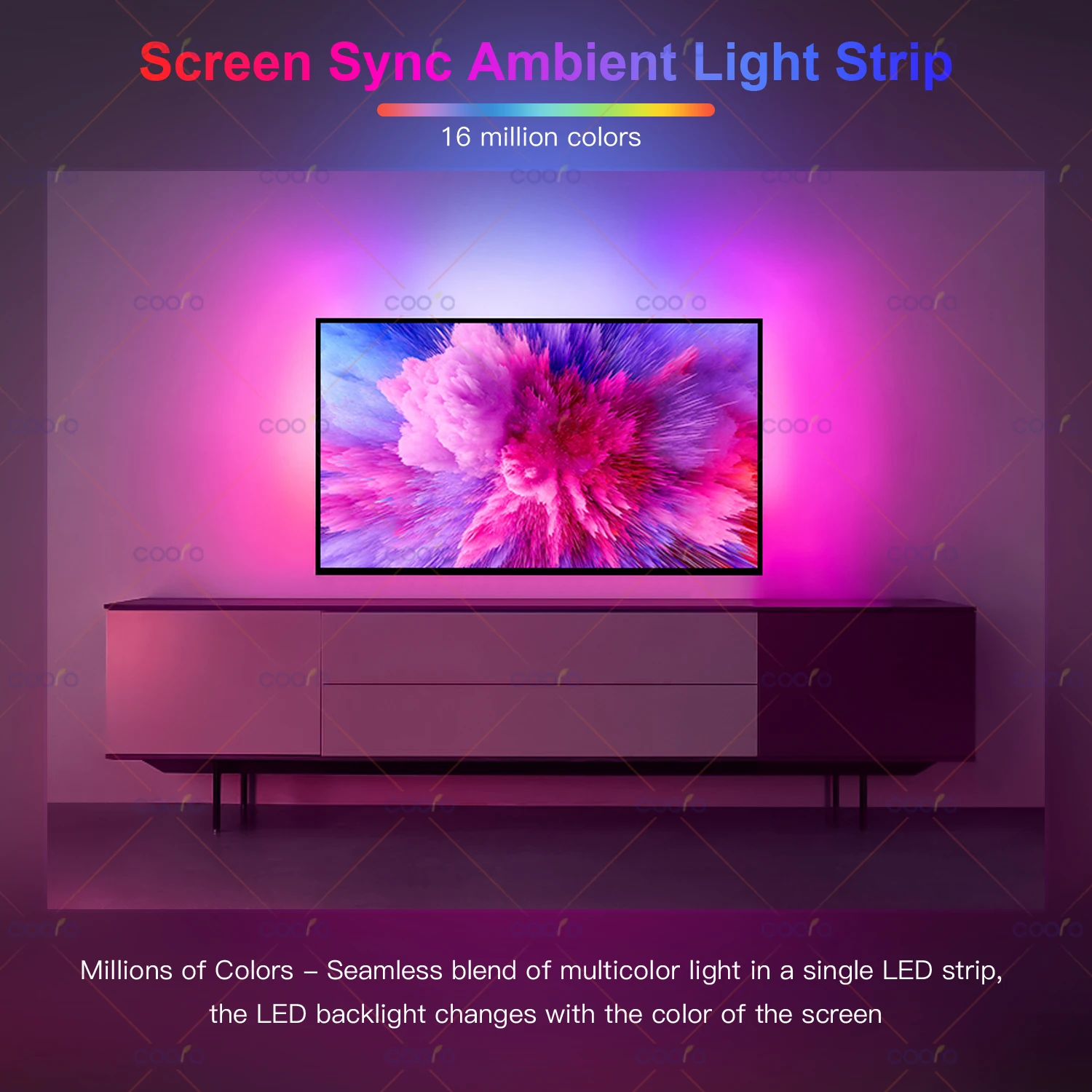
Ambient TV PC Monitor Backlight Screen Color Sync Flowing Multicolor Effect LED Light Strip Kit DC5V USB Atmosphere Decor Light
& Free Shipping
Free shipping on orders over $50!
- Satisfaction Guaranteed
- No Hassle Refunds
- Secure Payments
Description
- Luminous Flux: 249-2000
- High-concerned chemical: none
- Is Smart Device: no
- Power Generation: Always On
- Is Batteries Included: no
- Nominal Voltage: 5V
- Model Number: WS2812B LED STRIP
- LED Chip Model: SMD5050
- Average Life (hrs): 50000
- Power Source: DC
- Origin: Mainland China
- Strip type: SMD
- Power Consumption (W/m): 5.76W/m
- Occasion: Living room
- Specifications (light beads / m): 18
- Item Type: Strip
- Brand Name: coolo
- Voltage: 5V
- LEDs Number/M: 18
- LED Chip Brand: Epistar
- Waterproof: No
- Color Temp(K): RGB
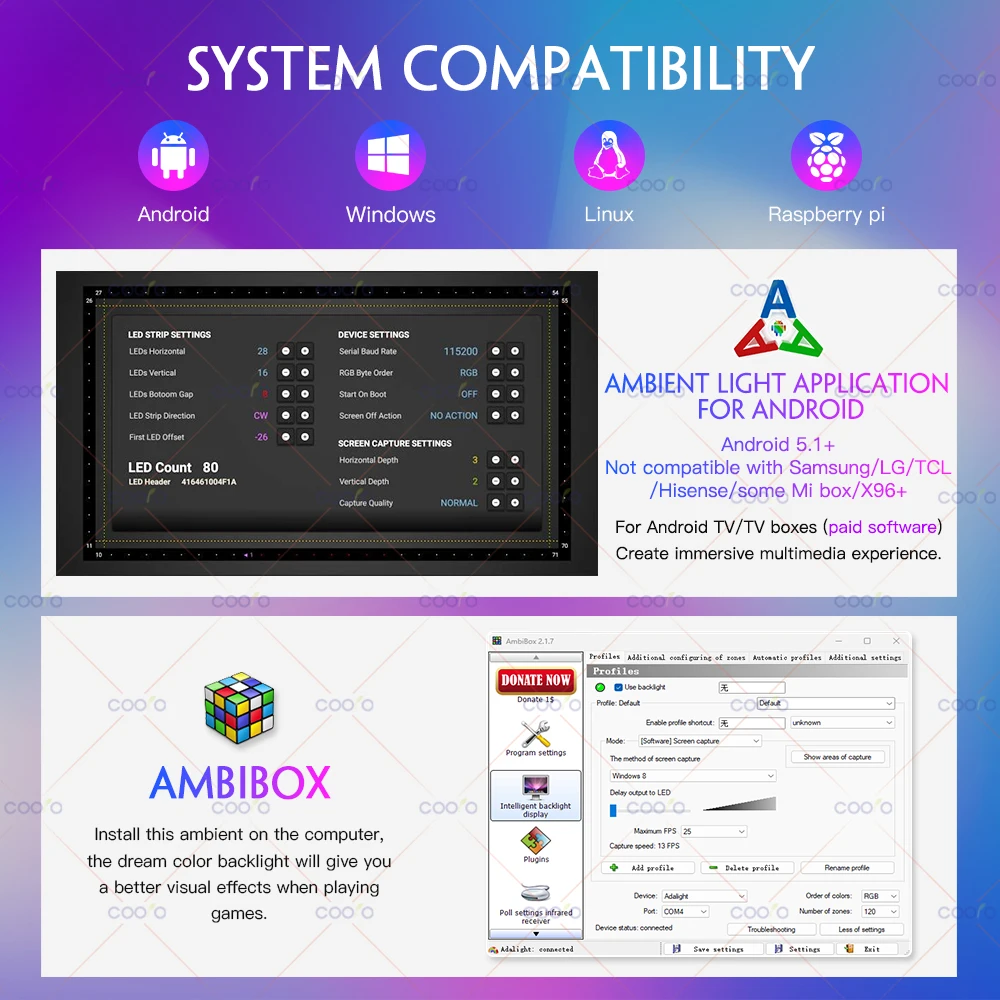
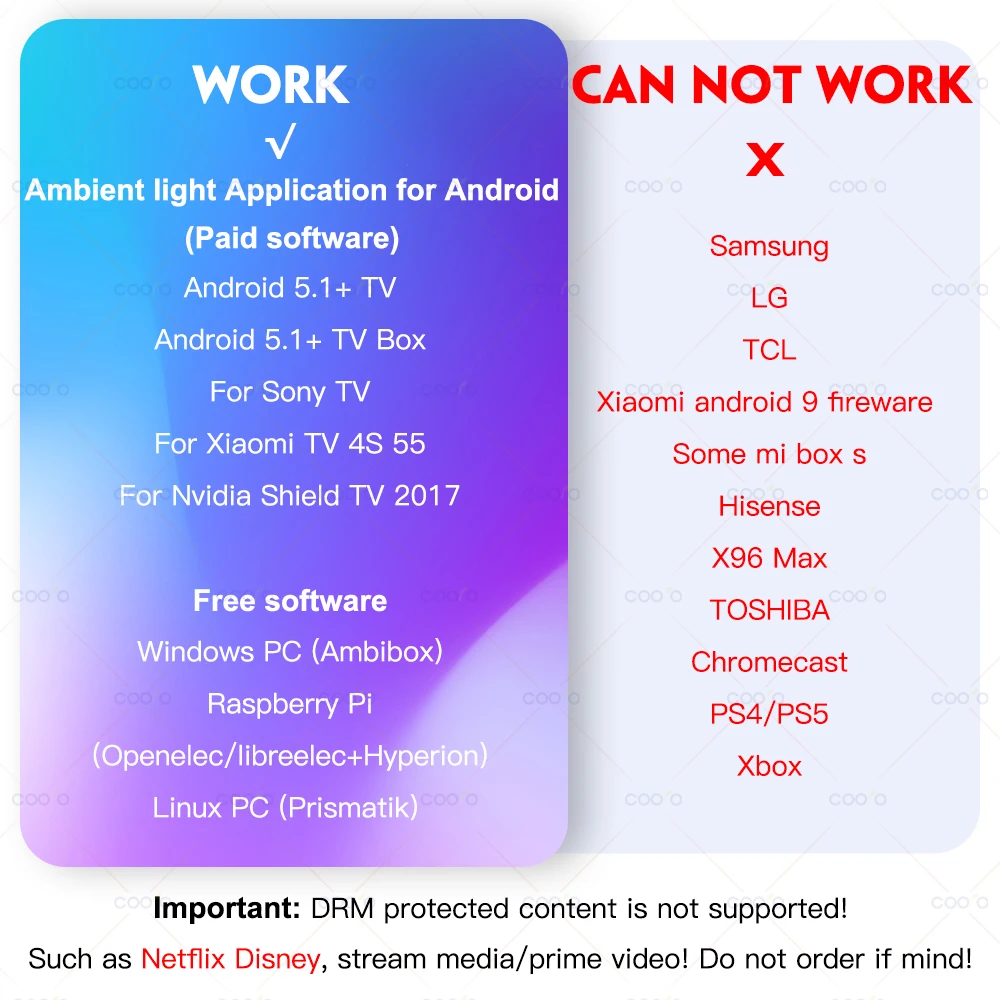
Not compatible with Samsung/LG/TCL/Hisense/X96+!!!
(Some Mi boxes do not work properly and are not recommended)
DRM protected content is not supported!
Note: it only works on Android TV, Samsung/LG not belong to Android Operating System.
If you want to use it with non-Android TV, you must connect an extra Android TV box to your TV first, then can be used with our product.
What software is needed?
Windows: Ambibox or Prismatik (https://drive.google.com/file/d/1aR1z_wcBfGw2ixTBYI01CshD_q8RMxxc/view?usp=sharing)
Raspberry Pi: Openelec/libreelec+Hyperion (https://www.youtube.com/watch?v=kBDaC_c6VfI)
Android TV/TV boxs(Xiaomi is not recommended) (Android 5.1 or above): Ambient light Application for Android (Paid software)
(Or, the video signal of the computer is output to TV, TV as monitor.)
(Or, install or run Openelec/libreelec+Hyperion on your TV/TV box.)
It is important to know!
The analog TV signal is not processed by the Android OS level, so the backlight application will not work with regular TV channels. The backlight works only with Android OS applications that do not use protected content. 4K performance depends only on your hardware.
Unfortunately, programs such as YouTube and Netflix use protected content (DRM), this application has no ability to work with them. In order to make it work you should use the special client. For example SmartYoutube.

1 * LED Strip
1 * Dream Box
1 * USB Cable
1 * DC Cable
1 * Manual
Warm Prompt:
The setup of this item is a bit complicated, if the product does not work properly, please make sure to contact us first, instead of opening a dispute or writing negative feedback directly, we will definitely help you solve the problem!
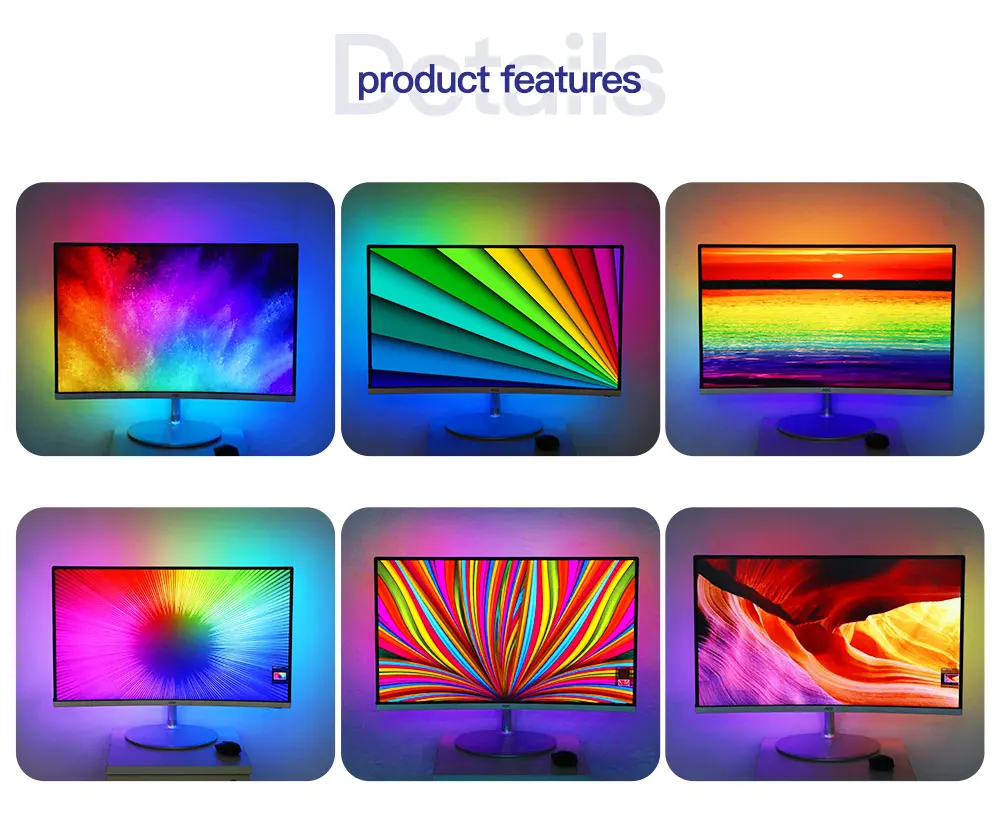


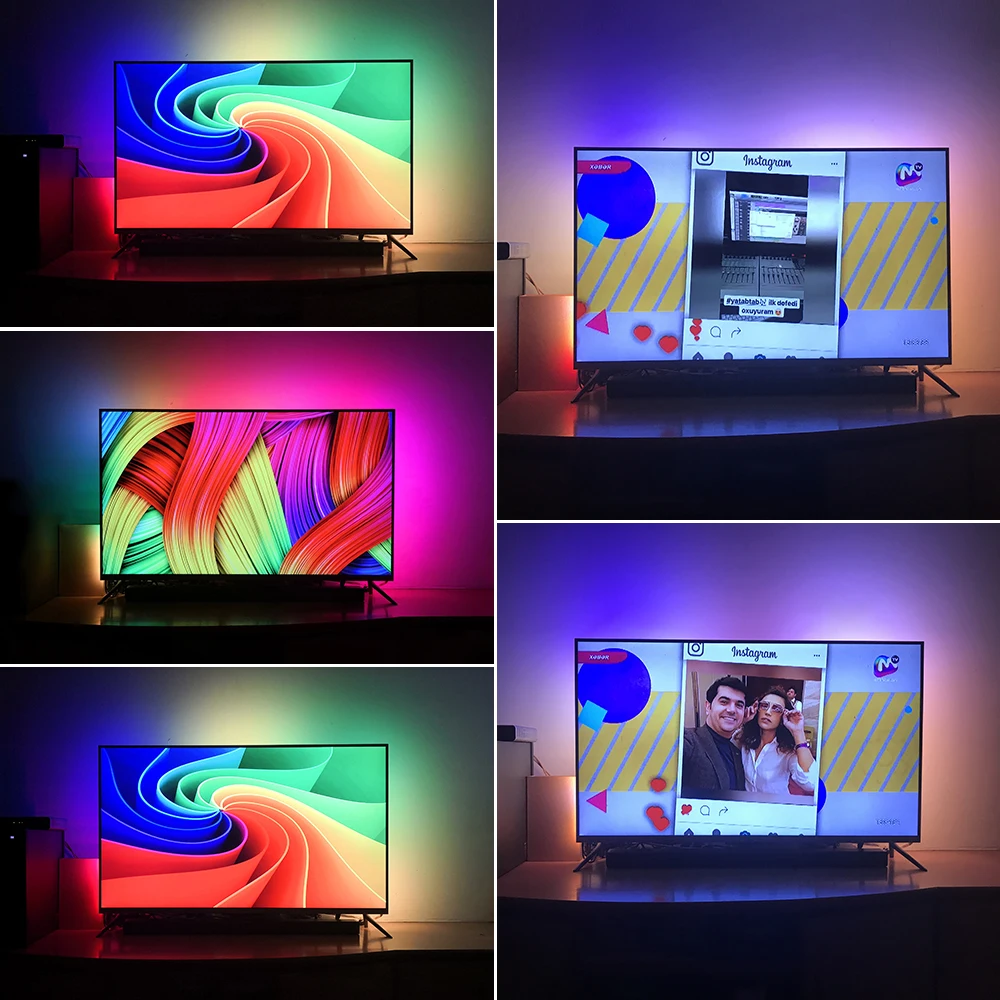
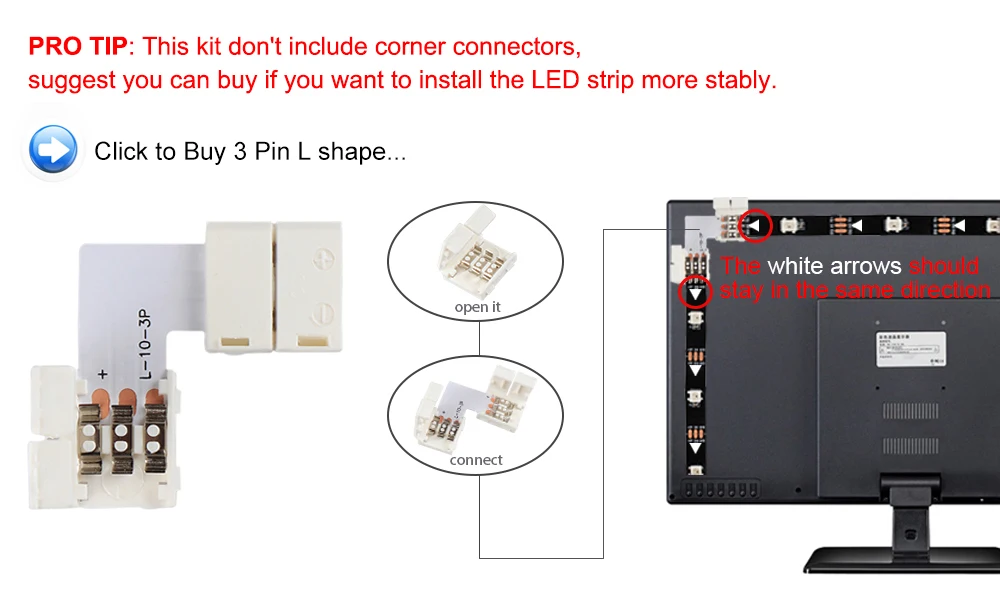

Connect everything well and set up capture area in APP first. If everything is ok after testing, then you can stick the LED strip on the TV and cut strip by demand.
Step 1: Install LED strip light on your TV
Step 2:Purchasing a Paid Software on Google Play: Ambient light Application for Android
Note: Android TV/TV boxes(only Android 5.1 to 9.0 can be used)(Xiaomi TV/BOX not recommend)
Base application settings guide: http://ambilight.tender-complex.ru/en/software_setup/
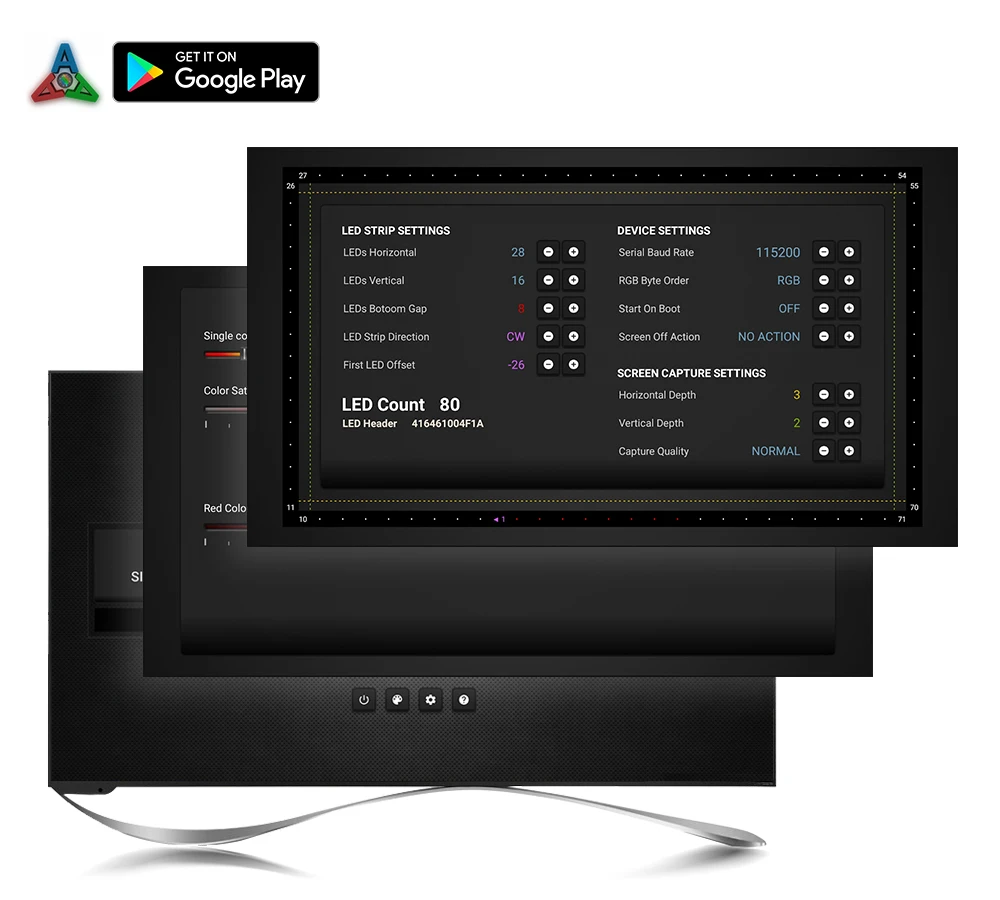

Connect everything well and set up capture area in Ambibox first. If everything is ok after testing, then you can stick the LED strip on the monitor and cut strip by demand.
Install and Ambibox set up guide: https://youtu.be/UAUyKvEt7aE
Step 1: Install LED light on your monitor
Step 2: Setting up the Ambibox Capture Software
2.1. Ambibox software(Shareware);
2.2. Run the Ambibox software, when installing, it recommends to use PlayClaw, I wouldn't recommend to using it.
2.3. Select device and set this as "Adalight", under menu of "Intelligent backlight display", select the Port and the COM Port that your device has been detected. If select correctly, you can see Device Status: Connected, also down the bottom left it will say Adalight: connected. If cannot find USB driver/COM port, please download USB CH340: https://drive.google.com/file/d/1GS5FrjN5620I_RKJMOe5IAGNSqlke9jC/view?usp=sharing
2.4. Once you setted up, you can select the "Wizard capture zones" which will automatically generate all capture zones for you.
PRO TIPS: if you find your colours are washing out or seem very white rather than colourful, adjust your gamma settings, if you getting a white backlight on a pure black screen, increase the size of sample zones, It will take a bit of fine tuning but worth it!


Related products
-
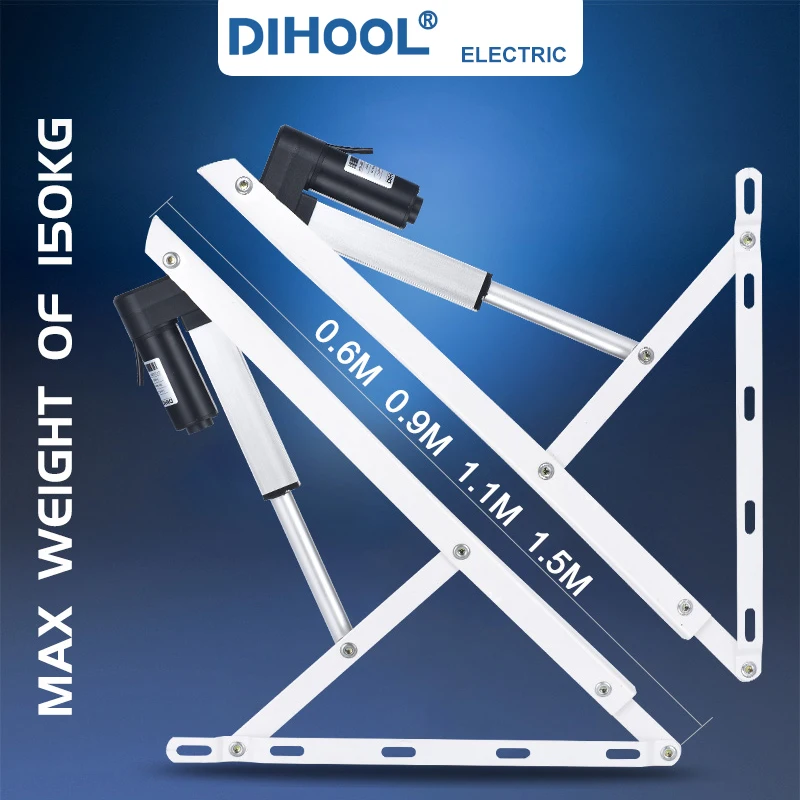
DC24V Smart Windows Sofa Bed Plate Mechanism Support Frame Electric Lifting Rod Upturn Pneumatic Support Rod Adjustable Bedstock
Price range: $547.17 through $1,915.17Add To Cart This product has multiple variants. The options may be chosen on the product page -
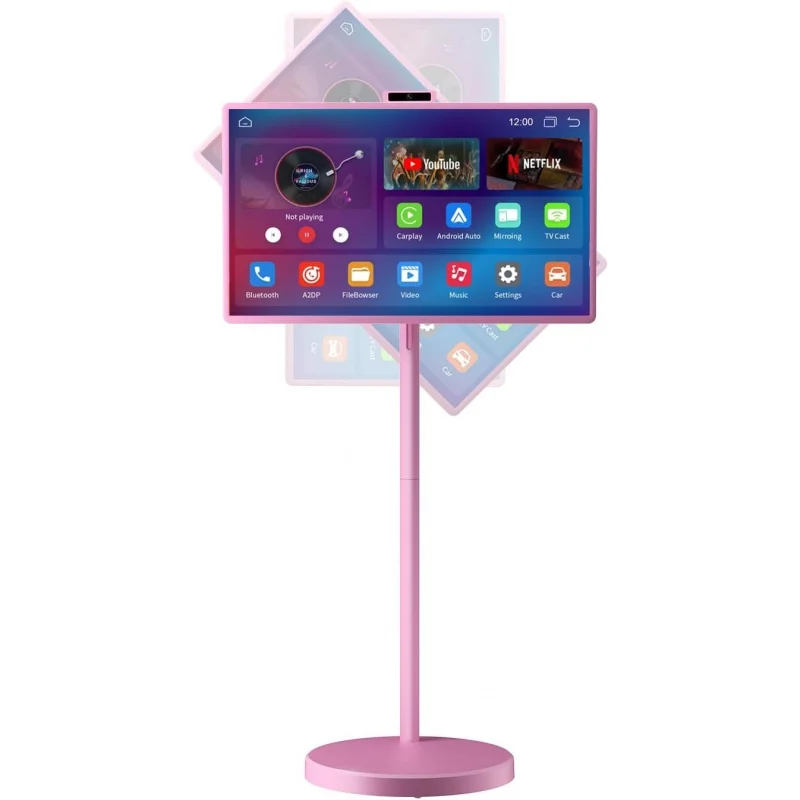
Smart Portable TV on Wheels | 32-Inch Touchscreen Rolling TV | EDLA-Certified Android 15 OS | 38400mAh Battery Powered | 8GB
Price range: $2,758.53 through $2,762.31Add To Cart This product has multiple variants. The options may be chosen on the product page -
-
Hotel Network LCD Television 20 32 43 55 65 75 85 100 Inch Energy Saving Smart TV Display
Price range: $668.29 through $9,559.87Add To Cart This product has multiple variants. The options may be chosen on the product page