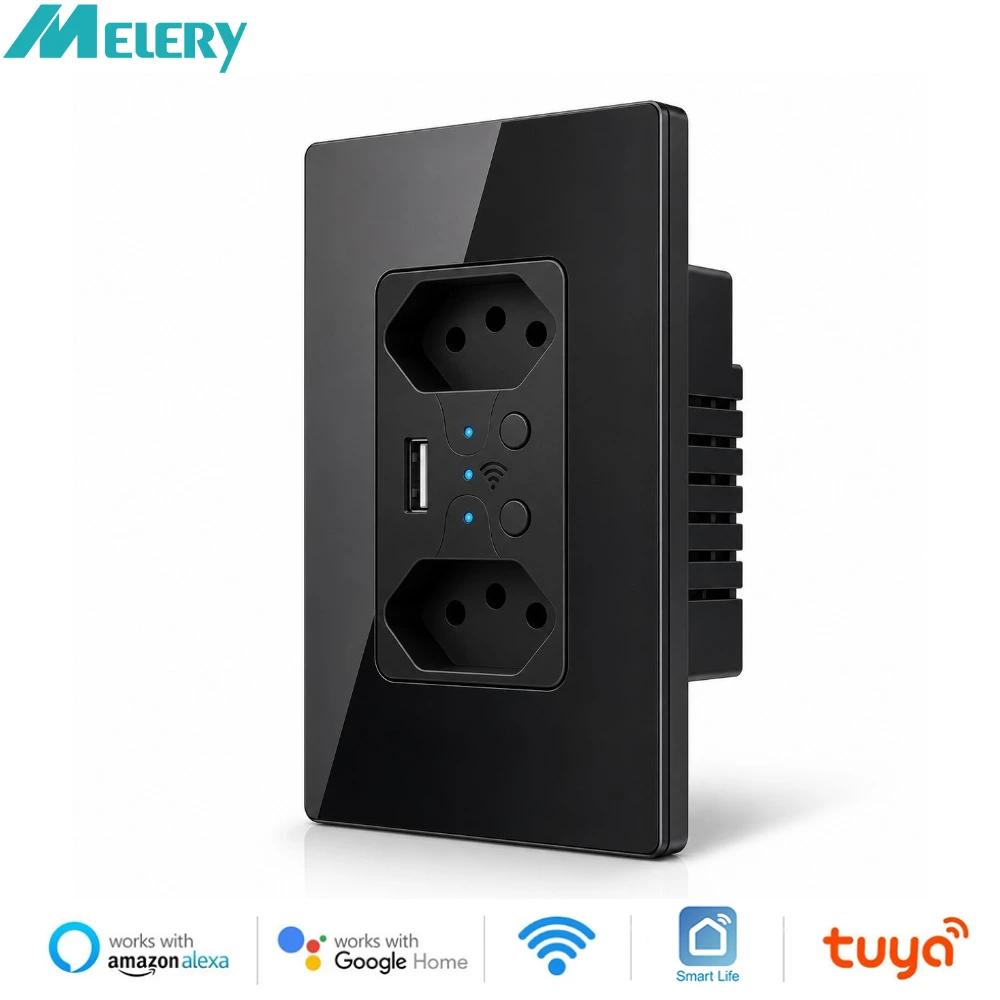
Melery Brazil WiFi Smart Life Dual Wall Socket Tuya Electrical Plug 10A Outlet PC/Glass Touch Panel Alexa Google Home Assistant
& Free Shipping
Free shipping on orders over $50!
- Satisfaction Guaranteed
- No Hassle Refunds
- Secure Payments
Description
- High-concerned chemical: none
- Material: Plastic
- Backlight/Indication: Yes
- Socket Type: Combined
- Installation Type: Wall Embedded
- Is Smart Device: Yes
- EU LVD Voltage: High voltage: Above 50Vac or 75Vdc
- Features: Automatically Power On and Off,Remote Control,With USB Ports,Standing Style,WireLess
- Extension Cable Length: None
- Shape: Rectangular
- Model Number: WWS400
- Rated Current: 13A
- Grounding: Standard Grounding
- Application: Residential / General-Purpose
- Brand Name: Melery
- Protection class: IP 21
- Number of slots: 2
- Origin: Mainland China
- Certification: CE,FCC,RoHS
- Standard: Brazil WIFI Smart Wall Sockets
Smart wifi 2 Outlet In Wall Works With Alexa, Google Home Receptacle Charging Ports, Duplex Receptacle Socket,White
Specifications:
Weight: 200g
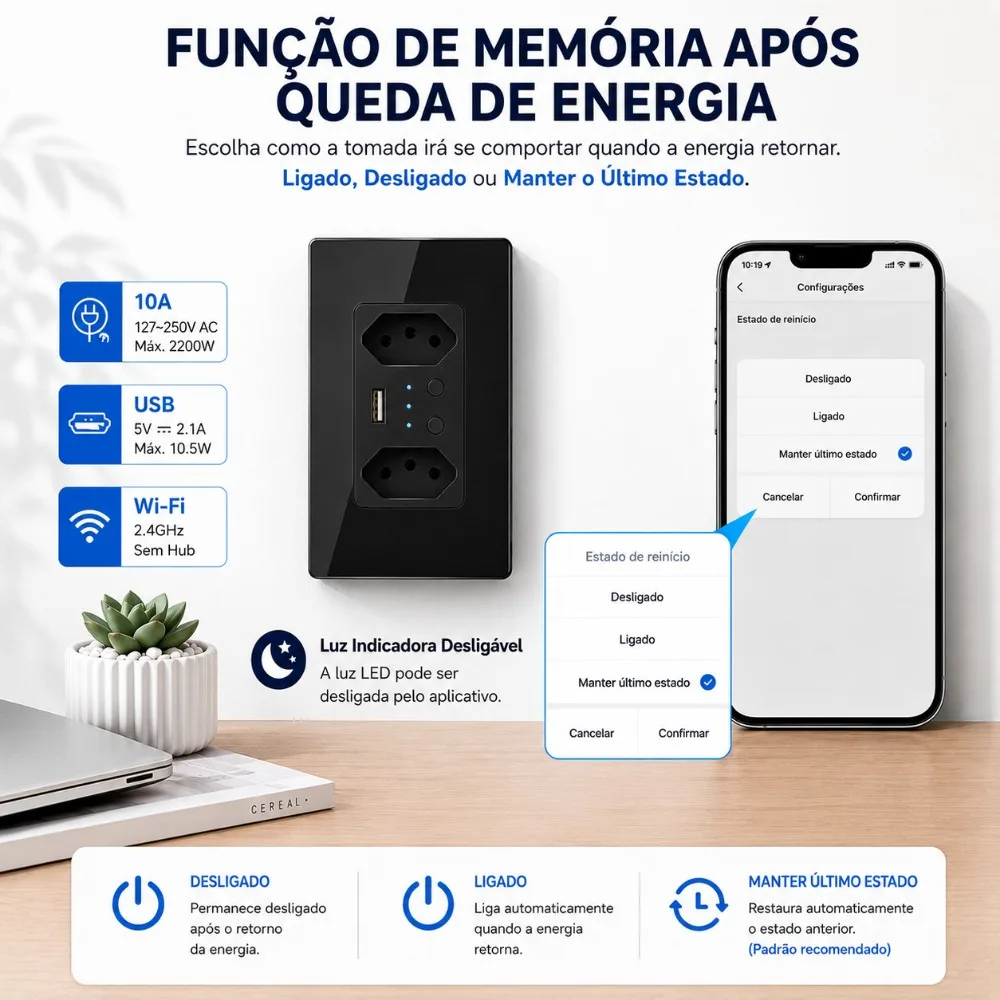
Input Voltage: 90-250V,; 50-60Hz
Max.Current: 16A
Max.Power Rating: 3520W
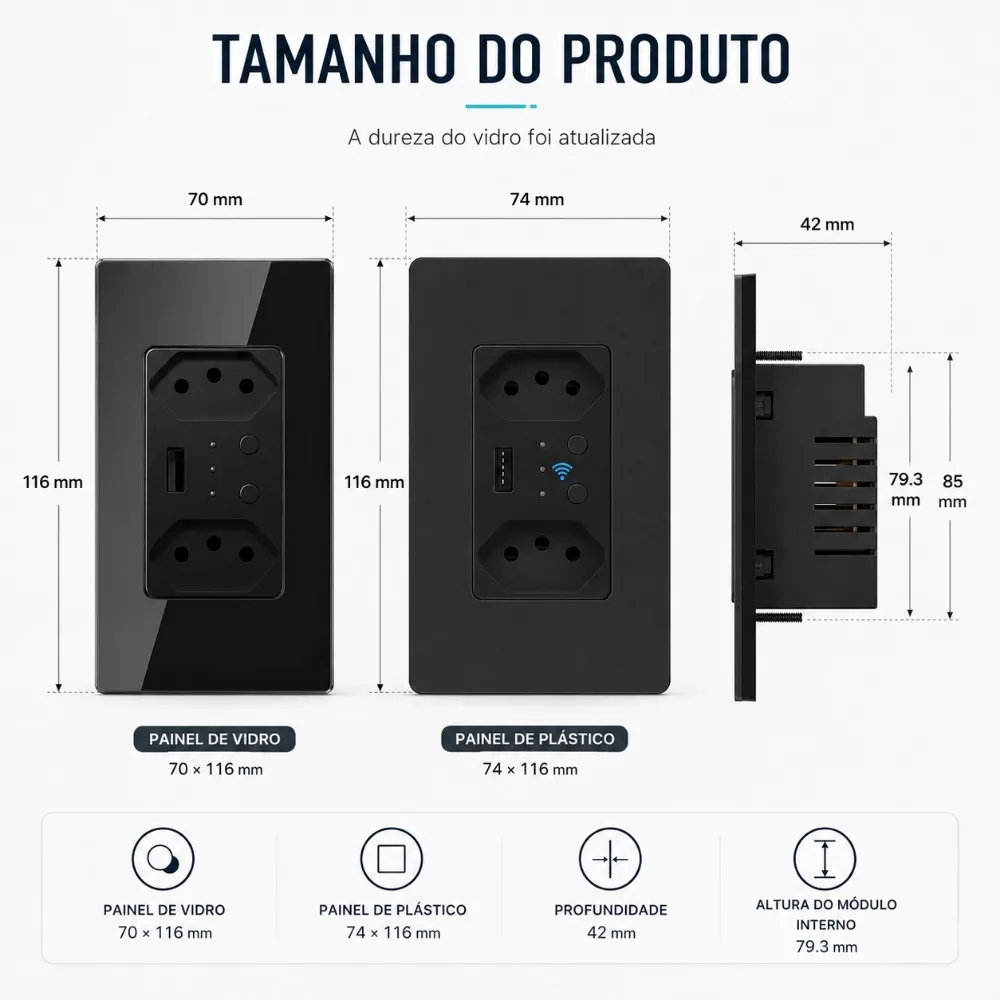
Product Dimensions: 5.5*3.86*2.6 inches
Surge Protection Rating: 1680J
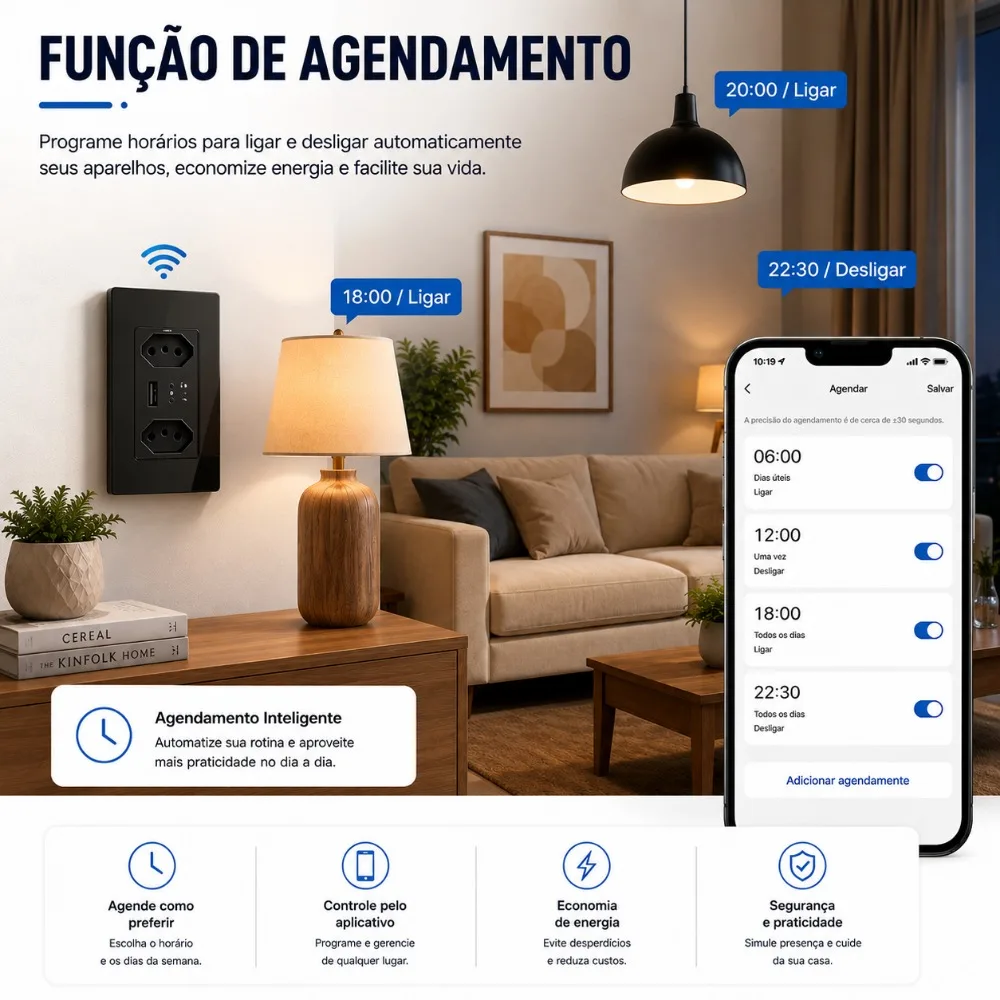
Schedule feature
Timer function
Energy saving
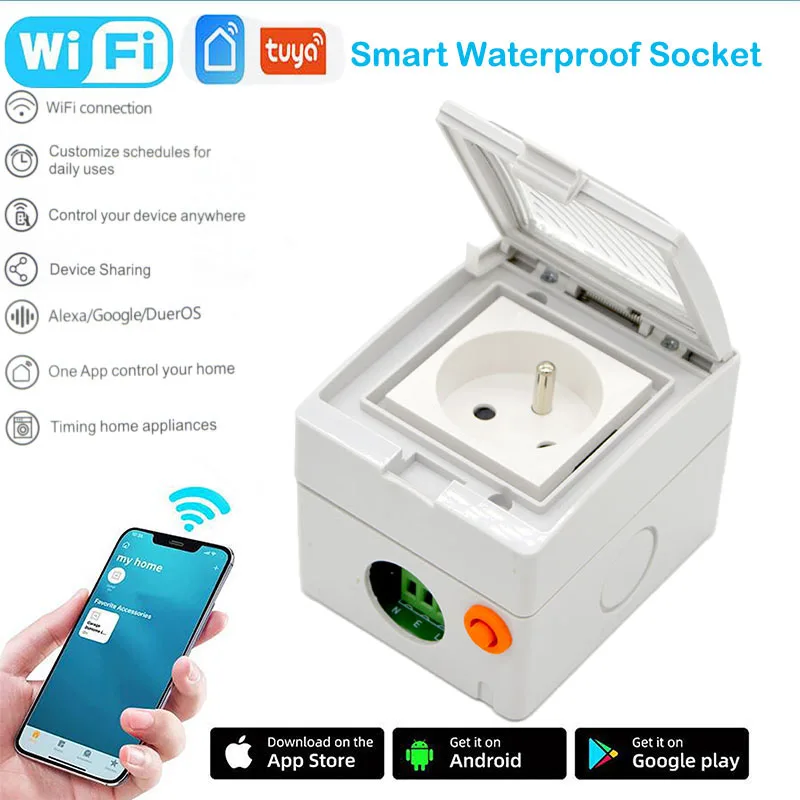
Works with Smart Life /Tuya APP
Sleek design controllable from anywhere
Works with Alexa and Google Assistant
Everything you enjoy about smart plugs, now in a sleek, in-wall outlet. Save space and create a natural smart home environment by installing the Smart Wi-Fi Power Outlet, 2-Sockets in your bedroom, living room, garage and other areas.
FEATURES:
-Set timer, share with family members or create schedule . These features will leave your hands free, make your life easier and smarter.
-The smart WiFi Wall Outlet uses your existing home WiFi network to provide wireless control of your devices from anywhere in the world.
No subscription or hub is required:
simply install the Wall Outlet and start controlling your Devices from your phone or tablet. Using the free Smart Life app, you can switch your lights on and off and set schedules no matter where you are.
Quick charge 2.1A for smart devices
-Perfect for home and office with combined security of surge protection. Choose the right brightness using touch-activated button. Warm white light which are soft enough to accompany adult and kid sleeping and not disturbing.-
-Intelligent built-in voltage sensing circuitry detects and responds to your device’s power needs, while safety features, such as thermal fuses that power off your system in the event of a severe occurrence, ensure that your devices are protected.
In addition, The Safety Shutdown Technology uses thermal fuses to power off your system, which protects against fire and other damage in the event of an extreme, extended over voltage or when surge protection expires.
COMPATIBILITY:
Works flawlessly with Alexa, Google Assistant & IFTTT. Voice Control Use simple voice commands with your in wall smart outlet and Microsoft Cortana.Take up less space with this in wall option that’s ideal for your living room, kitchen, even your bedroom.
CERTIFICATION & WARRANTY:
CE/ROHS/FCC certification ensures complete protection.You can purchase with confidence, with our 30-day money back guarantee and 24-month replacement warranty. If you face any technical issue, feel free to us, we will try our best to help you.Smart phone with the Meross app (iOS & Android). It’s like having a universal remote in your pocket. You can check to see the status of connected devices from anywhere any time.
Facilitating the Lives of the Disabled and the Elderly
Disabled and elderly people can use mobile phone remote control electrical equipment, turn on /off lights, air conditioners, fans. Also can voice commands to control them, after Compatible with Amazon Alexa, Amazon echo dot and Google Assistant. It will facilitating the lives of the disabled and the elderly.
Connected Smart Life/TUYA App
Step 1: Search "Smart Life" on App Store, Google Play or Scan the QR code on User Manual to download and install it.
Step 2: Connect the plug to your local 2.4G Wi-Fi with your phone connecting to it.
Step 3:Set up your Smart Life account.
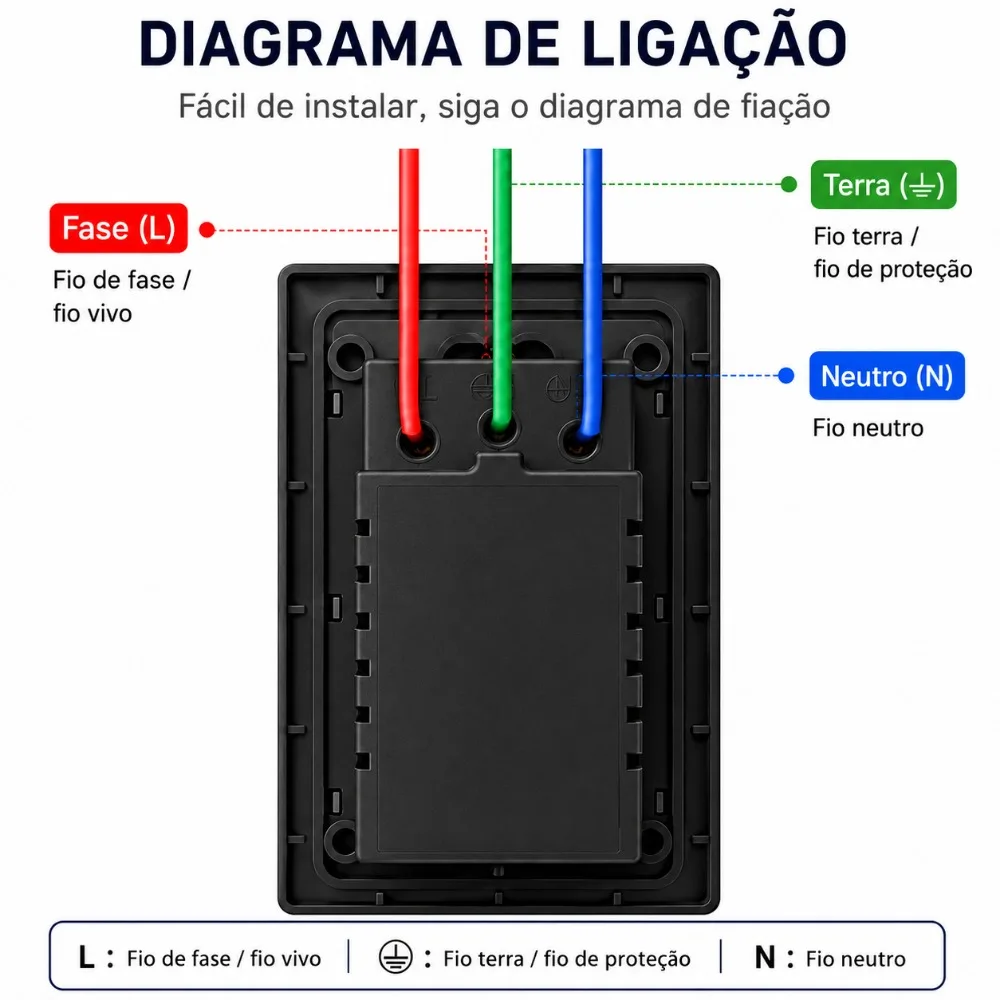
Step 4: Install Kapok Wall Outlet correctly in standard Wall box.
Step 5: Add Device>ELECTRICAL OUTLET and confirm the device in the App.
Step 6: Easy Mode or AP Mode(Long press on/off button of the device for about 5 seconds).
Step 7: Schedule your appliances.
Package List:
1 * multi outlet
1 * Instruction manual
1* Paper Box