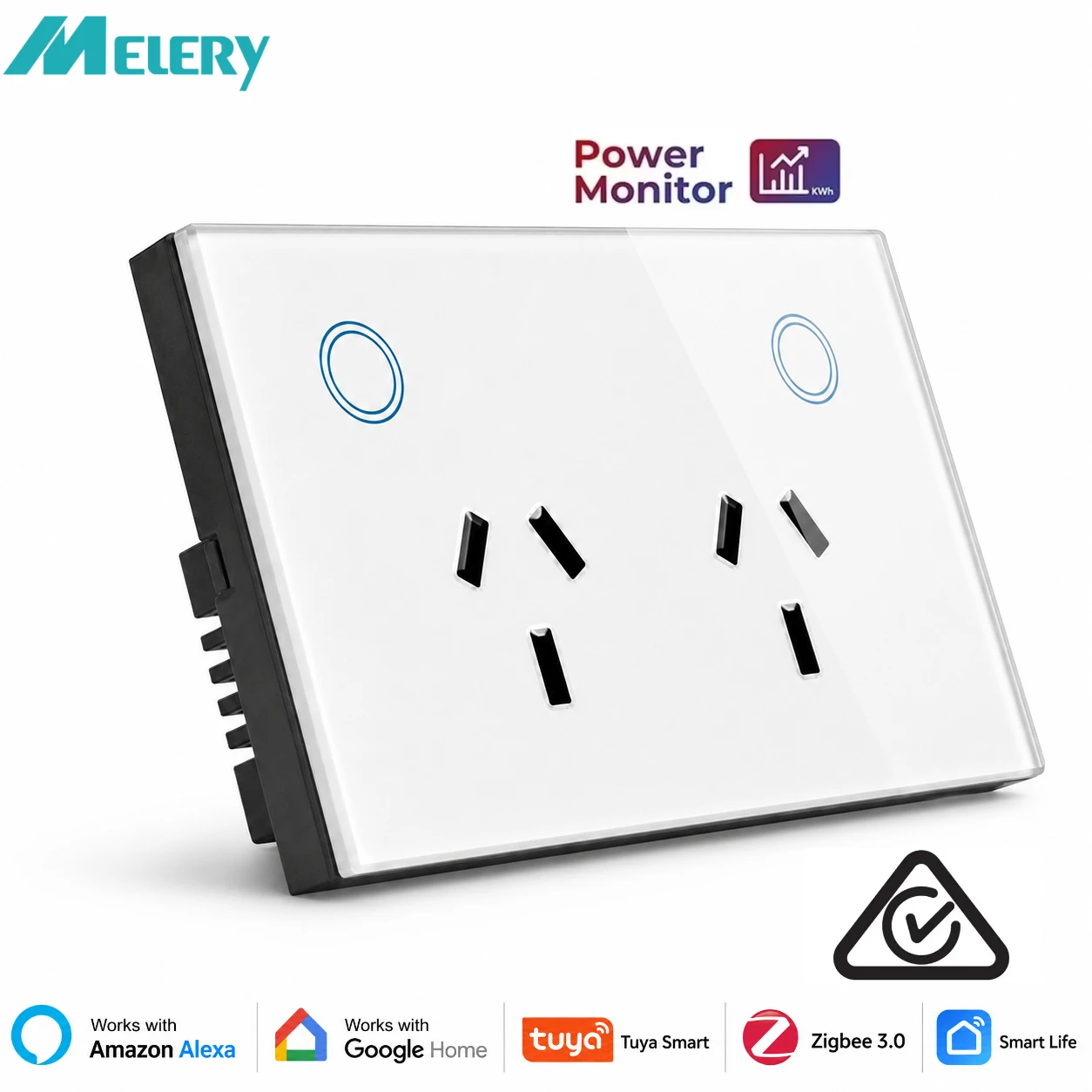
Melery Zigbee Smart Wall Socket AU Electrical Plug Outlet Power Monitoring Touch Sensor Switch Wireless Remote Alexa Google Home
& Free Shipping
Free shipping on orders over $50!
- Satisfaction Guaranteed
- No Hassle Refunds
- Secure Payments
Description
- High-concerned chemical: none
- Material: Glass
- Backlight/Indication: Yes
- Socket Type: Socket 220V
- Installation Type: Wall Embedded
- Is Smart Device: Yes
- EU LVD Voltage: High voltage: Above 50Vac or 75Vdc
- Features: Automatically Power On and Off,Remote Control,With USB Ports,WireLess
- Extension Cable Length: None
- Shape: Rectangular
- Model Number: WWS019-Zigbee
- Rated Current: 15A
- Grounding: Standard Grounding
- Application: Residential / General-Purpose
- Brand Name: Melery
- Protection class: IP 21
- Number of slots: 2
- Origin: Mainland China
- Certification: CE,FCC,RoHS
- Standard: UK WIFI WALL SOCKETS
Melery Zigbee Smart Wall Socket 2 Ways AU Electrical Plug Outlet 15A Power Touch Sensor Switch Wireless Remote Alexa Google Home
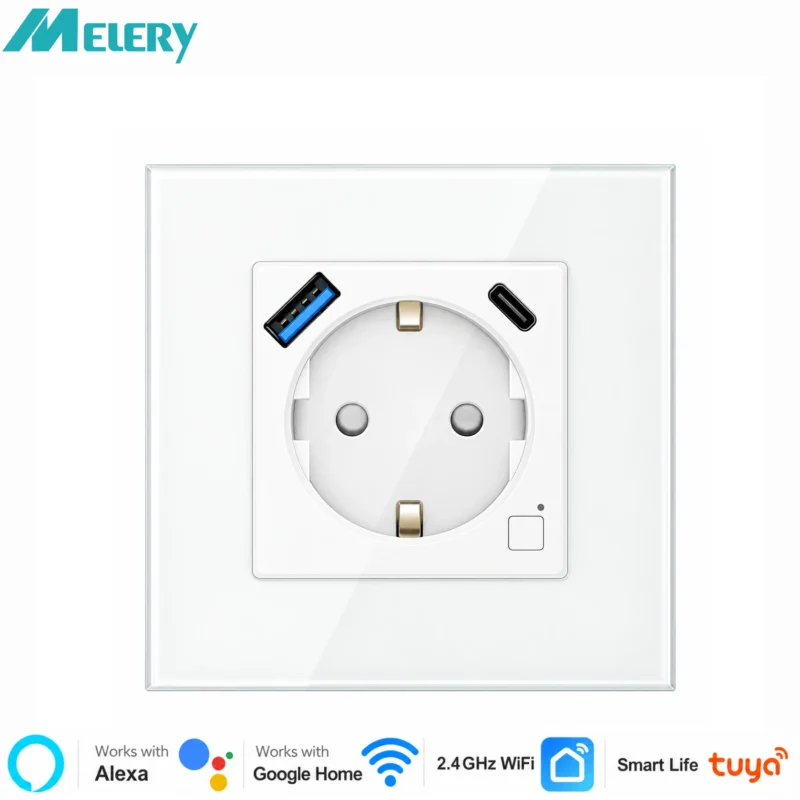
Upgrade your home to a smart lifestyle with Melery Zigbee Smart Wall Socket—2-way AU standard outlet with touch control, USB charging, and seamless smart home integration. Designed for convenience, safety and energy efficiency, it’s your perfect helper to build a modern smart home.
Product Specifications
|
Item
|
Details
|
|
Brand
|
Melery
|
|
Color
|
White
|
|
Size
|
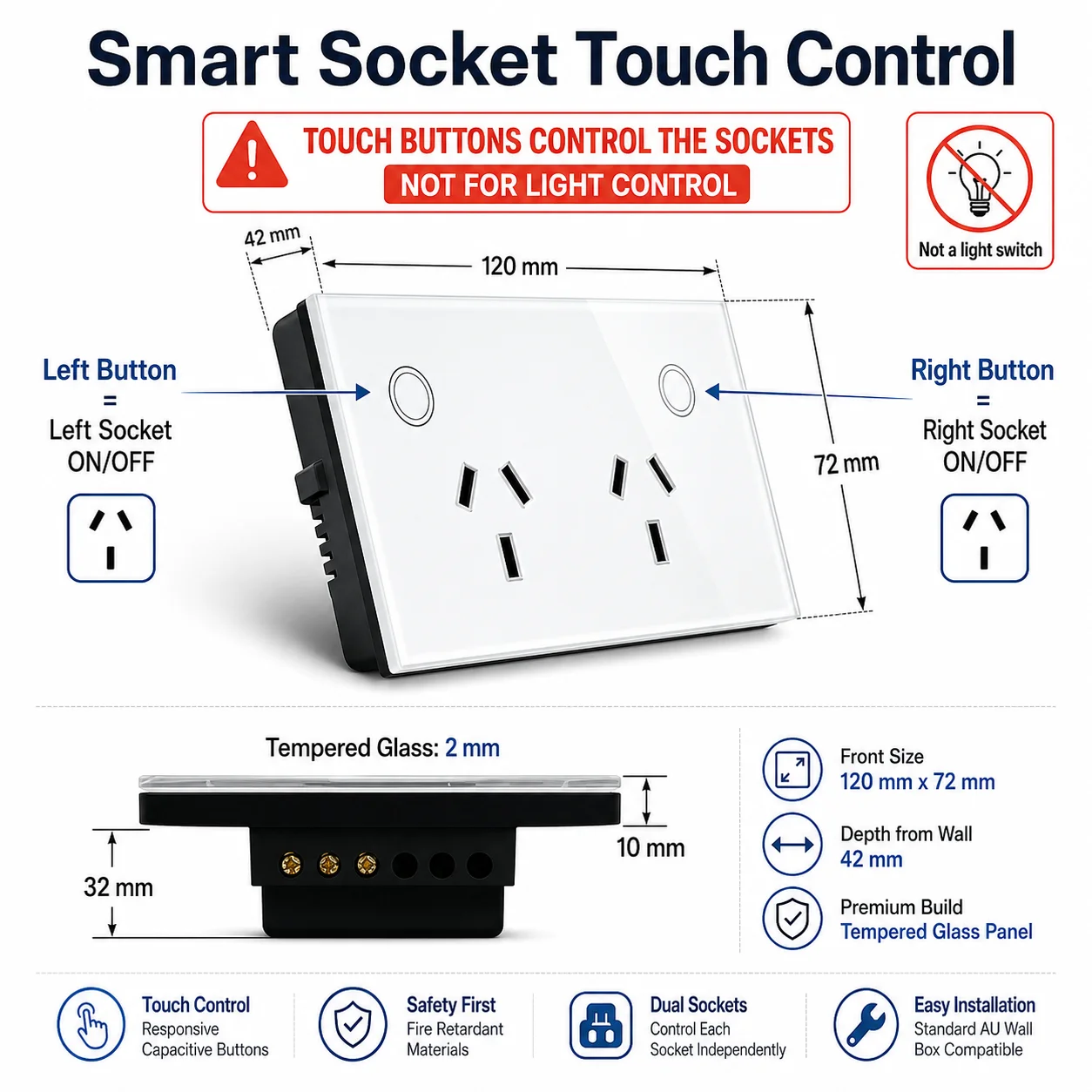
(L) 118 × (W) 86 × (H) 38mm
|
|
Weight
|
191g
|
|
Material
|
PC
|
|
Voltage Range
|
90-250V AC
|
|
Max Current (Each Outlet)
|
15A
|
|
USB Port Current
|
Max 2.1A per port, total 4A
|
|
Wireless Frequency
|
2.412~2.484GHz
|
|
Wireless IEEE Standards
|
IEEE802.11b/g/n
|
|
Security Type
|
WEP61/WEP/128/TKIP/CCMP(AES)
|
|
Security Mechanism
|
WEP/WPA-PSK/WPA2-PSK
|
|
Wireless Power Consumption
|
≤0.3W
|
|
Working Condition (Temperature)
|
-30~60℃
|
|
Certifications
|
FCC, CE, ROHS, RED Approved
|
Key Features
-
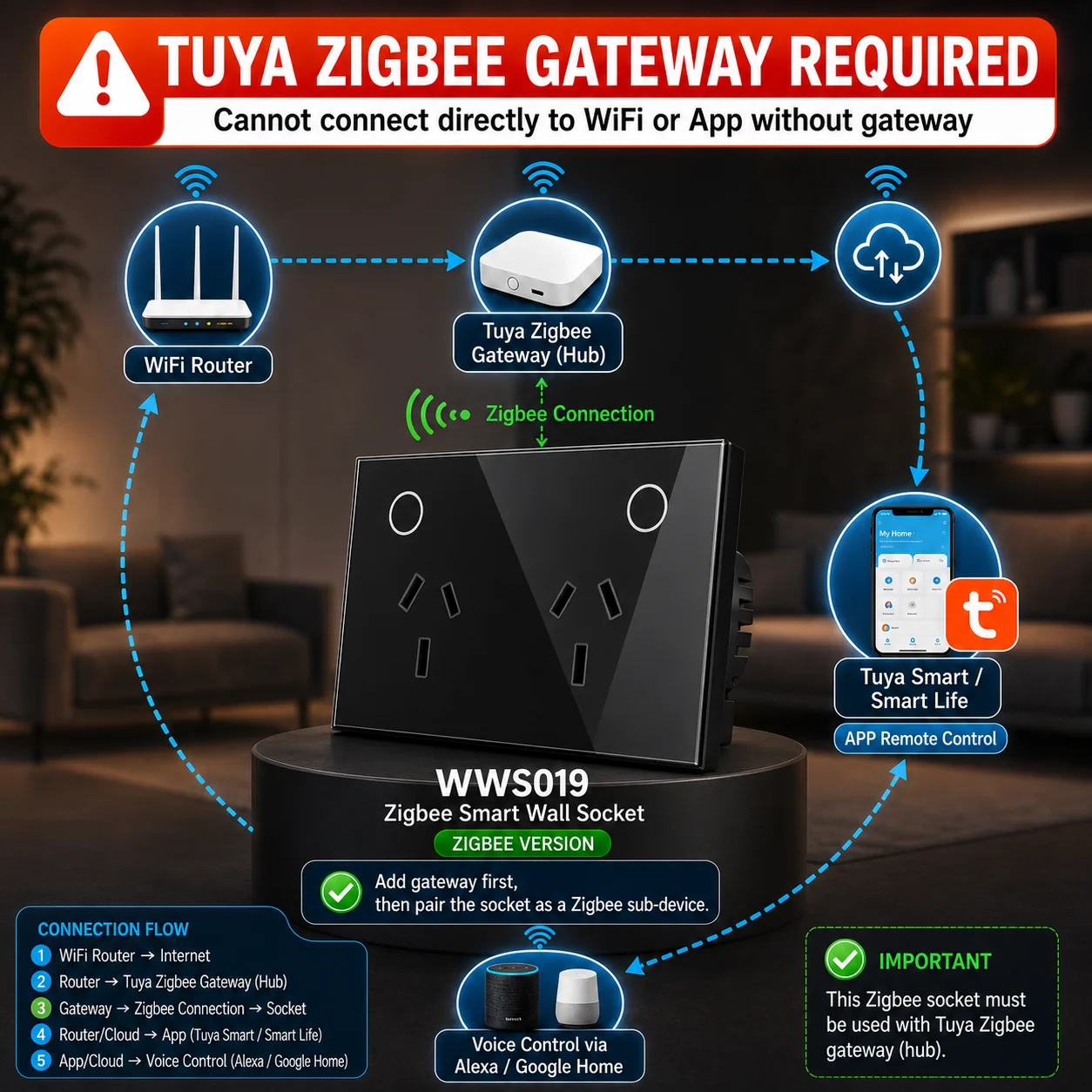
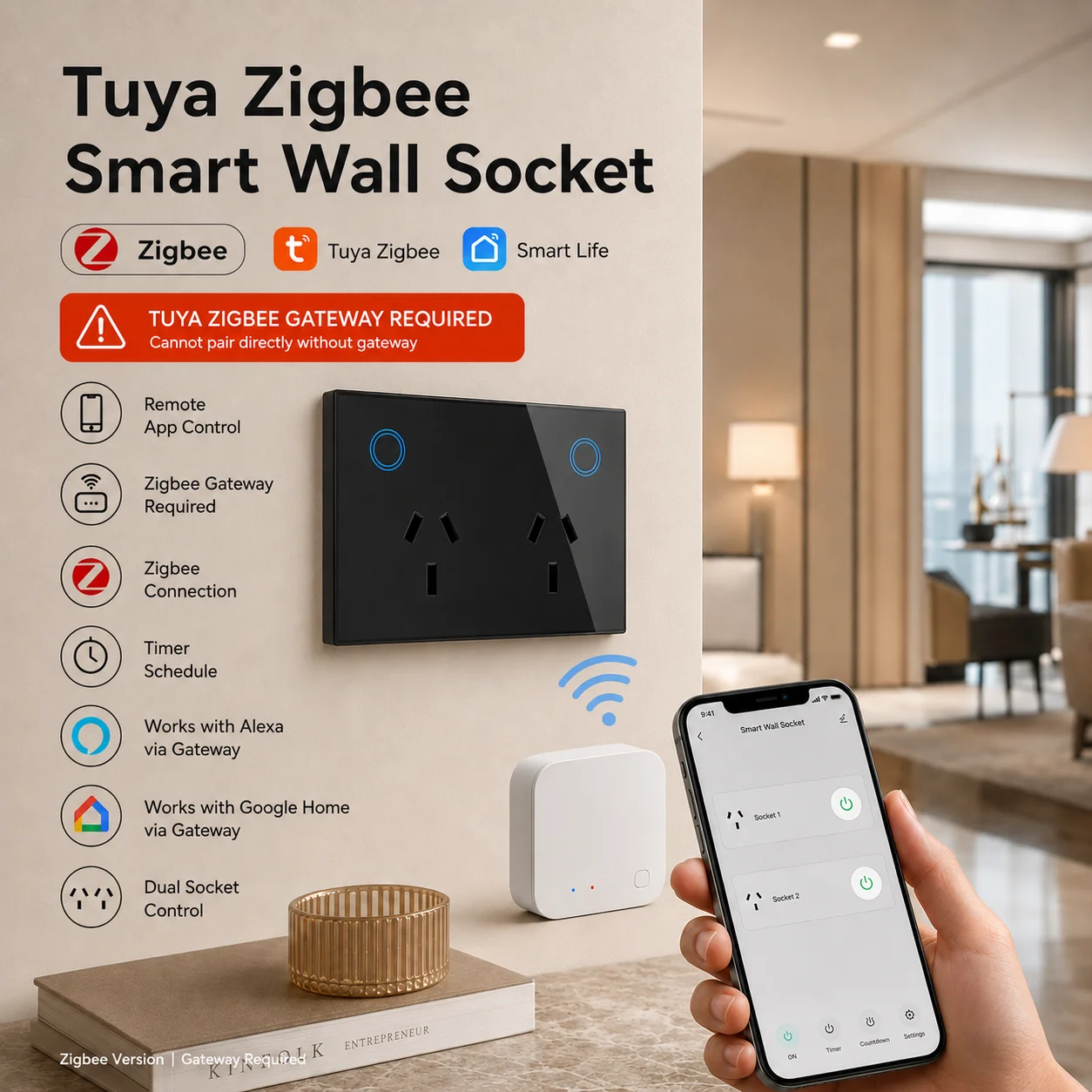
Zigbee Network Support: Built-in high-performance Zigbee module, ensures stable and low-power connection for smart home networking.
-
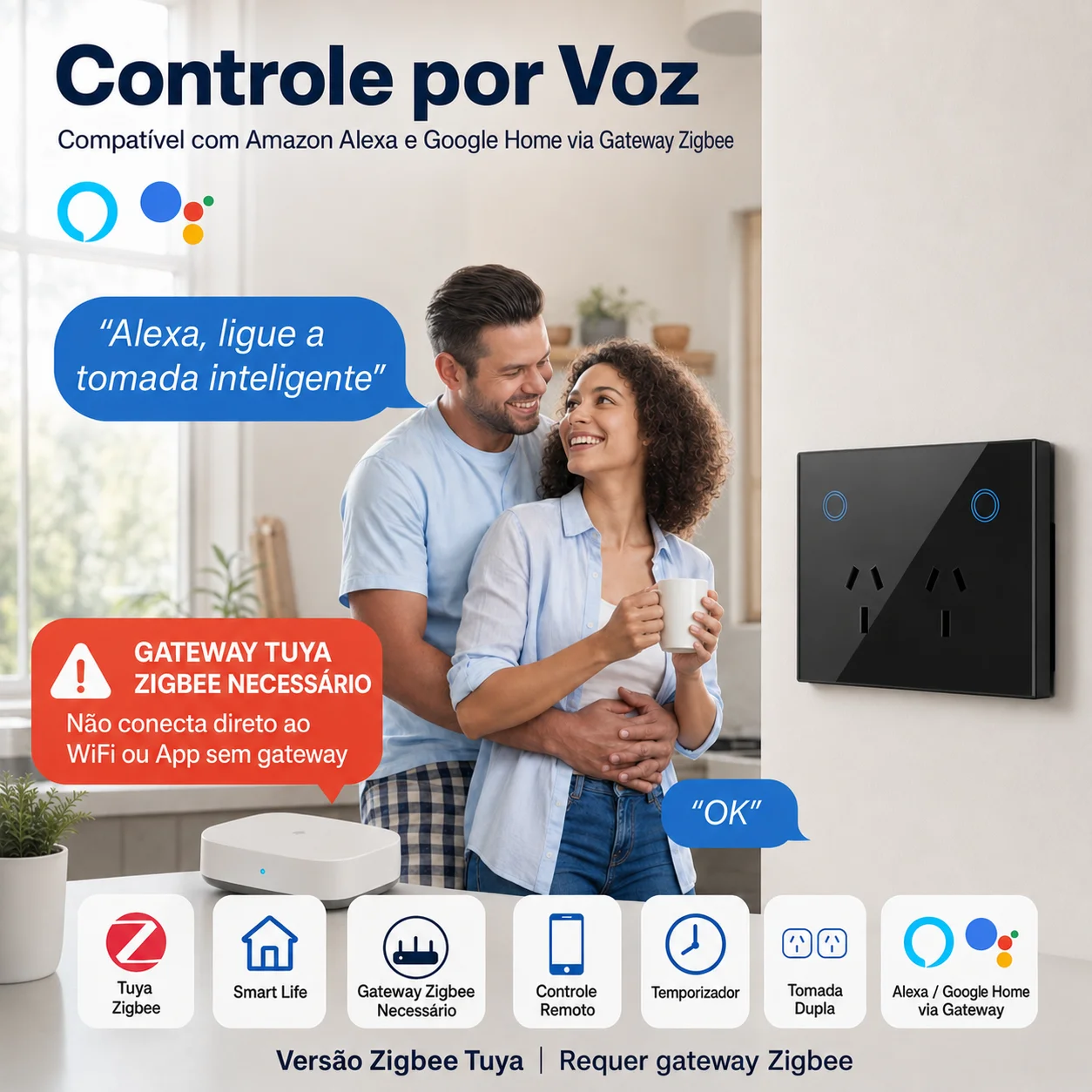
Voice Control Compatible: Seamlessly works with Amazon Alexa and Google Home, enabling hands-free voice control of your home appliances.
-
Easy Smart Configuration: Adopts Smart Link net technology, allowing quick and hassle-free network setup without complicated operations.
-
Real-Time Status Tracking: Timely feeds back the status of connected home appliances to your smartphone, keeping you informed anytime, anywhere.
-
Touch Sensor Switch: Sensitive touch control design, easy to operate locally even without a mobile phone.
-
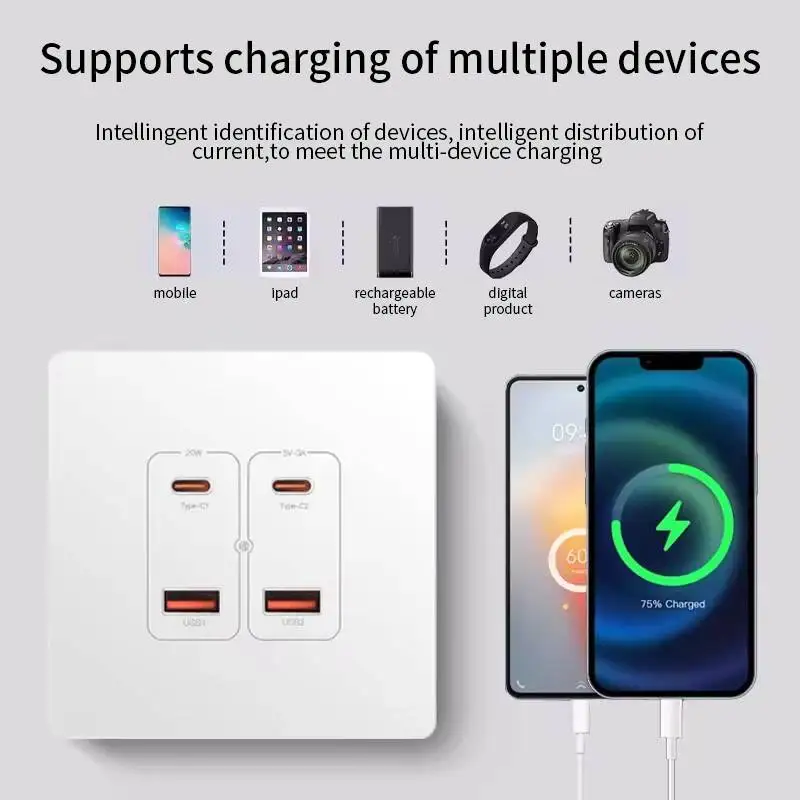
Dual USB Charging Ports: Comes with USB ports (max 2.1A per port, total 4A) for convenient charging of mobile phones, tablets and other USB-powered devices.
-
Timer & Energy Saving: Supports DIY timing function, helping you save energy by automatically turning on/off appliances according to your needs. Power indicator helps track energy consumption.
-
Easy Installation & Stable Performance: Simple wall-mounted installation, easy to handle, can be activated immediately and works stably for long-term use.
-
Wide Compatibility: Connects to the Internet via Zigbee network, one mobile device can control multiple Melery Zigbee smart wall sockets.
How to Pair & Connect (Step-by-Step Guide)
I. Pair with Tuya Zigbee Gateway
Preparation
-
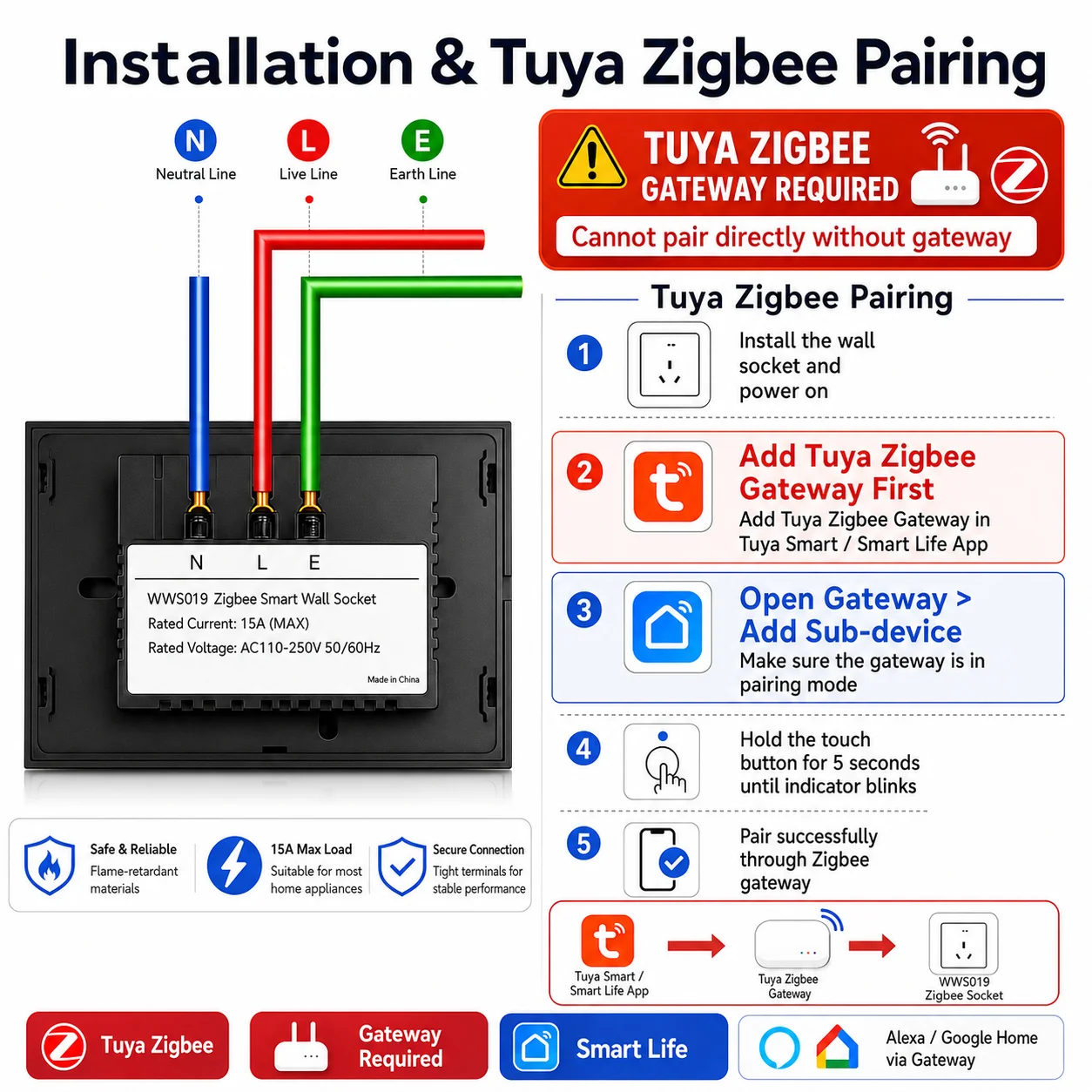
Ensure the Tuya Zigbee gateway is connected to the network and added to the "Tuya Smart" app (please refer to the gateway’s user manual for setup).
-
Power on the smart wall socket and place it within the effective range of the gateway (recommended within 10 meters, minimize obstructions such as walls).
Enter Pairing Mode
Quickly press the function/touch button 5 times, or long-press it for 3-5 seconds until the indicator light flashes quickly (red-blue alternating or green flashing, subject to the actual device). When the indicator flashes rapidly, it means the pairing mode is activated successfully.
Add Device in the App
-
Open the "Tuya Smart" app, log in to your account, and enter the home/room where the gateway is located.
-
Tap the "+" icon at the top right corner of the app, select "Auto-Detect Devices". The app will scan for nearby Zigbee devices in pairing mode via the gateway.
-
Once the smart wall socket is detected, follow the app prompts to complete device naming, room allocation and other settings. Wait for the pairing to finish—when the indicator light stays steady, it means pairing is successful.
II. Connect to Amazon Alexa
Prerequisites
-
The smart wall socket has been successfully added to the "Tuya Smart" app and works properly.
-
Your Alexa device (such as Echo speaker) is connected to the network. The "Amazon Alexa" app is installed and logged in on your mobile phone.
Link Accounts
-
Open the "Amazon Alexa" app, tap "More" at the bottom of the page, then select "Skills & Games".
-
Search for the "Tuya Smart" skill, tap "Enable" to enter your "Tuya Smart" app account and password, and complete the authorization binding.
Discover Devices
-
After account binding, go to "Devices" in the Alexa app, tap the "+" icon at the top right corner, then select "Add Device".
-
Choose "Other" and wait for Alexa to scan for connected devices. Once scanned, the Melery smart wall socket will appear in the device list.
-
Now you can control it via voice commands, e.g., "Alexa, turn on the bedroom socket" or "Alexa, turn off the coffee maker socket".
III. Connect to Google Home
Prerequisites
-
The smart wall socket has been added to the "Tuya Smart" app and works normally.
-
Your Google Home device (such as Google Nest) is connected to the network. The "Google Home" app is installed and logged in on your mobile phone.
Link Accounts
-
Open the "Google Home" app, tap the "+" icon at the top right corner, select "Set up device", then choose "Works with Google".
-
Search for "Tuya Smart" in the search bar, select it, and enter your "Tuya Smart" app account and password to complete account linkage.
Sync Devices
-
After account linkage, Google Home will automatically sync Tuya devices. If not, you can manually tap "Sync devices" to refresh.
-
Once synced, the smart wall socket will appear in the Google Home device list. You can control it via voice commands, e.g., "Hey Google, turn off the living room socket" or "Hey Google, turn on the lamp".
Important Notes for Pairing & Connection
-
If the device is not detected by Alexa or Google Home, please first check if the socket is online in the "Tuya Smart" app. If it’s offline, re-pair it with the gateway. You can also unbind and rebind the Tuya account with Alexa/Google Home.
-
In some regions, please ensure that your Tuya account’s region setting matches the region setting of Alexa/Google Home to avoid linkage failures.
-
The name of the voice command should be the same as the device name set in the "Tuya Smart" app. It is recommended to use concise and easy-to-pronounce names for better voice recognition.
Smart Control & Energy Saving Advantages
-
Remote Control: Control your home appliances from anywhere with your mobile phone via the "Tuya Smart" app, as long as there is a network connection.
-
Personalized Schedule: Set auto on/off times for your appliances according to your daily routine. No need to worry about forgetting to turn off appliances when going out, ensuring home safety and saving energy.
-
Energy Saving Function: The socket’s low power consumption (≤0.3W) and timing function help reduce standby power waste, lowering your electricity bills.
-
Smart Home Integration: Cooperate with Alexa and Google Home to realize voice control, making your life more convenient and comfortable.
Package Includes
-
1 × Melery Zigbee Smart Wall Socket (2 Ways AU Plug)
-
2 × Mounting Screws
-
1 × User Manual (English)