
Tuya WiFi Video Doorbell Wireless HD Camera IP65 Waterproof PIR Motion Detection Security Smart Home Door Bell Intercom for Home
$95.56 & Free Shipping
Free shipping on orders over $50!
- Satisfaction Guaranteed
- No Hassle Refunds
- Secure Payments
Description
- High-concerned chemical: none
- Linking method: Bluetooth
- Itercom: Yes
- Power: Electric Supply
- Display: None
- Feature: Video
- Origin: Mainland China
- Certification: CE,RoHS
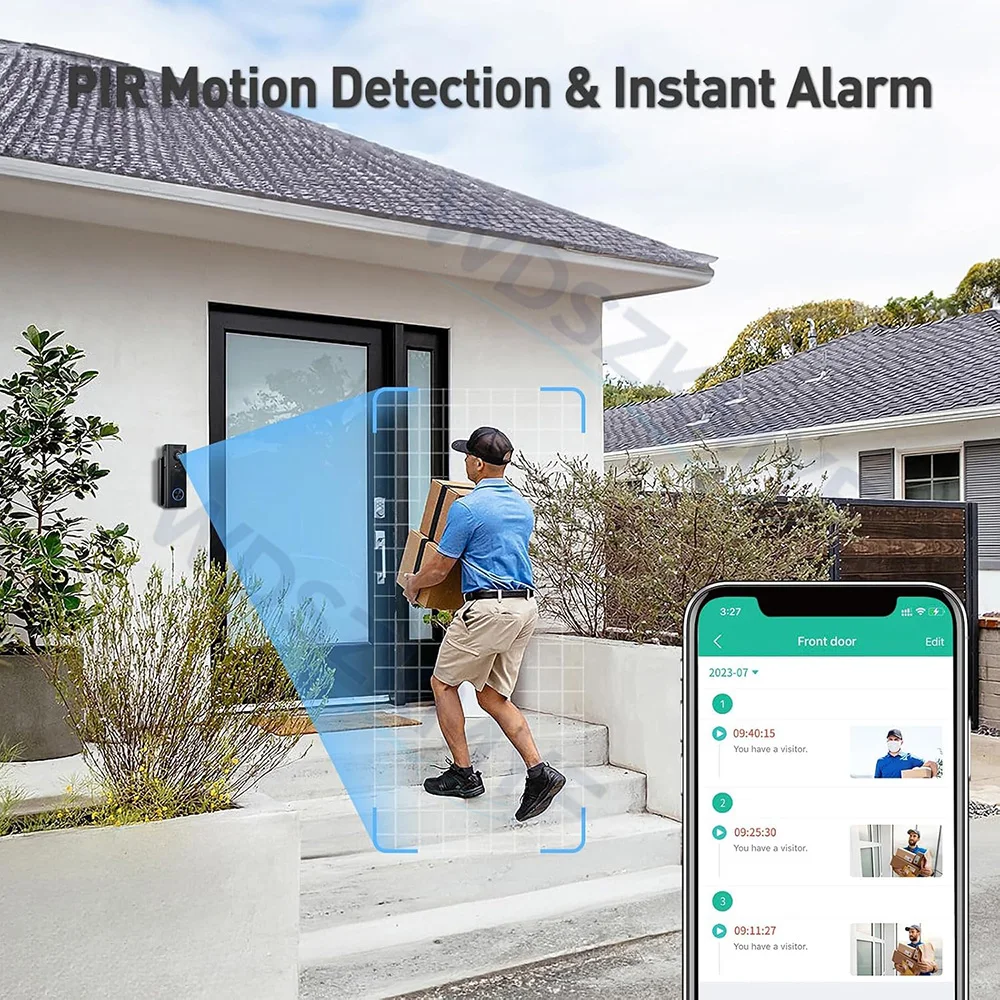
Dear Customer, this product is equipped with a genuine motion detection feature. Once motion detection is enabled, it will automatically record a 4–6-second video (stored in the cloud) when someone approaches. After recording, the video will be automatically pushed to the app, and you’ll receive a pop-up notification on your phone. You must enable this feature in the app settings the first time you use it. Instructions for setting it up in the app are provided below the section on motion detection in this article; please be sure to review them. Thank you.
Note: When connecting to the device for the first time, the Tuya app will request certain permissions. This is normal; please be sure to agree to the permission requests. If you do not grant these permissions, you will be unable to perform certain remote operations on your device via the Tuya app due to a lack of access.
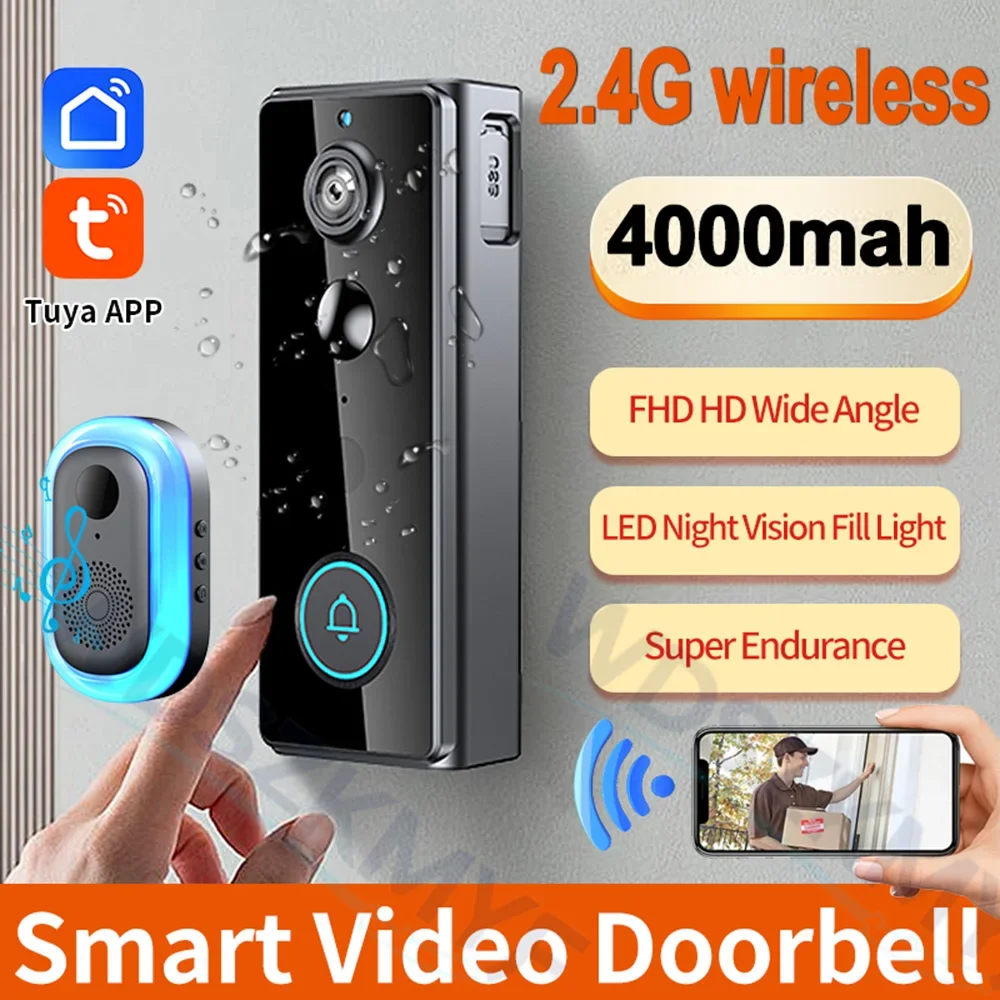
2.4GHz Wireless Video Doorbell, 2MP HD Smart Doorbell with Infrared Night Vision, PIR Motion Detection & Instant Video Alerts, Free Lifetime Cloud Storage No Subscription, IP65 Waterproof, 4000mAh Long Battery Life up to 5-6 Months, USB Powered Chime
◆ Clear Vision, Day and Night
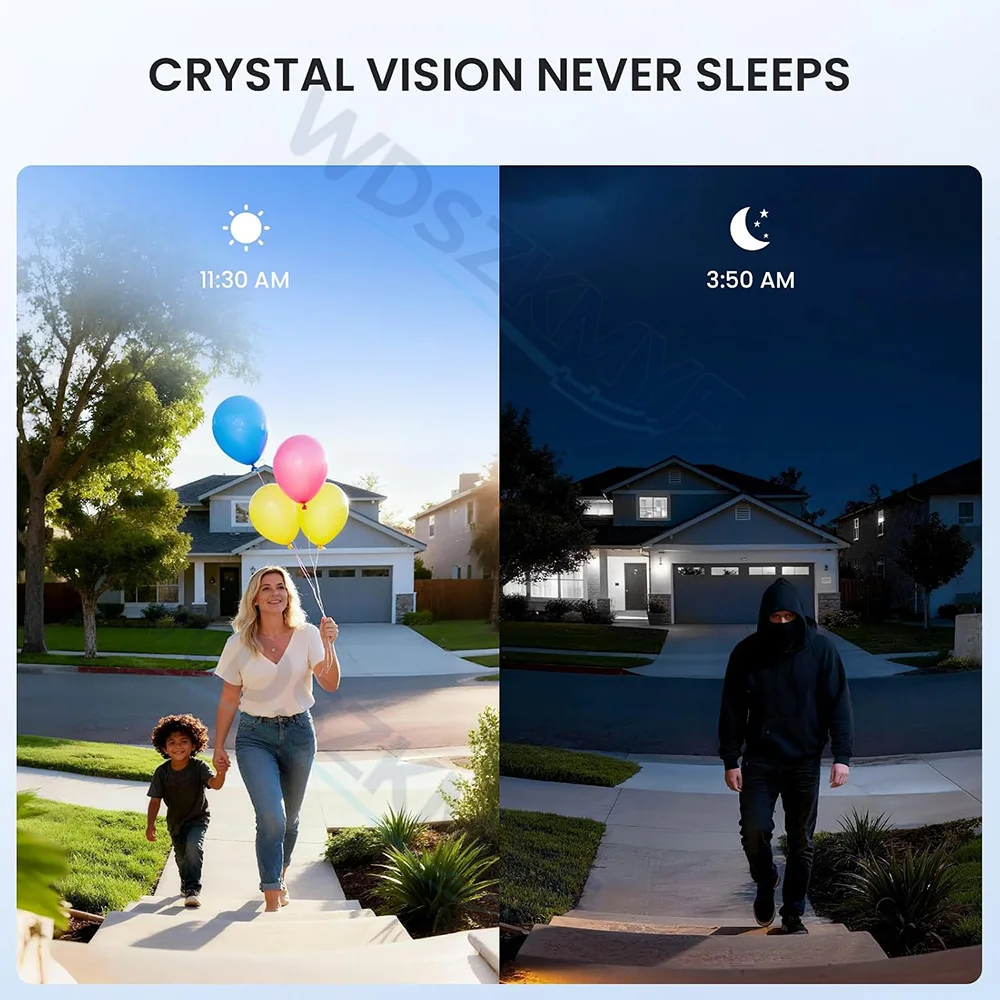
Equipped with a 2MP HD camera and infrared night vision, this wireless video doorbell captures crisp, colorful images during the day and clear black-and-white footage at night. You will always know who is at your door.
◆ Live View from Anywhere
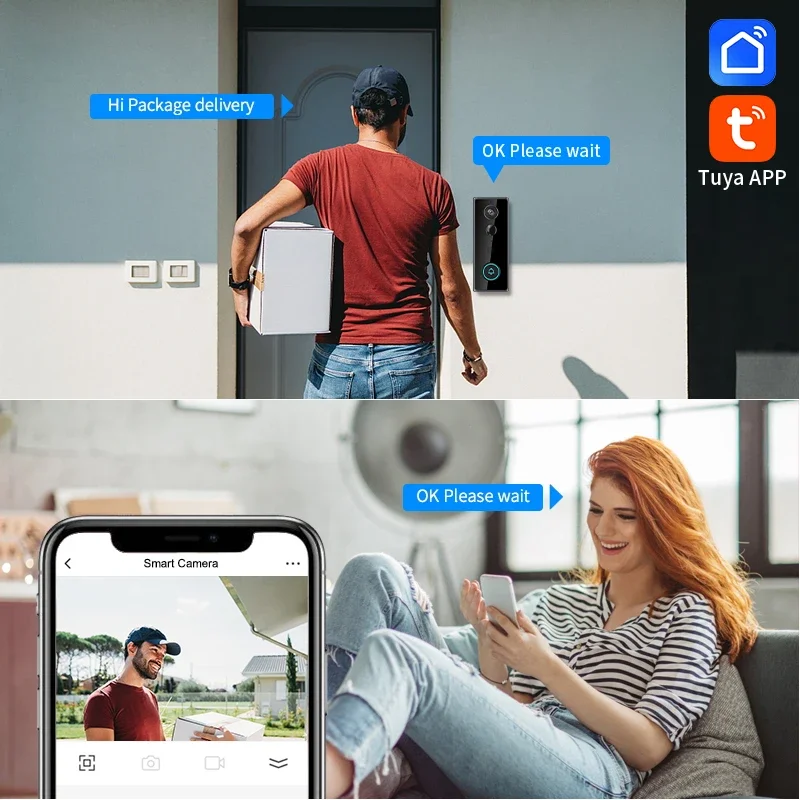
Connect the doorbell to your home's 2.4GHz Wi-Fi and watch a real-time view of your front door from the free mobile app. Stay connected to your home no matter where you are.
◆ Smart Motion Alerts in Seconds
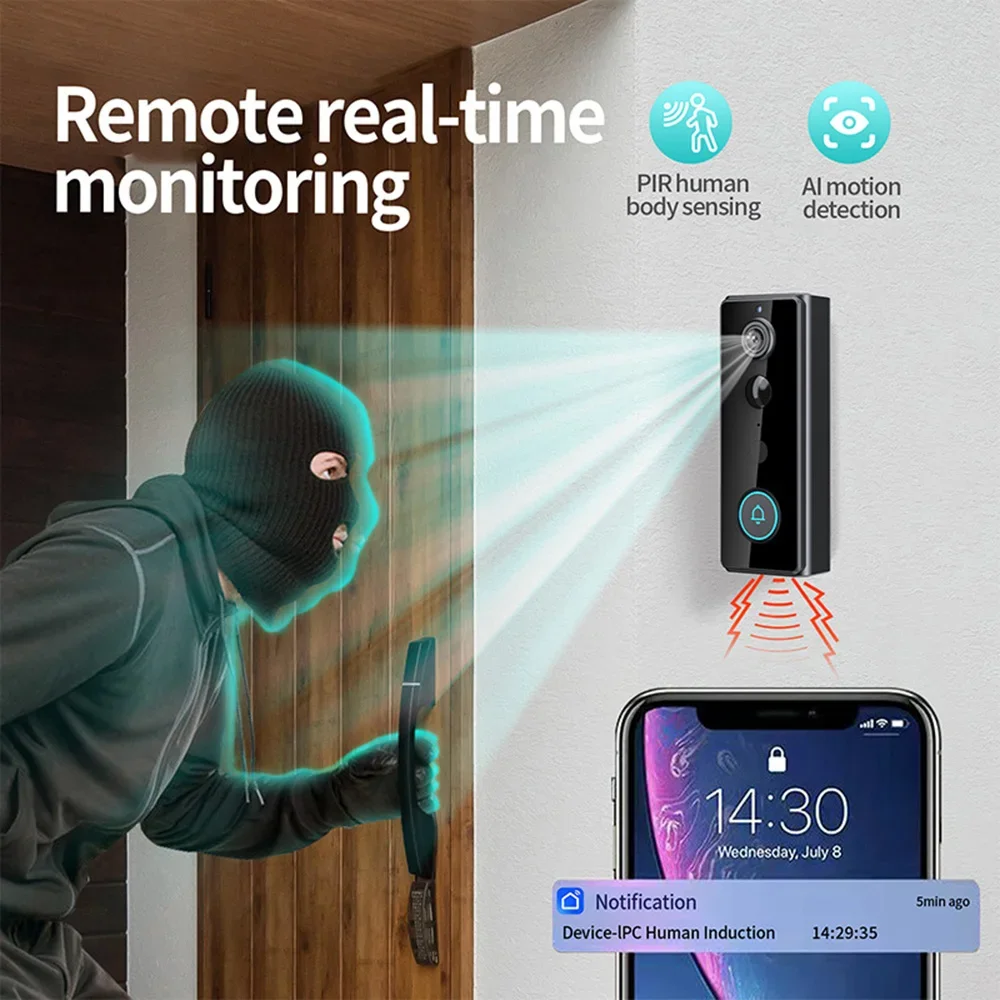
The built-in PIR motion sensor detects people approaching your door and automatically records a video clip, then pushes it straight to your phone. See and respond to visitors before they even knock.
◆ Free Lifetime Cloud Storage
Your event videos are stored automatically in the cloud with a rolling monthly loop — completely free, for life. No subscription, no monthly fee, no hidden cost. Review and download your clips anytime from the app.
◆ Built for the Outdoors
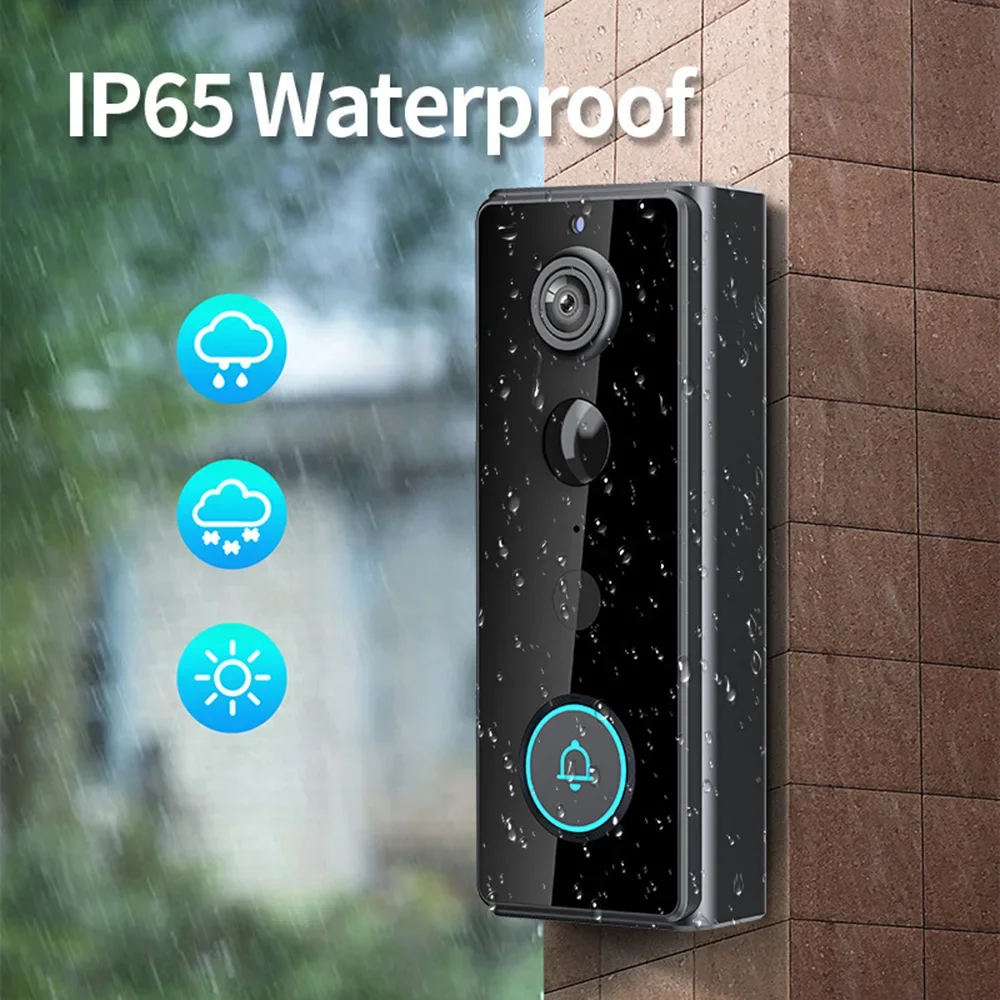
With an IP65 waterproof rating, the doorbell stands up to rain, snow, sun, and dust, keeping reliable performance in all weather conditions — season after season.
◆ Long-Lasting Battery, Simple Setup
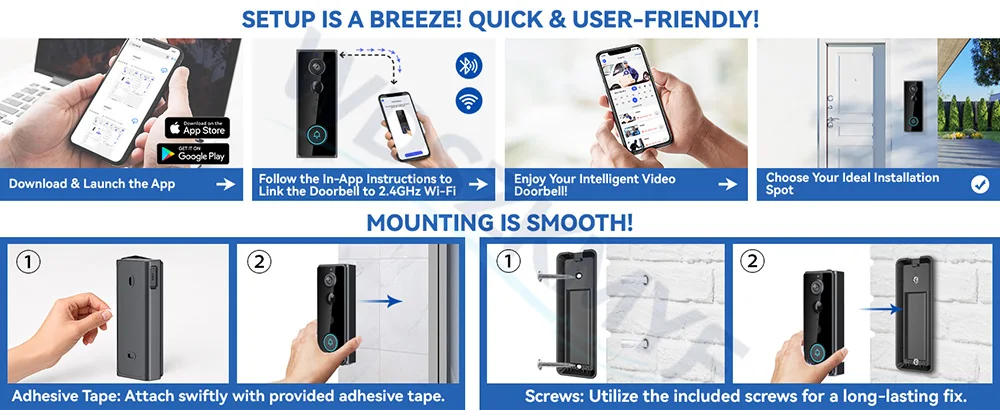
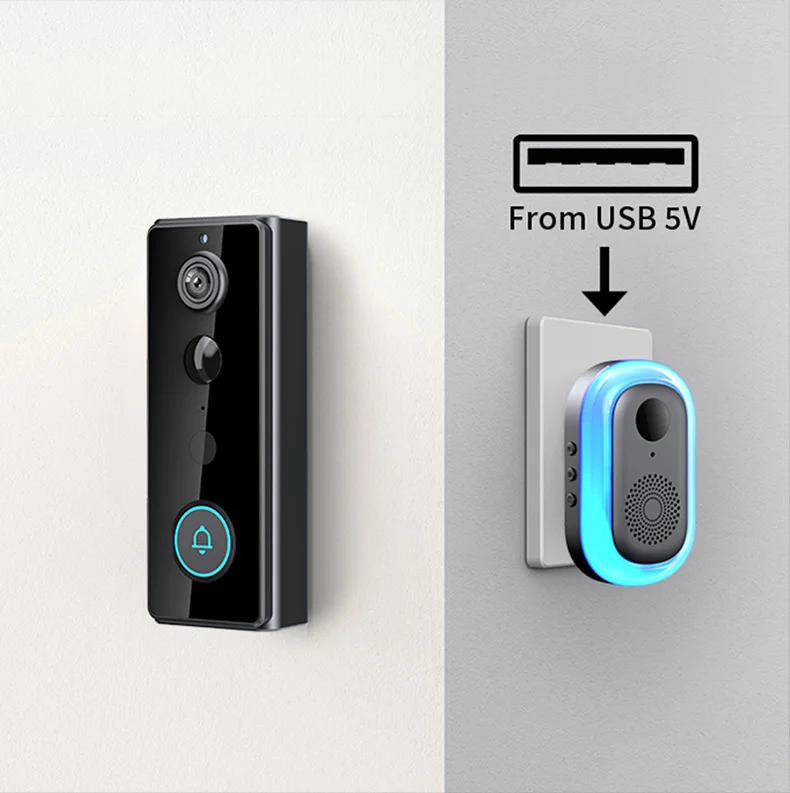
A powerful 4000mAh battery provides up to 5-6 months of standby time on a full charge, so you rarely need to think about charging. The indoor chime is powered by a USB cable and simply plugs in — no wiring, no drilling into your wall studs, quick 5-minute setup.
Package Includes: Video Doorbell ×1, Indoor Chime ×1, USB Cable ×1, Mounting Kit ×1, User Manual ×1
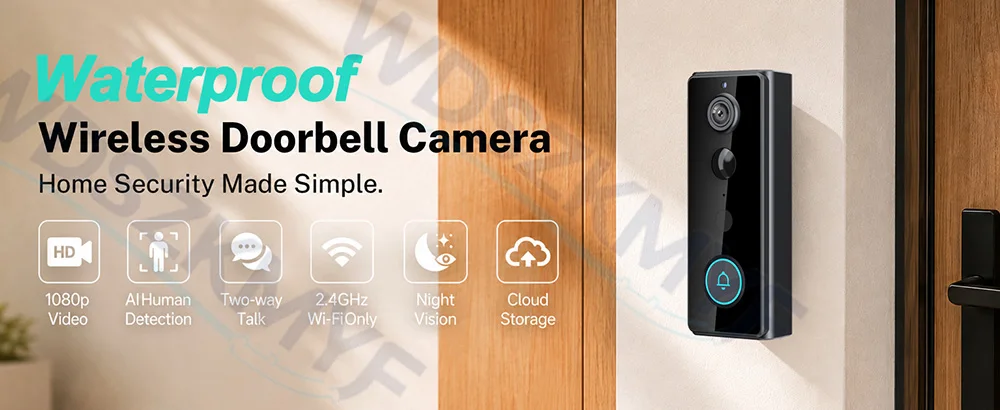
Truly wireless doorbell
With a high-capacity 4000mAh battery, there is no need for a constant power connection, nor is it necessary to install an outdoor power supply or socket. Installation is neat, simple and convenient.

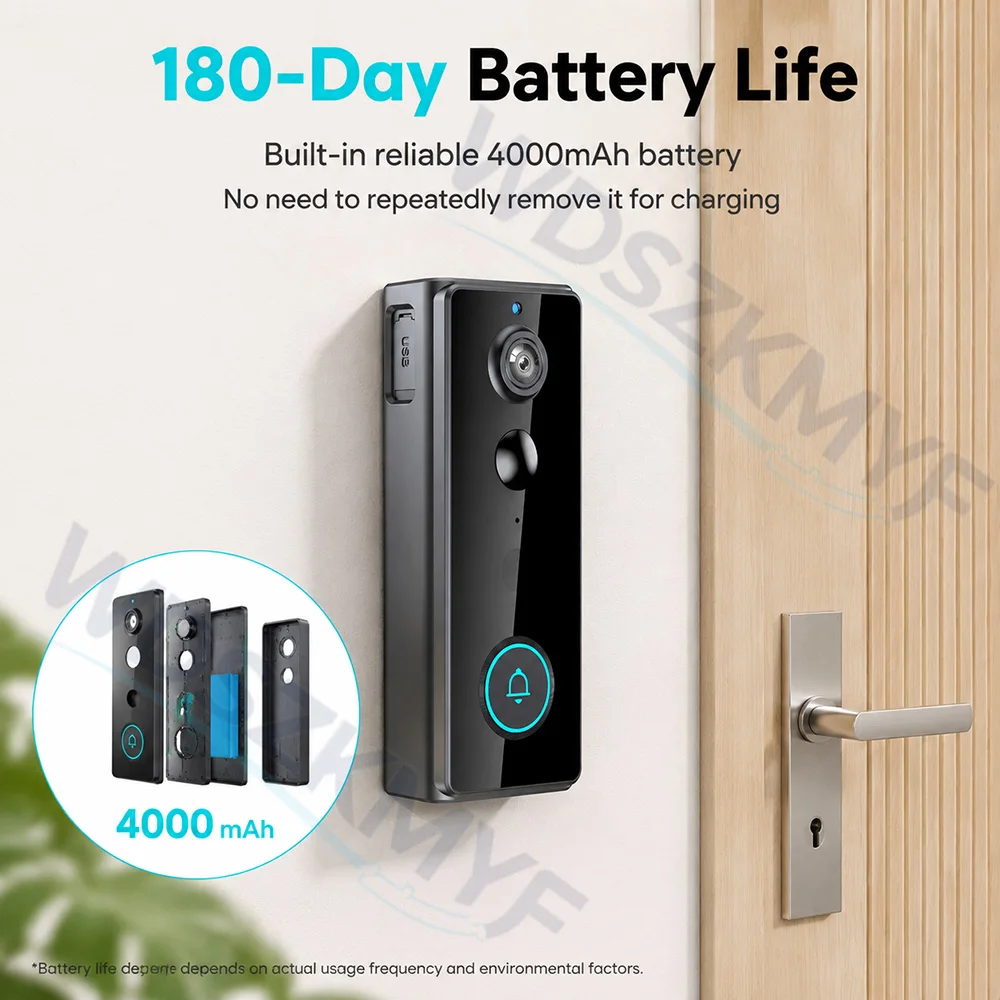
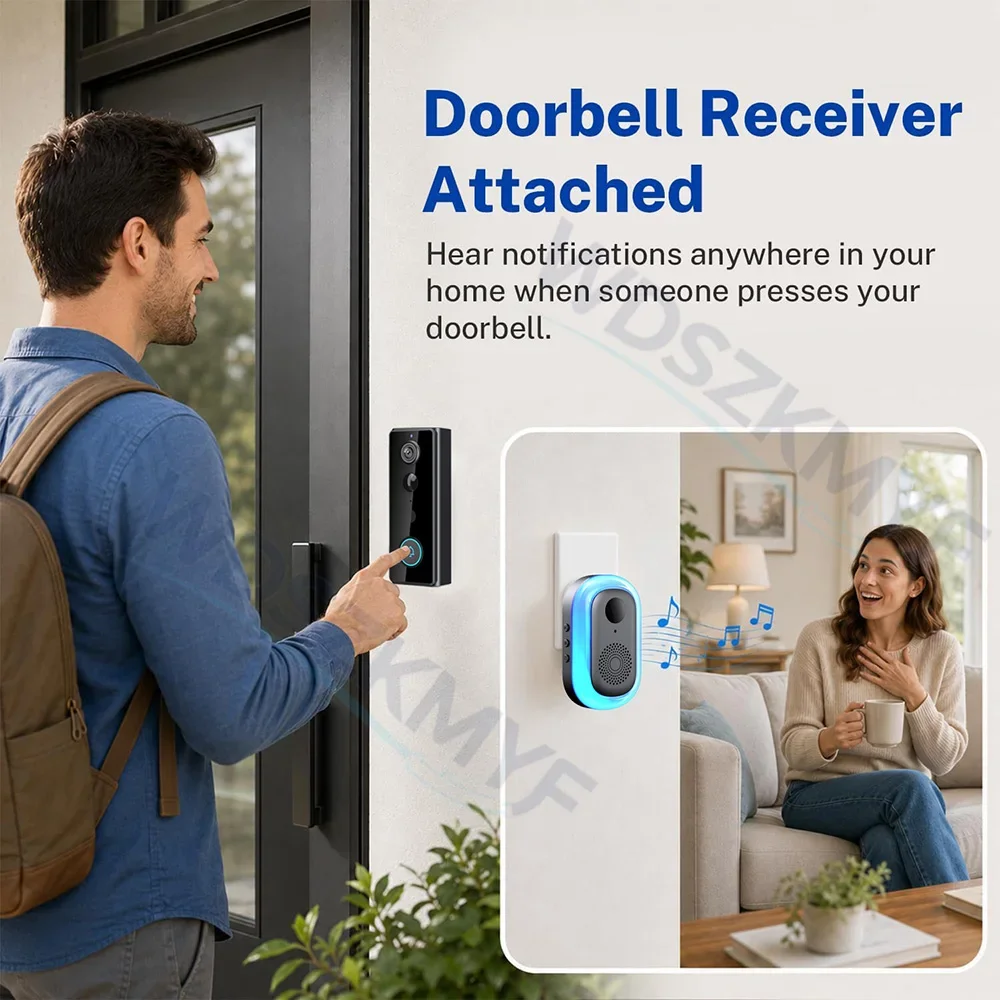
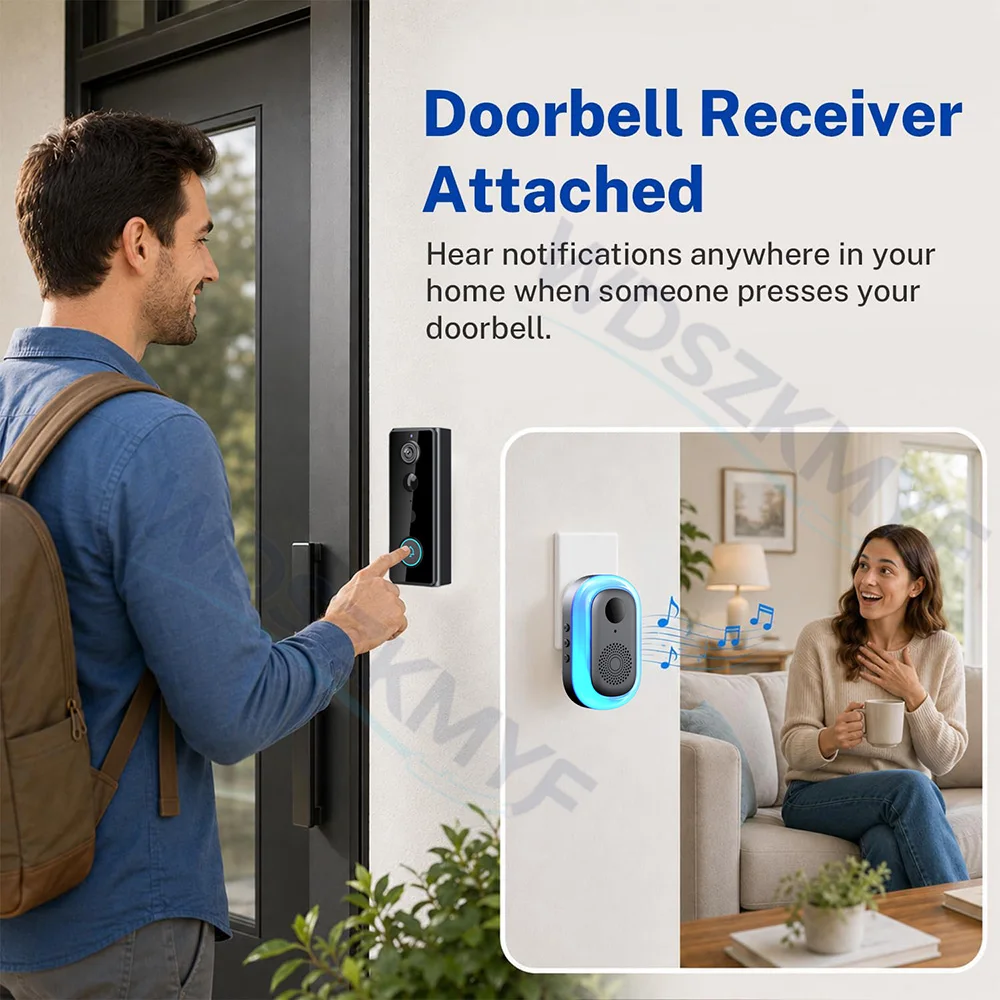
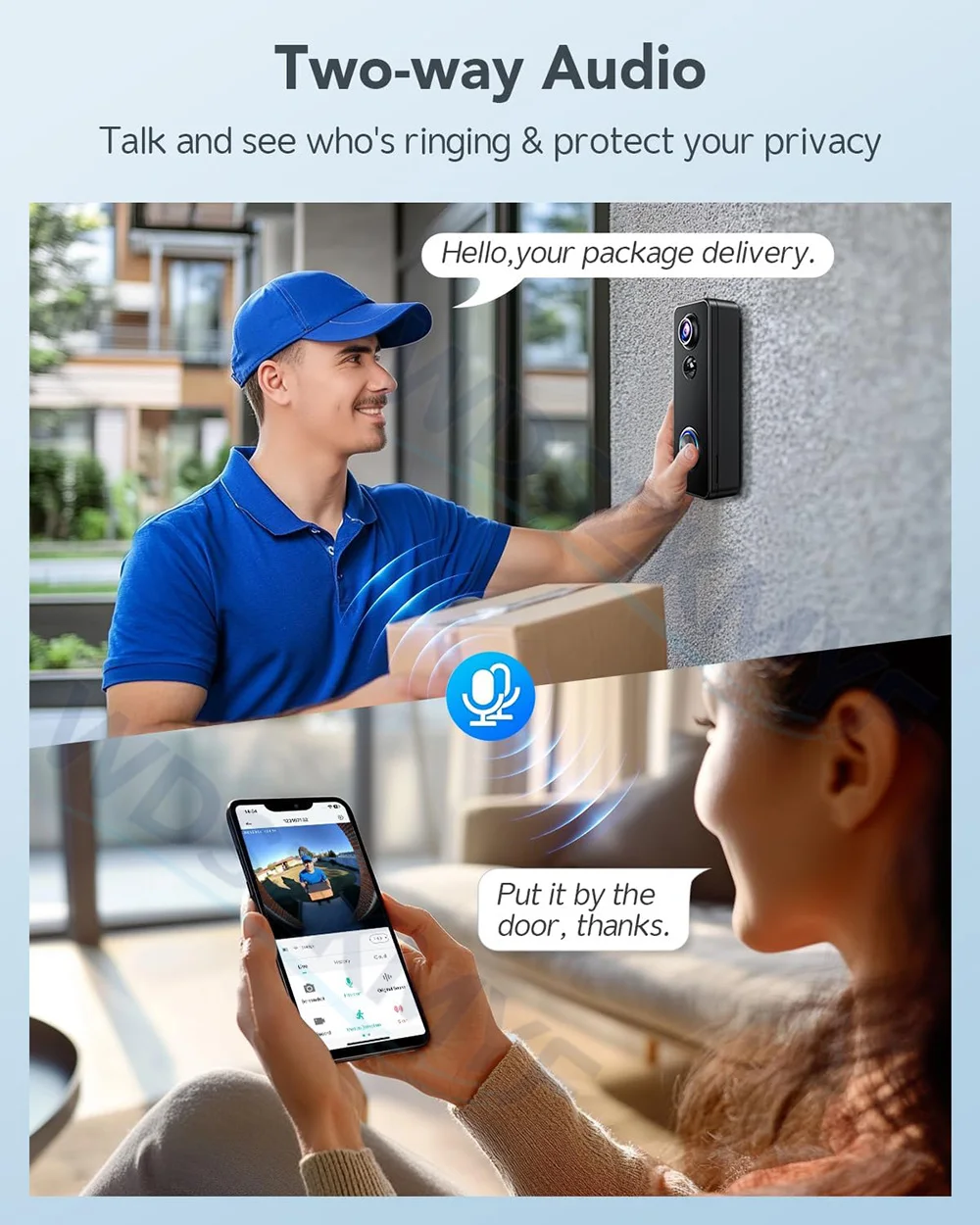
2 ways to control calls 2.4G WIFI & Indoor Chime
Two-way intercom functionality can be used via a smartphone or the DingDong device
1. Use the app to answer calls or proactively view the live feed outside your door
2. Answer and speak directly via the Indoor Chime
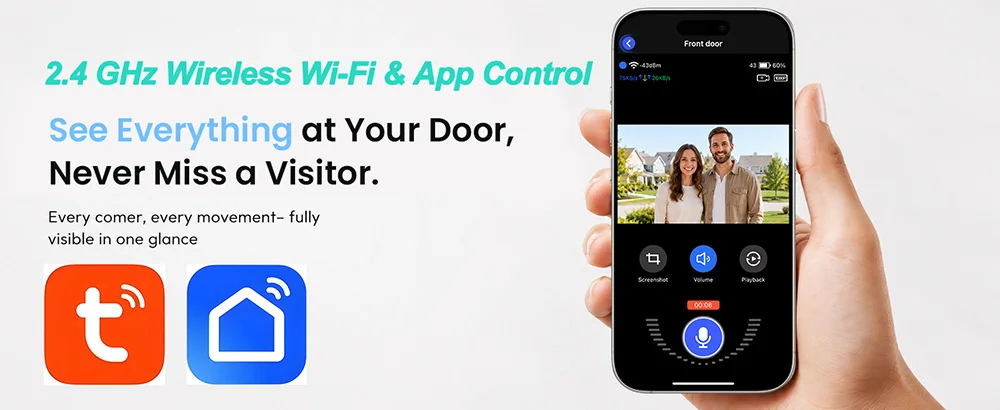
Cloud Storage
App for this doorbell offers lifetime free cloud storage, with a 30-day cycle; no memory card is required.

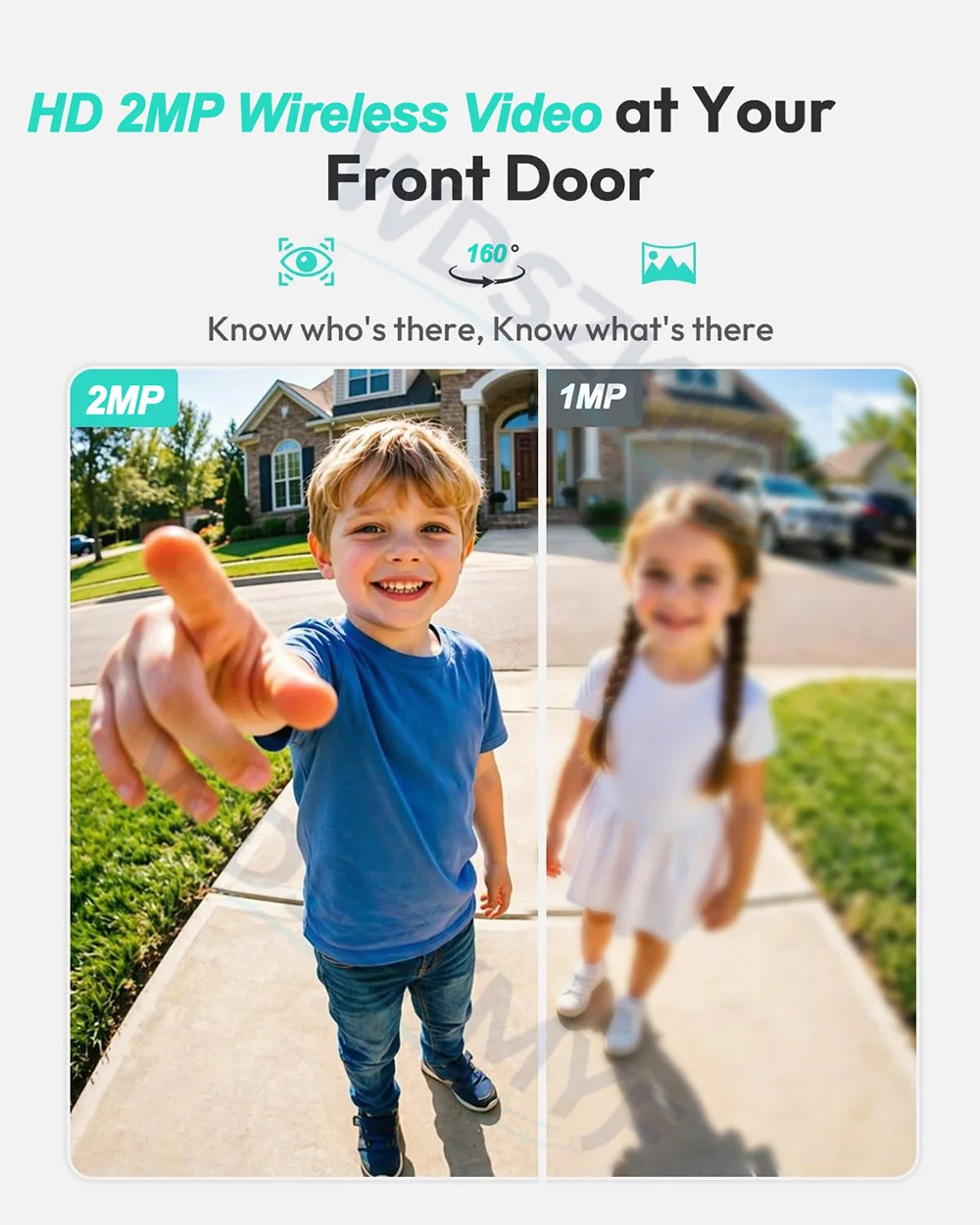
2MP high-definition video quality
RIP motion detection
Automatically records video and sends app notifications when someone passes by
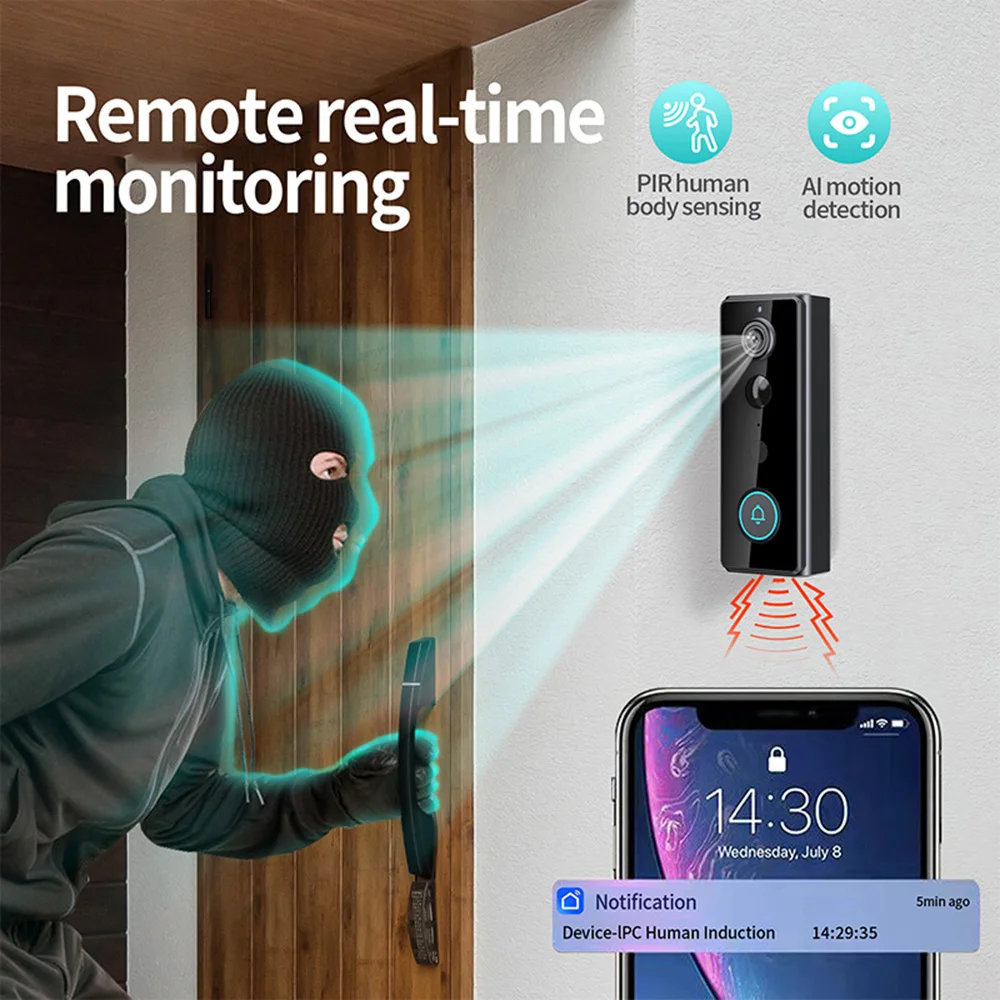
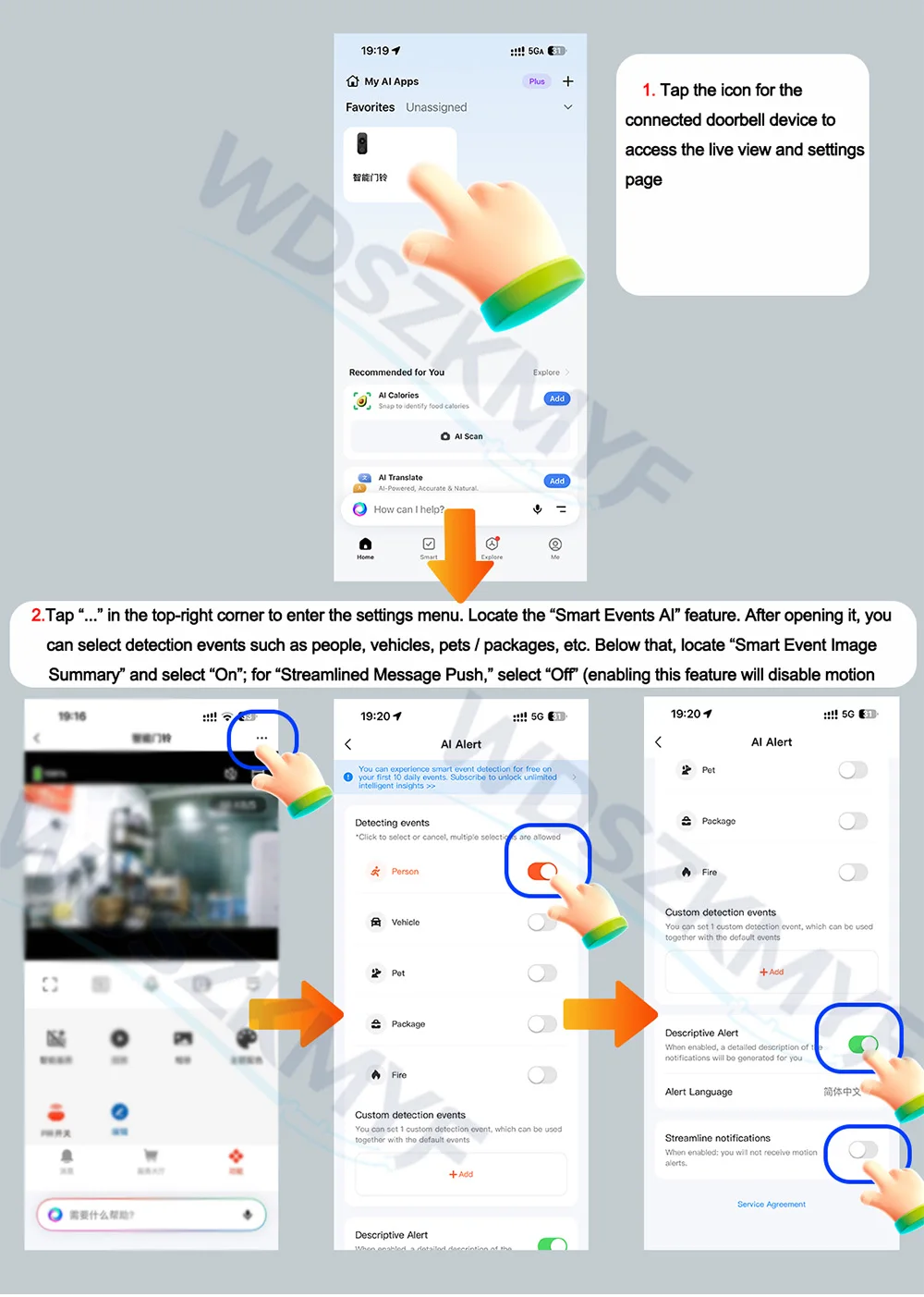
How to enable motion detection and set up automatic recording for app notifications?
1. Open the app, tap the icon for the connected doorbell device to access the live view and settings page
2. Tap “…” in the top-right corner to enter the settings menu. Locate the “Smart Events AI” feature. After opening it, you can select detection events such as people, vehicles, pets, packages, etc. Below that, find “Smart Event Image Summary” and select “On,” then under “Condensed Push Notifications,” select “Off” (Enabling this feature will disable the motion detection function.)
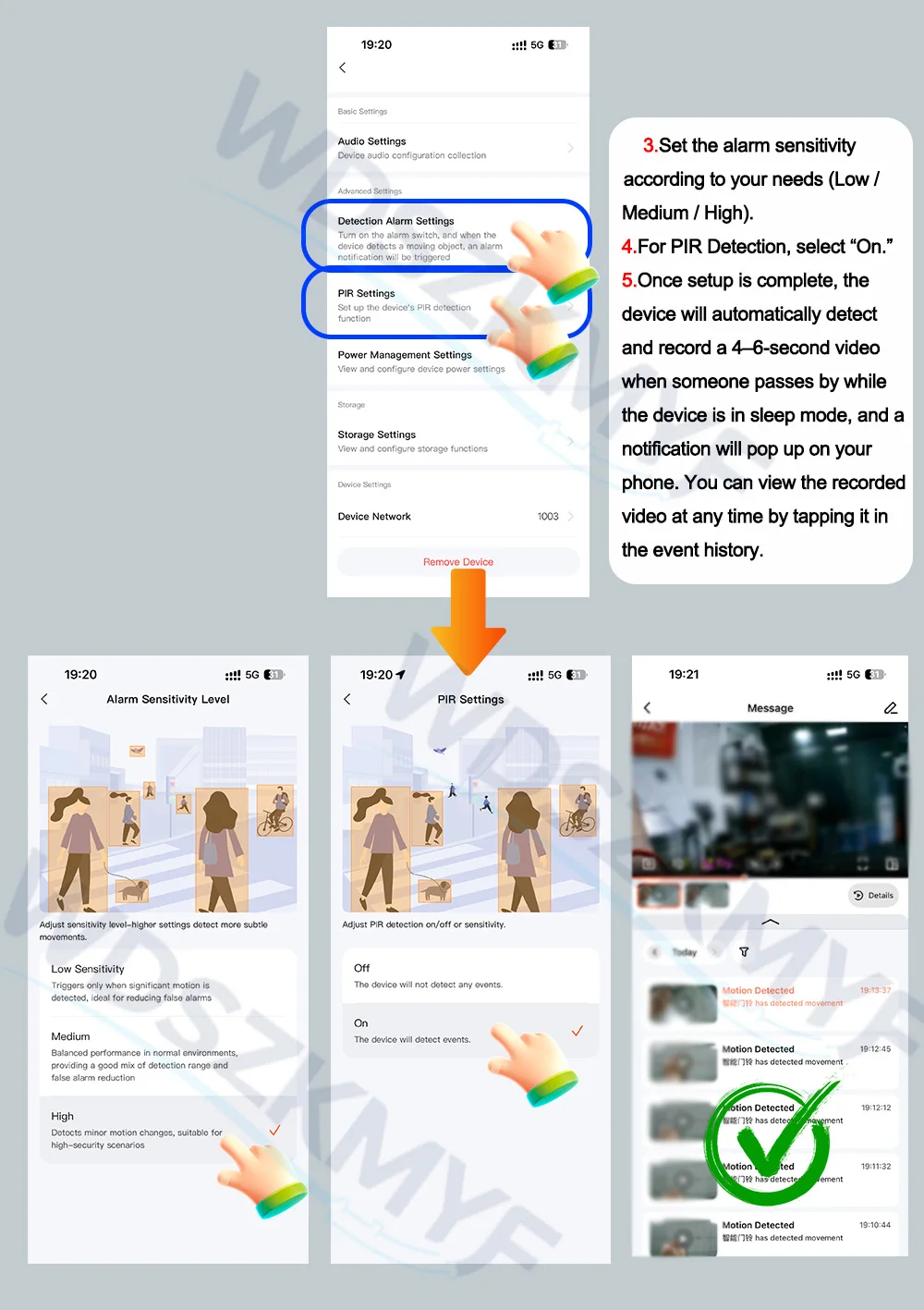
3. Set the alarm sensitivity according to your needs: Low / Medium / High.
4. PIR Detection: Select “On.”
5. Once setup is complete, when the doorbell is in sleep mode, it will automatically detect people passing by and record a 4–6-second video (free cloud storage). A notification will pop up on your phone, and you can view the recorded video at any time by tapping it in the event history.
Note: After configuring the app, please check that the corresponding app notification settings in your phone’s settings are enabled. Otherwise, you will not receive pop-up notifications.
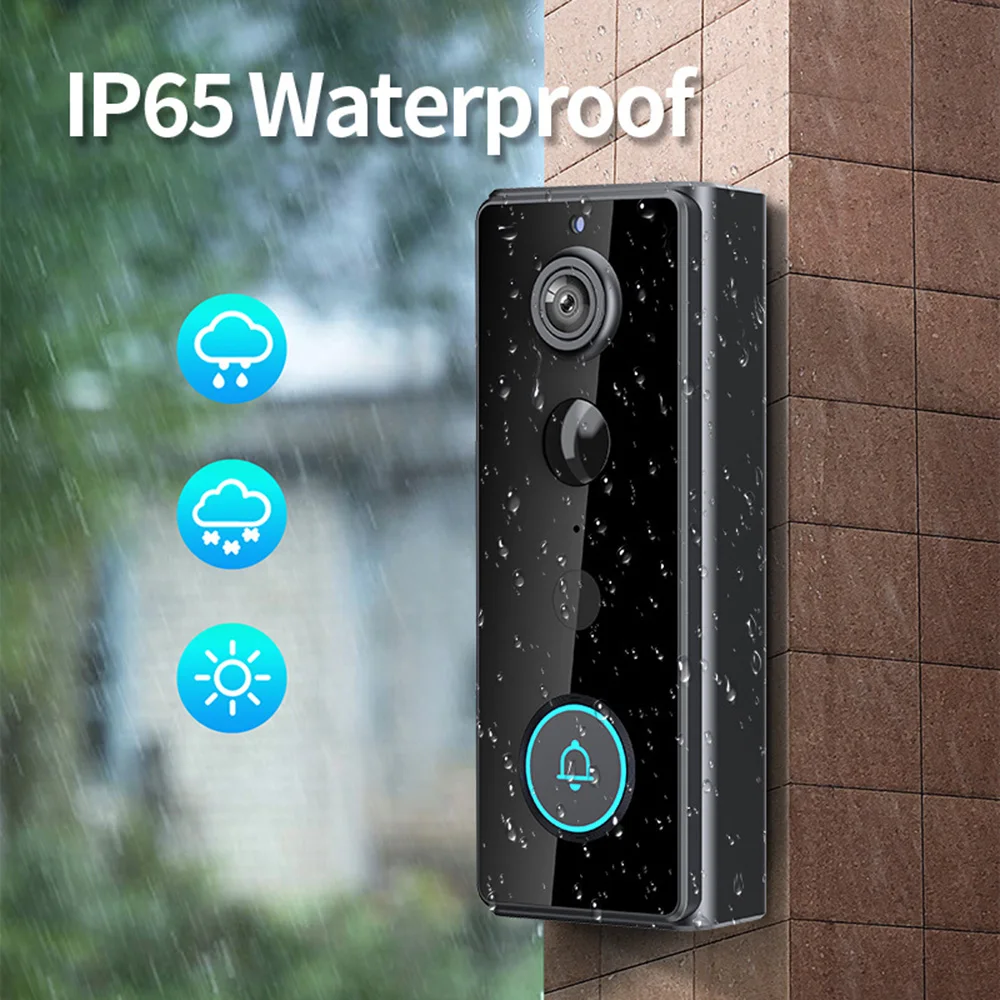
IP65 Waterproof
The doorbell is placed outside and is secure and waterproof, so it can withstand wind, rain and snow
One of your home’s guardians
Doorbell installation methods
Note: Please ensure the doorbell is fully charged before use, as the battery may have discharged during overseas transport and may be flat upon arrival